
News from Core Lab: Theme Upgrades & PC Builds & Overhauls

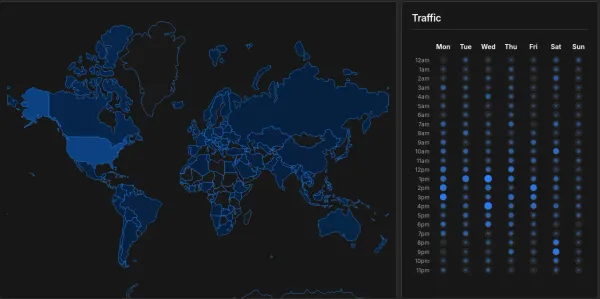
Happy Friday! If things look a little different around here, it's because Core Lab just underwent a massive infrastructure upgrade on the front end. I've migrated the site to a new premium theme designed specifically to fix some of the UX friction you've experienced, when reading massive 3,000-5,000-word guides on small screens. A staggering 84% of Core Lab visitors are hitting the site on laptops or mobile devices, so it made sense to switch to something even more modest-screen friendly.
As always, let me know if you run into any weird rendering bugs with the new theme while I finish polishing it up.
Key Upgrades for Readers
- Native PWA Support: You can now "install" Core Lab directly to your phone's home screen as a Progressive Web App. If you want a native, full-screen app experience without the browser URL bar taking up space, depending on your browser, it can be as simple as hitting the menu, "Add to Homescreen" or just tap "Share -> Add to Home Screen".
- Say you've loaded up a guide, but you're heading into your basement and don't have signal there, the PWA mode at least 'caches' the last few pages you've looked at so you still have all that there. Quick reference!
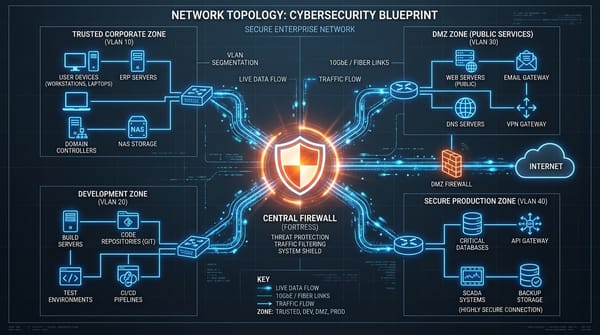
- The Lightbox is Here: I know squinting at OPNsense network diagrams on a phone is painful. You can now tap on any diagram or terminal screenshot to open a full-screen lightbox, complete with pinch-to-zoom on mobile.
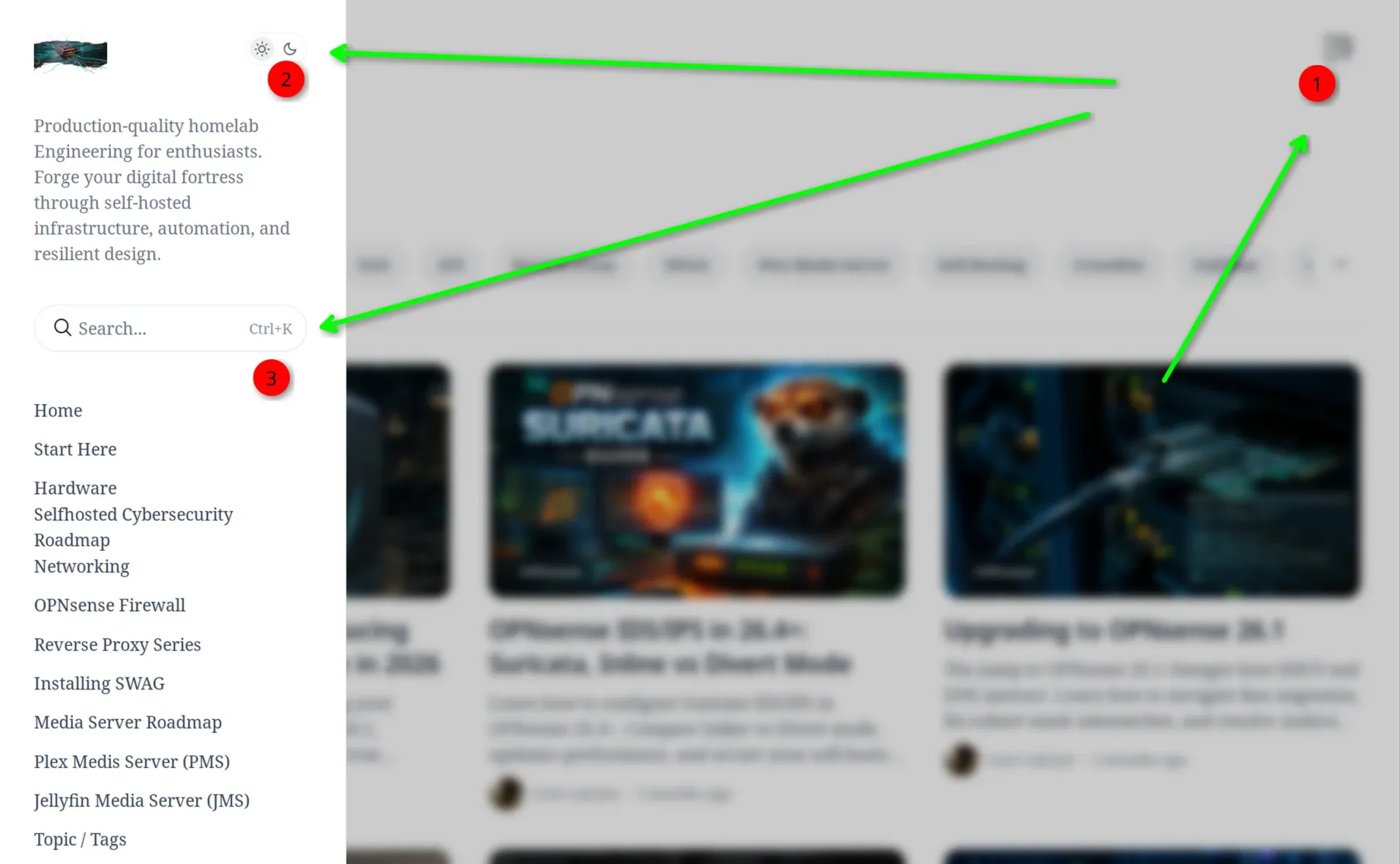
- Dark Mode Toggle Moved: The Dark/Light mode toggle is no longer floating aimlessly on the screen. It is now natively integrated directly into the top navigation bar, left side on fullscreen mode, right side hamburger menu on mobile / smaller screen view.
- IMO - The site is still best viewed in Dark Mode!
- Tag Based Navigation: Right under the featured posts, there's a floating tag scrollbar showing all the top tags, which when clicked show a fantastic page of all posts related to that tag!
- Floating Table of Contents: The table of contents now floats cleanly on the side of the page on desktop, making it much easier to jump between sections in my heavier tutorials. It also highlights where you are on a page!
- There's an in-line table of contents ON page at the bottom of every post, as well. Looking into how to move that to the top of each post, similar to how I've always had it in the past.
- Scrollspy: The scrollspy has moved from a top of the browser green nav bar, to a bottom right corner circle, which also functions as a "back to the top" button. Still unsure if I like it this way or prefer the top green bar.
- Performance: The UX speed, load times, and overall performance of the blog should be even faster than it was before. Not like it was slow, but now it's truly blistering. Click the search and start typing!
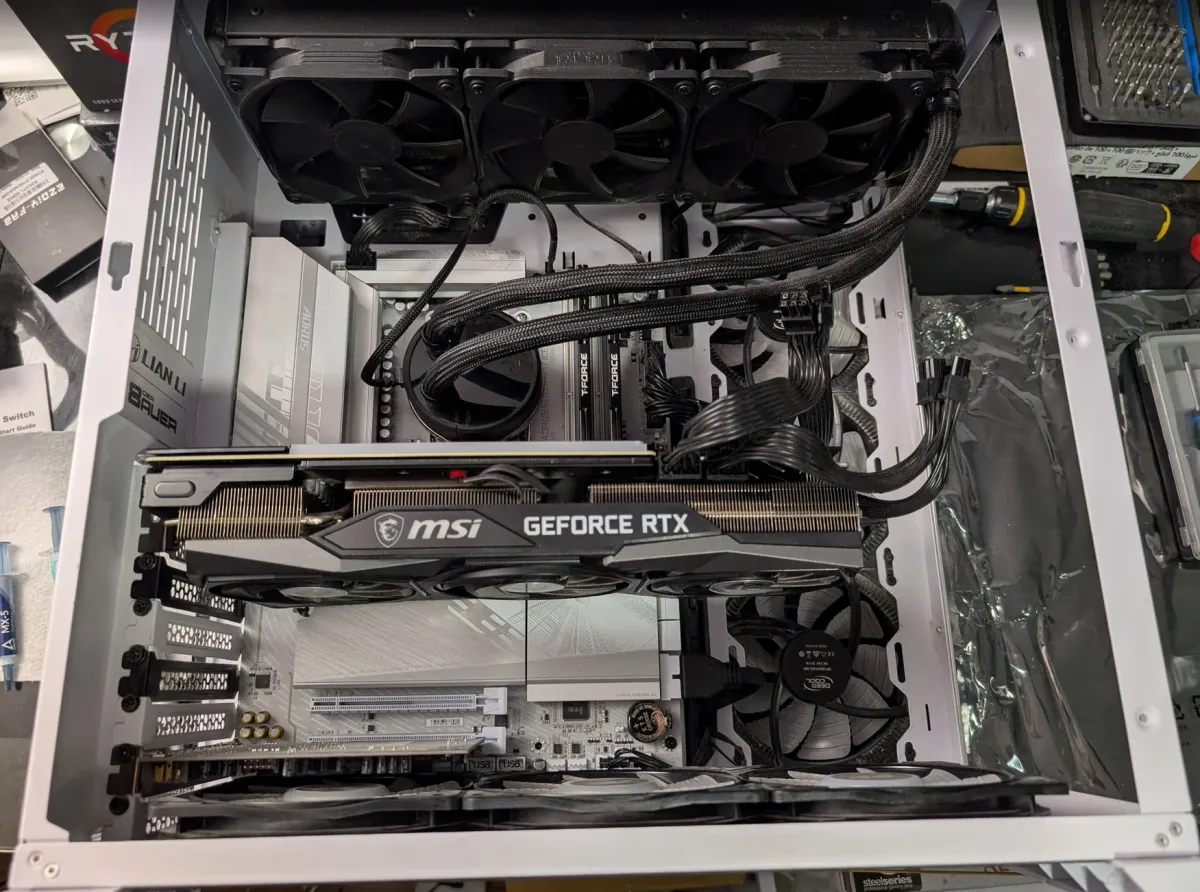
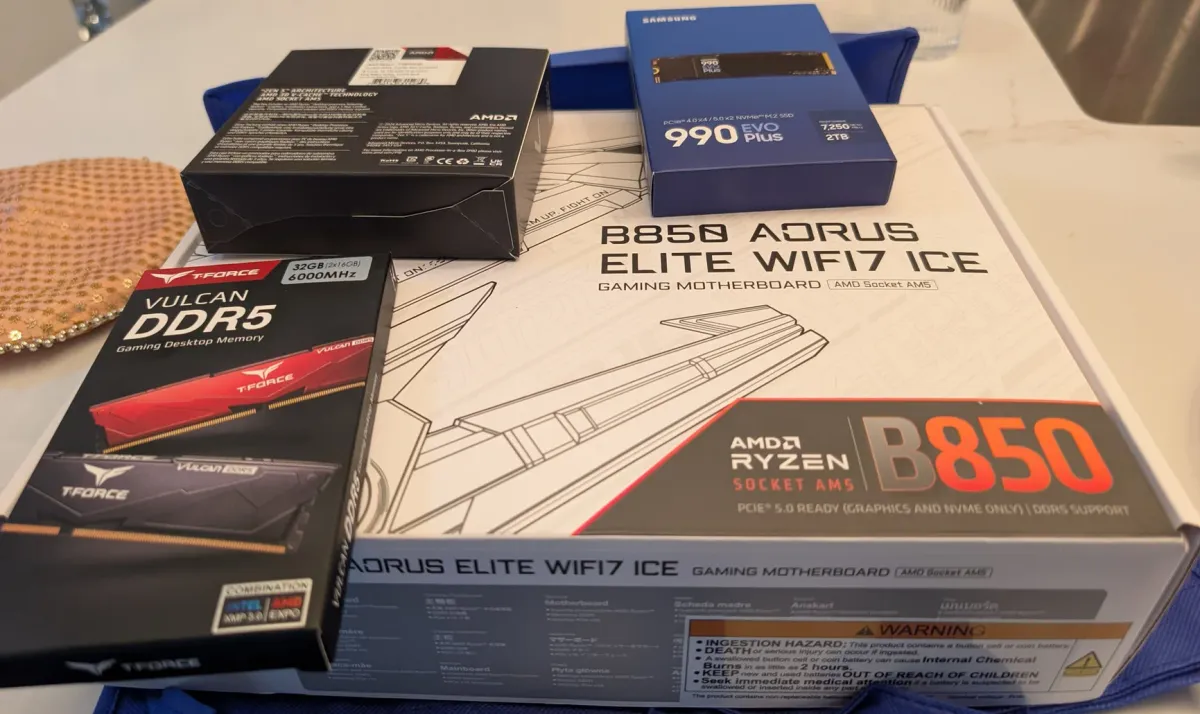
Back to School - Back to Building New Networks & PCs!
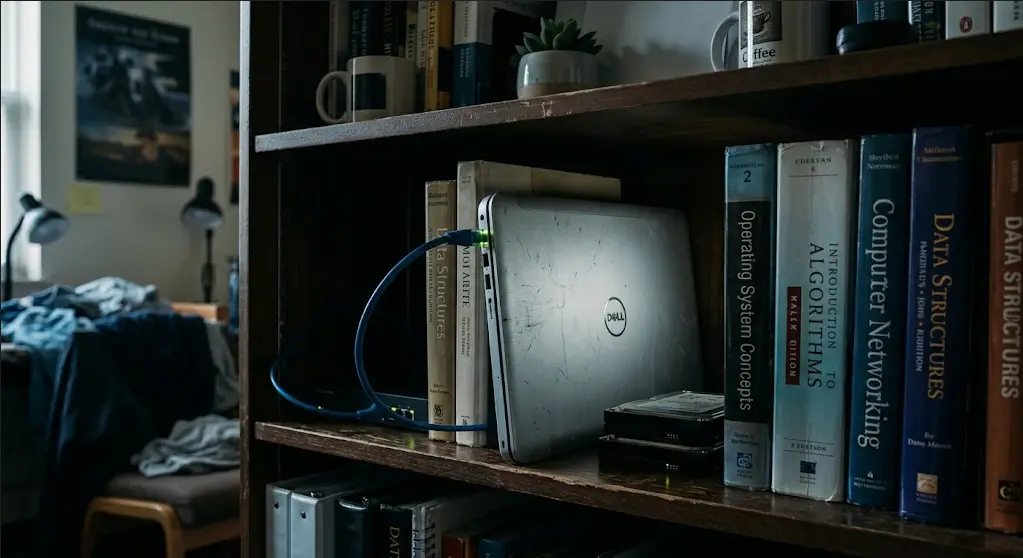
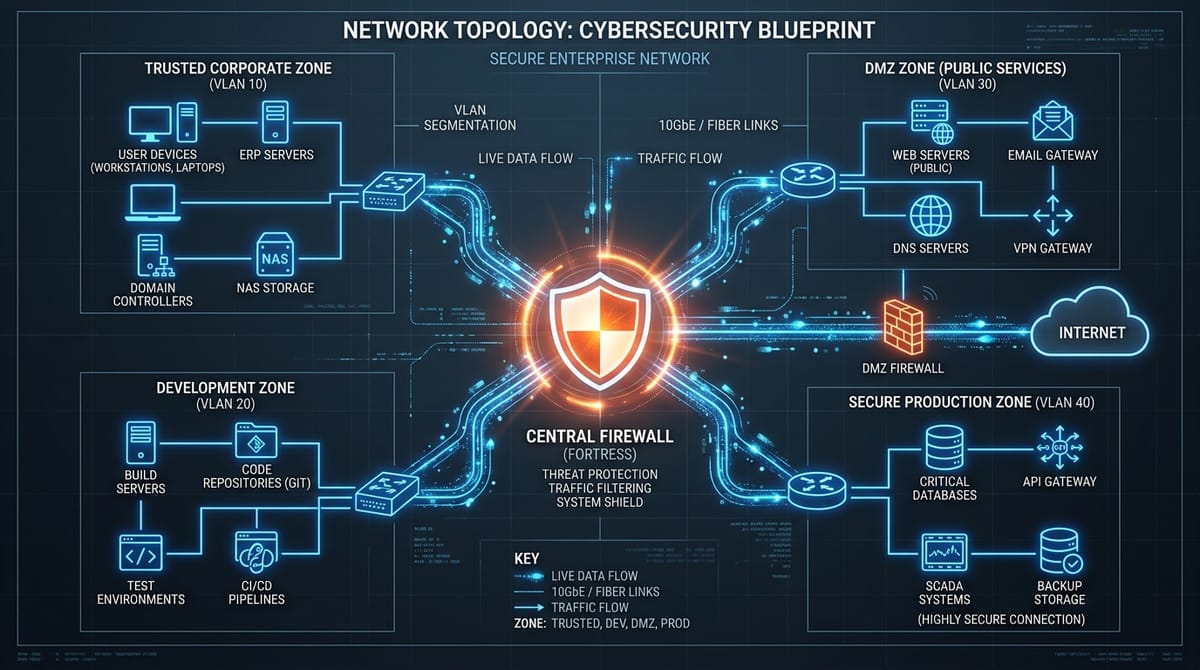
Which necessitated some questions from across the ole' Internet and Reddit, so here are some answers. Please feel free to share this with family & friends who may benefit from this little 'blueprint':
 Core Lab Joe
And some posts that naturally followed one after another:
 Core Lab Joe

 Core Lab Joe
 Core Lab Joe
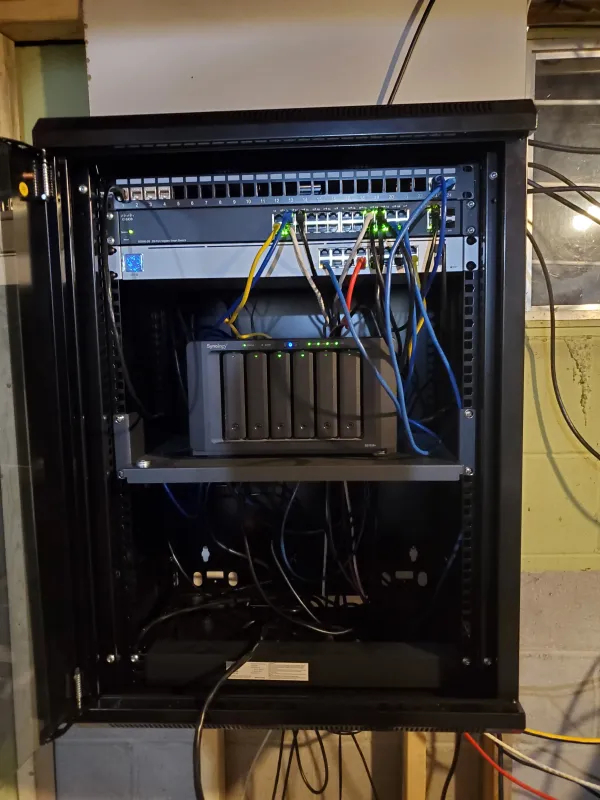
Although I don't run Proxmox directly here, I help my friend manage his through our site-to-site wireguard tunnel and thought it'd be prudent to share at least a little of what I've learnt about Proxmox this past 6 months.
 Core Lab Joe

Updates to Existing Posts
Now that the frontend is dialed in, I am getting back into the heavy lifting. I've just plowed through 2 major overhauls!
- The OPNsense Master Guide (Rewrite): I have completely overhauled the OPNsense series to reflect the latest 27.x architecture changes & features, and ensuring the screenshots reflect how the menus actually are, presently. Really I wanted to make this flow better, more logically, and give people more of what they need to hit the ground running with OPN.
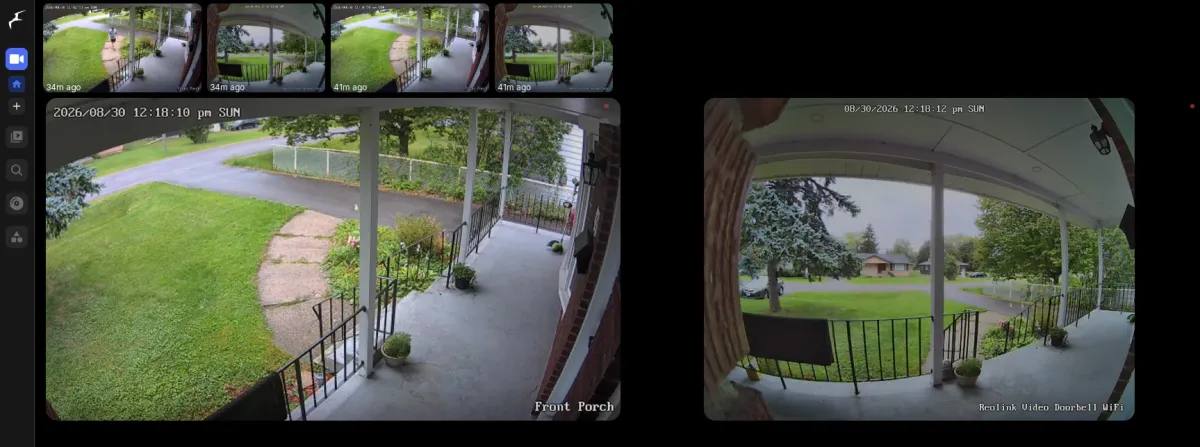
- Frigate NVR (Rewrite & Update): A deep dive into deploying Frigate with GPU acceleration, object detection tuning, and integrating it cleanly without crippling your Docker host's I/O wait times. A lot has changed in Frigate since I first wrote the guide, and I also need this to 'flow' better.
- I'll have a dedicated section specifically for useful firewall rule examples for homelabs! (The same ones I use, and have used for years)
 Core Lab Joe
 Core Lab Joe
What's Next in the Pipeline?
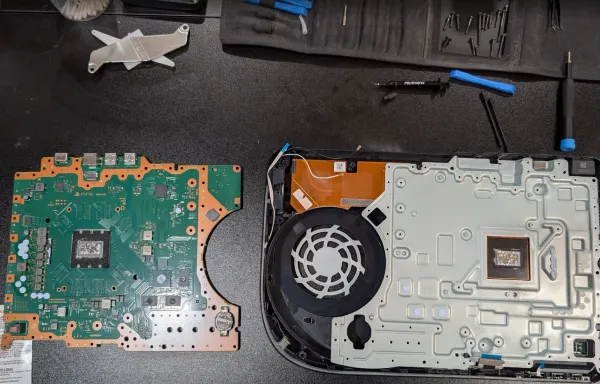
- A somewhat unusual one for Core Lab - a PS5 Teardown and Rebuild post! I'm not a console gamer, but my oldest & his friend were suffering from thermal shutdowns when playing recently, on an older gen 1 PS5, and I really couldn't put up with hearing them cry anymore about it.
Also, it was a challenge I hadn't conquered yet! 😈
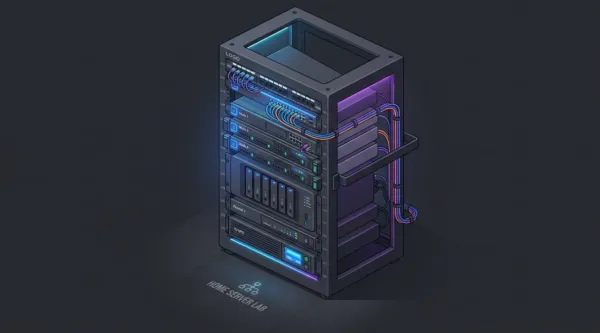
- The Zero-Dollar Server Upgrade: Optimizing your Homelab Without Buying Hardware
- With how expensive things are getting, I feel it's time we use some 'dark IT magic' as I like to call it, to maximize what we already have.
- Stop Corrupting your Backups!
- A complete overhaul to my existing docker compose backup guide, featuring some simple scripts, and some more advanced docker-sidecars for live-db backups without shutting anything down!
- Automating OPNsense Backups
- Long time in coming, working out the kinks on this one!
Core Lab Reader Survey!
If you have a couple minutes, please hop over to the Core Lab Reader survey and give me your two cents about what you're interested in reading or learning about, what you'd like to see more of, and how Core Lab can better help you achieve your Home Lab / Self-Hosted happiness!
Thanks so much!
Written by
On this page
What's Next?