Core Lab Insiders: Clean Dashboards, Disaster Runbooks & The 2026 BFCM Showcase
What is new in the lab: hardening SWAG against server fingerprinting, deploying a clean Heimdall dashboard with tag folders, disaster recovery runbooks, plus the refreshed Ingress learning series and the 2026 Black Friday Homelab Showcase.

Since my last monthly dispatch on November 3 (News from Core Lab: October Rollup), I have dropped five major engineering deep-dives, launched the 2026 Black Friday Homelab Playbook, and spent hours testing new media automation pipelines.
I have structured this edition cleanly into two distinct sections:
- Up front: What is actually new on the workbench - pure engineering and informational deep-dives (clean homelab dashboards, disaster recovery runbooks, local LLM silicon benchmarks, and live media pipelines).
- Below that: The 2026 Black Friday Homelab Showcase - a dedicated navigation directory of my hardware reviews, target buy-below pricing guides, and exclusive partner discount codes so you know exactly where to hunt without wading through marketing traps.
Core Lab has partnered directly with UGREEN to secure an exclusive discount code for our homelab community, valid on the DXP4800 Pro, DXP4800 Plus, and the entire NASync series. It stacks directly on top of early Black Friday and Cyber Monday promotional prices!
To prevent coupon scraping and ensure deals go directly to authentic self-hosters, this discount code is unlocked exclusively for Core Lab Insiders. Create a free account in 10 seconds to reveal the code immediately on this page.
🛠️ Part 1: Fresh from the Lab (Engineering & Informational Guides)
If you have not checked the site over the past two weeks, five substantial production guides went live on Core Lab, addressing real-world problems that every self-hoster eventually runs into:
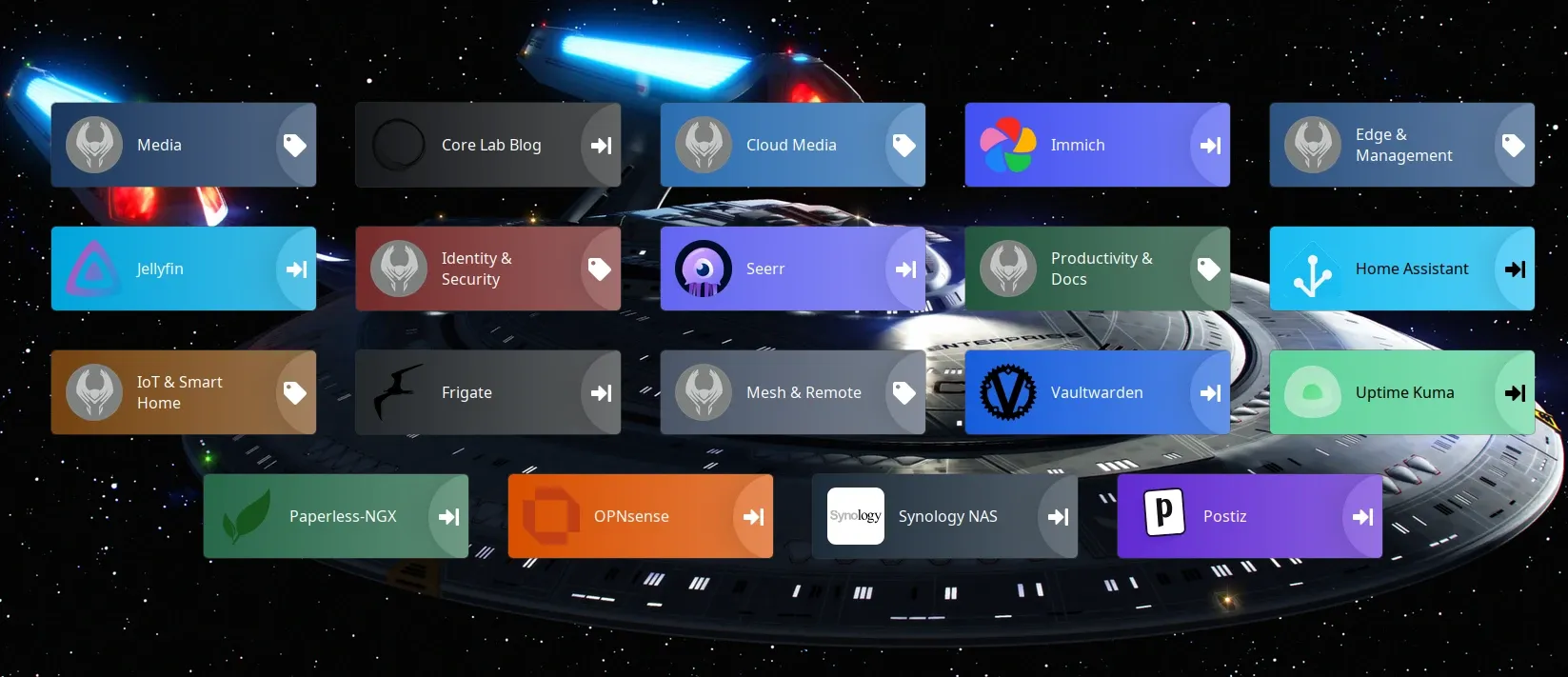
1. Building a Clean Homelab Dashboard: Deploying Heimdall with Tag Folders and the *Arr Stack
- The core friction: Homelab bookmark sprawl is real. But popular YAML dashboards like Homepage or Dashy often introduce more headaches than they solve. I literally gave up on debugging 400 lines of brittle YAML indentation and resorted to raw
IP:PORTbookmarks for actual years before revisiting Heimdall. - What I built: In this guide, I break down how to unlock Heimdall's native category drawers using Tag Folders. By switching one global setting and selectively toggling dashboard pinning, you can group your entire automated *Arr stack (Radarr, Sonarr, qBittorrent, Prowlarr, Bazarr, Seerr, Jellyfin) into clean, uncluttered sub-views without writing code.
- The operational trap: I also share an authentic post-mortem on the silent LinuxServer.io NGINX root fallback trap (when container updates revert
default.confand serve an unstyled 403 Forbidden) and how to diagnose severed Macvlan containerd shims in under 30 seconds.
 Core Lab Joe
2. The Homelab Digital Estate: Building an End-of-Life Disaster Response Plan
- The core problem: When we build complex VLANs, encrypted ZFS pools, and 70-container Docker deployments, our households depend on them for DNS, smart home sensors, and photo archives. But if something happens to you tomorrow, what happens to your lab?
- What I built: In this guide, I share my complete two-tier digital estate response framework. It pairs a plain-language, non-technical physical binder runbook with offline cryptographic secrets using ReMemory. It provides trusted handoff protocols (via Bitwarden Emergency Access) and automated dead-man switch routines so your partner or family never has to touch a Linux terminal or troubleshoot a broken container just to retrieve family photos.
Core Lab Joe
3. The RTX 3060 12GB: Why It Is Still My Top Homelab Workhorse in 2026
- The hardware reality: GPU manufacturers keep pushing 8GB cards like the RTX 4060, but for self-hosters, VRAM capacity is king. In this deep-dive, I demonstrate why an Ampere-era RTX 3060 12GB remains the absolute sweet spot for homelab compute.
- The benchmarks: The 12GB VRAM buffer on a wide 192-bit memory bus allows you to run 8-billion parameter local LLMs (like Llama 3.1 8B and Qwen 2.5 7B) completely resident in memory without CPU offload penalty, while simultaneously running real-time Frigate NVR object detection and dual NVENC 4K HDR media transcodes. Best of all, my dual-fan card draws just 11W at idle and fits inside compact chassis without requiring a power supply upgrade.
Core Lab Joe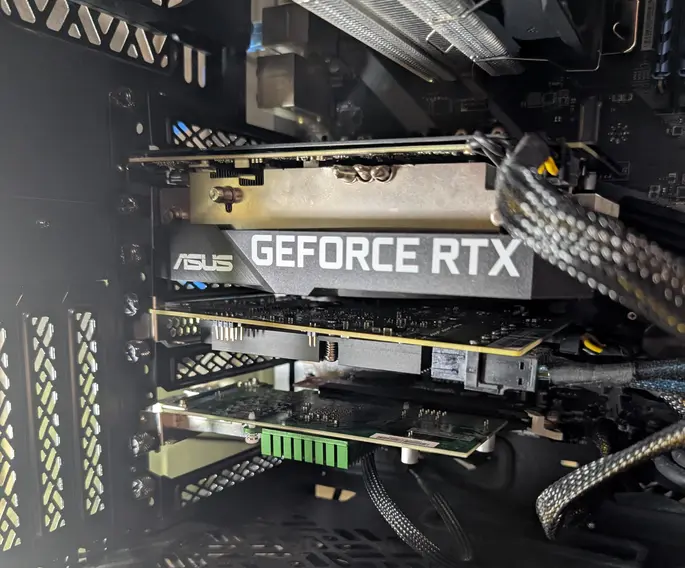
4. Best Jellyfin Server Hardware (2026): Budget Builds to Enterprise NAS Guide
- Silicon comparison: Navigating transcoding silicon can be tricky. This guide breaks down Intel QuickSync (from the low-power N100 up to 14th Gen Core i5/i7 chips), AMD APUs with RDNA graphics, and dedicated NVIDIA cards for Jellyfin.
- Real throughput metrics: I evaluate real concurrent 4K HEVC HDR-to-1080p tone-mapped transcode streams, idle-to-load electrical power consumption, and exact Docker Compose device passthrough paths (
/dev/dri) so you can build a paywall-free streaming server that does not spike your power bill.
Core Lab Joe
5. Hardening SWAG: Killing Default Server Fingerprinting & Subdomain Leaks
- The core friction: Out of the box, default reverse proxy configurations prioritize quick onboarding over zero-trust edge defence. Leaving LinuxServer SWAG's pre-packaged index.html landing page, default catch-all server blocks, and open IP fallbacks active hands automated crawlers (Shodan, Censys) instant proof of your backend container stack and unauthenticated origin subdomains.
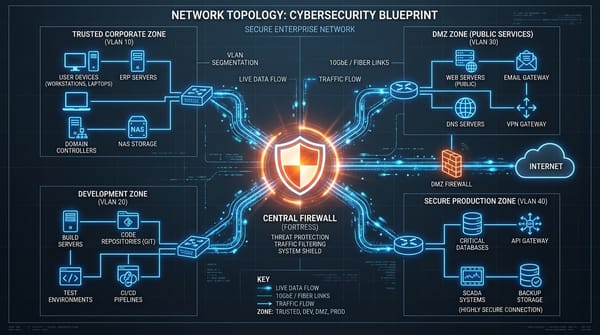
- What I hardened: I walked through the exact audit and hardening pipeline running on my production gateway. I eliminated automated server reconnaissance using NGINX's non-standard HTTP 444 connection drop on unmatched host headers, deleted default webroot landing templates, enforced zero-information fallbacks across wildcard subdomains, and locked down container network perimeters.
- Ingress series refresh: This post now anchors Lesson 03 in our newly refreshed 6-Part Reverse Proxy & Ingress Series. The complete learning track (from proxy foundations and core deployment up through Authelia MFA and CrowdSec AppSec WAF) has been updated with high-contrast roadmaps and direct lesson progression across all six guides.
Core Lab Joe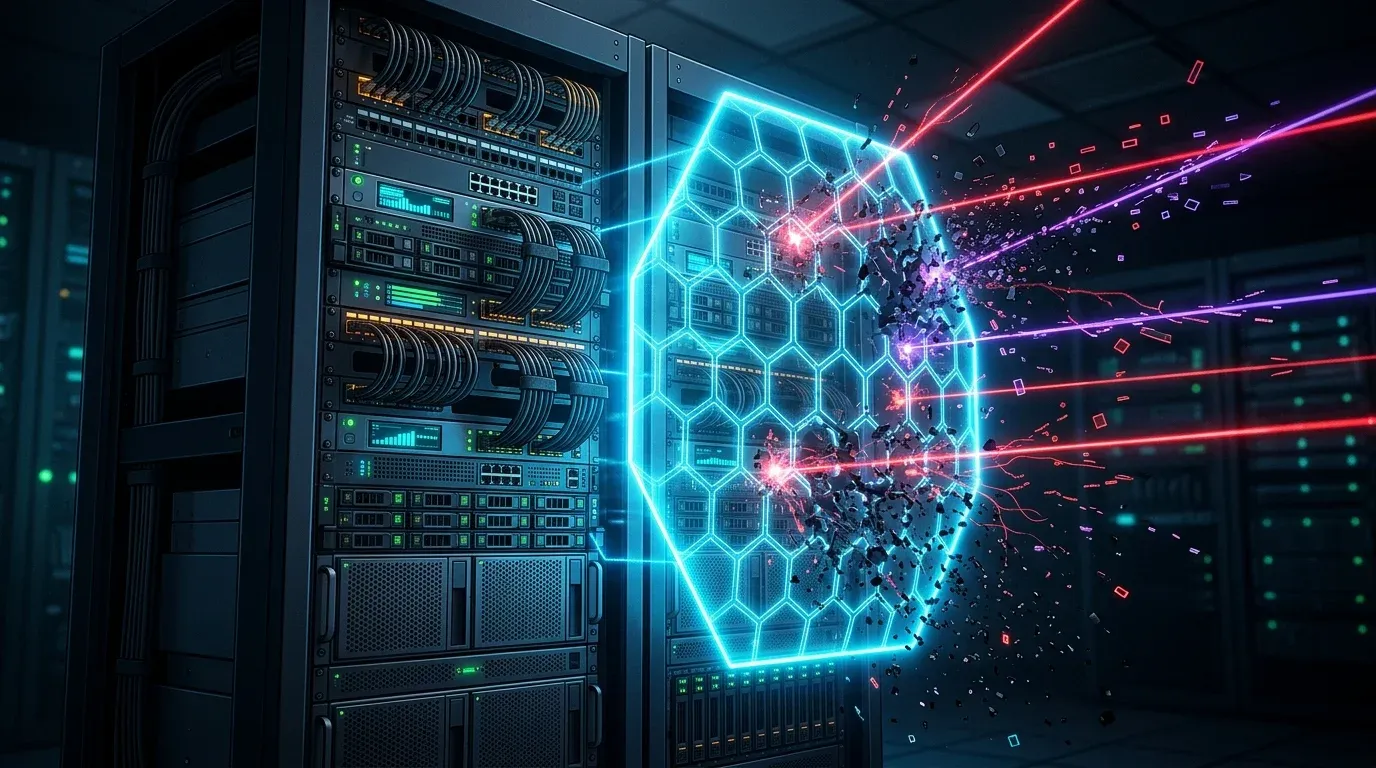
🔬 Active Workbench Sneak-Peeks: What I'm Building Right Now
Beyond published guides, here is what is actively running on my workbench and container lab:
- Dispatcharr IPTV & EPG Processing Pipeline: I am stress-testing an automated containerized linear television ingest stack using Dispatcharr to normalize live streams, generate zero-bloat electronic programme guides (EPG), and hand off clean MPEG-TS feeds to Jellyfin and Kodi. Full deployment blueprint dropping soon.
- CrowdSec Progressive Escalation & Ban Overhaul: Stress-testing multi-tiered ban profiles (24h to 30d) with sliding window repeat offender tracking and stream-mode NGINX bouncers to permanently quarantine persistent scanner bots.
- The Sovereign Self-Hosted Blueprint: From Domain to Hardened Public Edge (Walkthrough series)
- A lot more, always have thinks cooking on the backend!
🛒 Part 2: The 2026 Black Friday Homelab Showcase
Black Friday and Cyber Monday can easily turn into expensive gear-acquisition syndrome. To keep you focused on real utility rather than artificial markdowns, I have compiled our flagship hardware guides, live pricing matrices, and target buy-below thresholds into a central directory:
1. The 2026 Black Friday Homelab Playbook (All Categories)
The master strategy guide covering enterprise-grade mini-PCs, ZFS rackmount chassis, low-power N100 nodes, 10GbE network switches, and high-density NAS hard drives. It includes my target buy-below price floors so you know whether a deal is genuine or a recycled marketing illusion.
Core Lab Joe
2. UGREEN NASync BFCM 2026: Homelab Usecase Breakdown
Evaluating UGREEN's aggressive holiday promotions across the DXP2800, DXP4800 Plus, and DXP6800 Pro. I analyze their Intel 12th Gen Alder Lake and Core i5-1235U silicon, dual 2.5GbE/10GbE networking, and provide step-by-step guidance on bypassing UGOS to install TrueNAS SCALE or Debian/Docker.
Core Lab Joe
3. Best NAS for Photographers in 2026: Fast Ingest & Archive Architecture
A specialized architectural guide tailored for creative professionals and high-volume media archives. Benchmarks NVMe caching tiers, 10GbE direct-attached workflows, 3-2-1 backup topologies, and self-hosted RAW asset management using Immich.
Core Lab Joe
4. The Core Lab Hardware Store (/shop/)
If you prefer an uncluttered, categorized hardware directory without long prose, the Core Lab Hardware Store catalogs every piece of verified equipment running across my production racks and workbench: Mini-PCs, DIY NAS cases, enterprise HDDs, SAS HBAs, NICs, and transcode accelerators with direct live pricing.
🎁 Member-Only Partner Deals: GL.iNet Hardware & UGREEN NAS
As a Core Lab subscriber, you get access to direct hardware discounts negotiated with my partner ecosystem. For the holiday season, GL.iNet has provided an exclusive extra 10% discount across their entire catalogue of portable travel routers, pocket gateways, and home WireGuard routers. Get it below (Free signup!)👇
(If you don't sign in, they are invisible!)
Disclosure: If you pick up hardware using Core Lab links or partner codes, thank you. Affiliate commissions directly fund equipment purchases for hands-on workbench testing and keep all technical guides, Docker templates, and code generators completely free.
What Hardware Is on Your Radar?
Are you eyeing a specific mini-PC, rack chassis, or storage pool expansion this Black Friday and want a quick sanity check before pulling the trigger? Hit Reply to this email. I read every response and am happy to offer a second opinion on architecture, PCIe lane allocations, or transcode compatibility.
Stay secure, and happy self-hosting!
Joe
Founder, Core Lab
Core Lab Reader Survey: What Should I Tackle Next?
As Core Lab continues to expand, I want to make sure the technical guides, post-mortems, and hardware reviews align directly with the projects you are tackling in your own homelabs. If you have two minutes, please hop over to the Core Lab Reader Survey and let me know what topics, tools, or pain points you would like to see covered next.
Thank you all for your continued support, reading, and comments. Stay secure, and happy self-hosting!
Written by
On this page
What's Next?

News from Core Lab: Theme Upgrades & PC Builds & Overhauls
Happy Friday! If things look a little different around here, it's because Core Lab just underwent a massive infrastructure upgrade on the front end. I've migrated the site to a new premium theme designed specifically to fix some of the UX friction you've experienced, when reading massive 3,000-5,000-word guides on small screens. A staggering 84% of Core Lab visitors are hitting the site on laptops or mobile devices, so it made sense to switch to something even more modest-screen friendly. As al