
State of Gaming on Linux in 2026
Proton, ProtonDB, and the best gaming distros compared. Everything you need to know about ditching Windows for Linux gaming in 2026.

I started learning how to use Linux in 2013 after running up abruptly against it during a SANS cybersecurity course. Back then, I possessed only a passing familiarity at all with Ubuntu, and barely any capability in the CLI. I knew Windows like the back of my ass however...
Windows End-of-Life? Game On: Why 2025 2026 is the Year to Ditch Windows for Linux Gaming
The clock is ticking for Windows 10, and Windows 11 hasn't exactly been the open-armed successor gamers were hoping for. That expiry date is today, October 14th, 2025. With Microsoft pushing new hardware requirements (TPM2.0!), mandatory cloud sign-ins, privacy invading policies and a continued erosion of user control, many of us are staring at a forced migration.
Instead of reluctantly upgrading to an OS that demands more and gives you less, I'm here to tell you 2025 is the moment to jump to a platform that puts the power back in your hands: Linux. It's what runs most of the modern world and a large majority of gaming servers.
Forget the old, complicated stigma. Thanks to a dedicated community, massive contributions from Valve (yes, the company behind Steam), and a generation of gaming-centric distributions, the Linux desktop is no longer a technical curiosity - it’s a performance powerhouse ready for your AAA library, nine times out of ten, without additional tweaks.
This isn't a future-gazing fantasy; it's a current reality fuelled by the success of the Steam Deck. Valve didn't just create a handheld console; they birthed an ecosystem. The compatibility layer, Proton, which allows Windows-native games to run flawlessly on Linux, has been aggressively refined. Today, checking ProtonDB - the community-run compatibility database -often reveals that your favourite games run better on Linux than they do on Windows, thanks to a lean kernel, superior resource management, and the efficiency of the Vulkan graphics API.
Imagine installing your OS and having your proprietary graphics drivers (AMD, NVIDIA, and even Intel Arc) configured out-of-the-box for peak gaming performance. That's the promise of a modern gaming distribution like Pop!_OS, Nobara, or Bazzite or my new favorite, CachyOS. You're not just moving to a different operating system; you're upgrading to a more efficient, customization, and ultimately more liberating gaming machine. The era of unnecessary background processes, unexpected reboots, and forced telemetry slowing down your frame rates is over. Your high-end gaming PC deserves an operating system that respects its power and your privacy, and in 2025, that operating system is Linux.
Beyond the Game: The Complete Windows Escape Hatch
The single biggest sticking point for any Windows migration has always been the "other" stuff: the productivity suites, the creative tools, the cloud storage, and the familiar applications that make up your digital life. For the vast majority of users, these problems are relics of the past. This and:
- The CLI is "optional" but recommended to start learning.
- Almost all major distributions have an "app store".
- 9 times out of 10, the app you're used to using has a FOSS alternative on Linx!
Let's talk about the big-name applications you might worry about leaving behind, and their polished, modern Linux equivalents.
Microsoft Office? You have three incredible, free alternatives.
- For the desktop power user, there's LibreOffice, which has grown into a mature, full-featured suite perfectly capable of handling document creation, spreadsheets, and presentations.
- WPS Office, a newer option for Linux, extreme compatibility with MS Office, although there's ads in the free version. It has some fairly advanced tools builtin like AI assistants and PDF readers.
- For those fully entrenched in the cloud, Microsoft's own Office 365 web apps work seamlessly in any modern Linux browser like Firefox or Google Chrome.
Cloud storage? Regardless of which cloud vendor you use, there's a vendor supported app for Linux or third-party / community developed tool. Applicable across:
- Dropbox, Google Drive, or Microsoft OneDrive, can all can sync, mount, and manage your cloud files directly within your Linux file manager.
For creative pros, while the full Adobe Creative Suite is still Windows/macOS-only, a host of professional-grade, open-source alternatives have emerged:
- GIMP and Krita for raster graphics
- Inkscape for vector work and;
- industry-standard DaVinci Resolve for video editing, which has a native Linux client.
The point is this: your entire workflow has an open-source, private, and often free alternative waiting for you.
The mental hurdle of switching is far higher than the actual logistical challenge. By choosing a user-friendly distribution, you’ll find that everything you need, from game launchers to office tools, is just a few clicks away in the integrated app store (like the Pop!_Shop).
Distro Showdown: Your New Gaming Command Center
Choosing your first Linux distribution (or "distro") can be overwhelming, but for gamers, the choice is now blessedly simple. The modern gaming distros have done the heavy lifting for you, pre-configuring kernels, drivers, and necessary compatibility layers like Wine and Proton. Below is a breakdown of the top contenders for a Windows migrant in 2025.
These are the operating systems built by people who genuinely care about the gaming experience, making the switch as plug-and-play as possible.
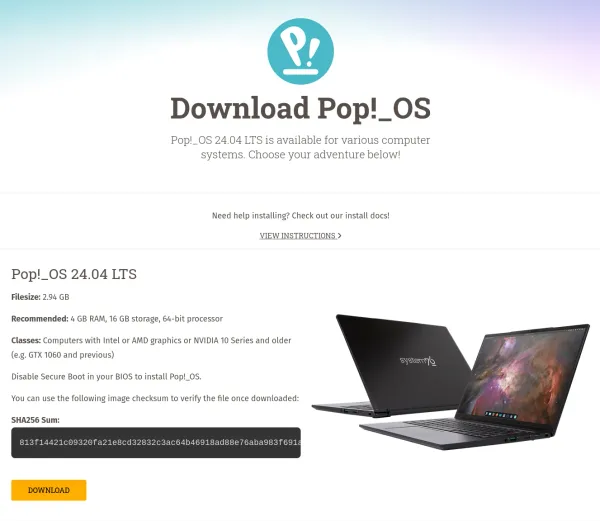
Pop!_OS, with its NVIDIA-specific ISOs and custom desktop environment, remains a brilliant choice for a powerful, stable, and user-friendly experience. However, other distros like Nobara and Bazzite have rapidly gained traction by offering even more aggressive out-of-the-box optimizations, often directly incorporating the latest community-developed fixes for maximum frame rates and game compatibility. Take a look and see which one feels right for your first boot-up!
| Distribution | Base OS | Primary Focus | NVIDIA/AMD Support | Key Gaming Feature |
| Pop!_OS | Ubuntu | Stability & Usability | Excellent (Separate ISOs) | COSMIC Desktop, Pop!_Shop App Store |
| Nobara | Fedora | Out-of-the-Box Gaming | Excellent (Highly Tweaked) | Custom Kernel, Aggressive Performance Tweaks |
| Bazzite | Fedora / OSTree | Immutable, Steam Deck-like | Excellent (Stable Image) | Atomic Updates, Pre-configured Steam/Lutris |
| Manjaro Gaming | Arch | Cutting-Edge & Rolling Release | Very Good | Latest Kernel/Drivers, AUR Access |
The Final Level: Consistency, Control, and Community
What will truly keep you on Linux once you've made the leap is not just the performance gains, but the unparalleled control it offers. Windows is a closed box; Linux is an open, infinitely configurable playground. Want to manage your graphics performance with a dedicated tool like CoreCtrl? Go for it. Want to ditch the bloated storefronts and consolidate your game libraries from Steam, Epic, GOG, and others into a single interface? Lutris and Heroic Games Launcher make that a reality. If you ever do run into a snag (which is becoming rarer every day), you are not submitting a ticket to a faceless corporation. You are reaching out to a massive, passionate, and incredibly helpful global community—a vibrant collective of gamers, developers, and enthusiasts. Many can easily be found on Discord, Reddit or even the website developing the Distro, and better yet, Github itself.
The biggest hurdles - anti-cheat software, compatibility, and driver woes - are largely in the rear-view mirror. Anti-cheat solutions like Easy Anti-Cheat (EAC) and BattlEye are now actively supporting Linux for major titles, thanks to Valve’s push. The future of gaming is open, it’s performant, and it’s on Linux.
Your Windows migration is not a downgrade or a compromise; it’s the ultimate performance and privacy upgrade for your desktop. Stop waiting for Microsoft to fix their operating system, and start enjoying your games on one that is already fixed, perfected, and ready for 2025. The best gaming PC is the one running a Linux distro, and it’s time to see that for yourself.
Personally, I chose PopOS! when I made the switch in late 2024 due to it's blend of simplicity, utility and capable gaming focus.
❓ Frequently Asked Questions (FAQ)
Can Linux really run most Windows games now?
Yes, for the vast majority of titles. Valve's Proton compatibility layer lets Windows-native games run on Linux, often with performance that matches or beats native Windows thanks to a leaner kernel, better resource management, and the efficiency of the Vulkan graphics API. Checking a game's rating on ProtonDB before switching is the best way to confirm compatibility for your specific library.
Which Linux distro is best for gaming?
There's no single "best," but a few stand out for different reasons: Pop!_OS offers a polished, stable experience with excellent NVIDIA support out of the box; Nobara and Bazzite ship aggressive gaming-specific tweaks and pre-configured Steam/Lutris setups; and CachyOS (Arch-based) is a newer favorite for users who want cutting-edge performance tuning. Most modern gaming distros pre-configure drivers, Wine, and Proton so you don't have to.
Do I lose access to Microsoft Office and Adobe apps on Linux?
Not entirely, but you'll likely switch tools. LibreOffice and WPS Office cover most document/spreadsheet/presentation needs, and Office 365's web apps work fine in any Linux browser. For creative work, GIMP and Krita replace Photoshop-style editing, Inkscape covers vector work, and DaVinci Resolve has a native Linux client for video editing — though the full Adobe Creative Suite itself remains Windows/macOS-only.
Does anti-cheat software work on Linux now?
For many titles, yes. Easy Anti-Cheat (EAC) and BattlEye now actively support Linux for a growing list of major games, largely due to Valve's push through the Steam Deck and Proton. It's not universal yet — some competitive titles still block Linux entirely — so it's worth checking a specific game's anti-cheat status before assuming it'll work.
Can I manage my Steam, Epic, and GOG libraries in one place on Linux?
Yes. Tools like Lutris and Heroic Games Launcher let you consolidate game libraries from multiple storefronts (Steam, Epic, GOG, and others) into a single interface, rather than juggling separate launchers like you would on Windows.
Written by
On this page
What's Next?
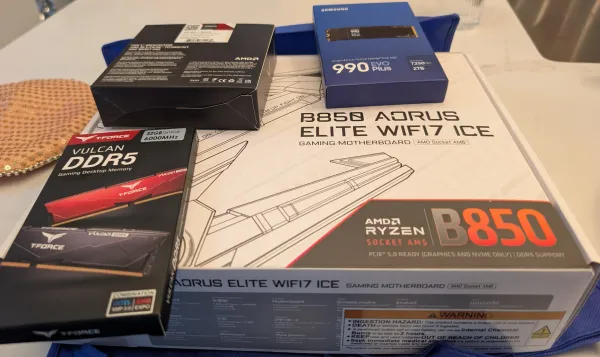
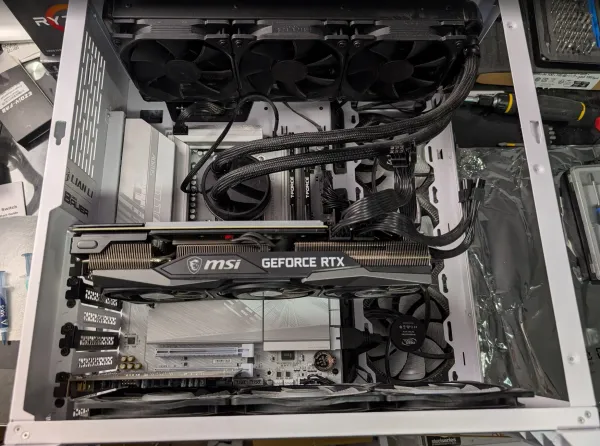
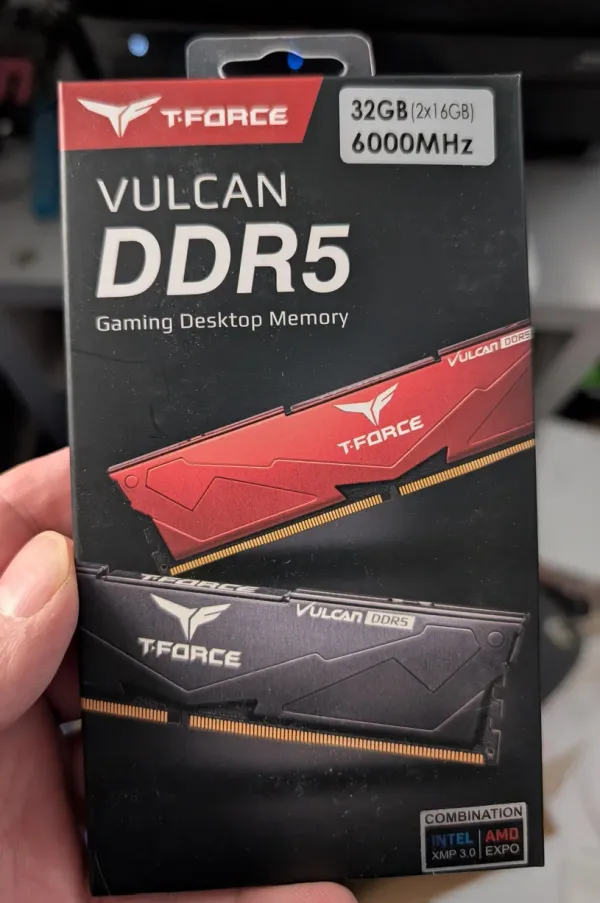
How Much RAM Do You Actually Need for Gaming in 2026?
DDR5 prices have tripled thanks to AI datacenters eating the world's DRAM supply, but 16GB is still a completely viable amount of RAM for gaming in 2026. Here's the benchmark data, where 16GB actually breaks, and how to make it work on Windows 11 or Linux.