🗺️ Start Here: Turn Your "Trash" Hardware Into a Digital Fortress
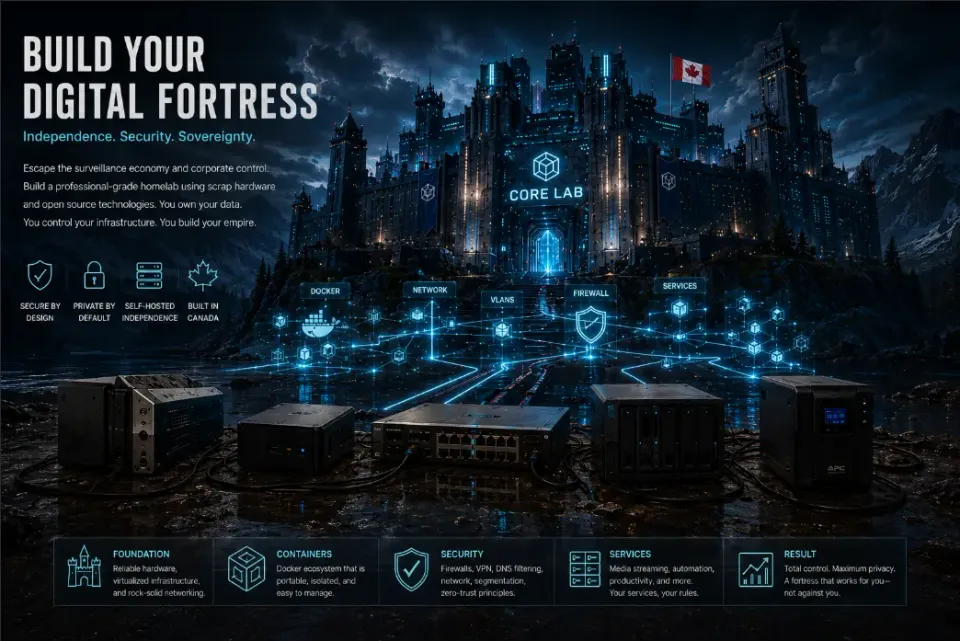
"The Cloud is just someone else's computer."
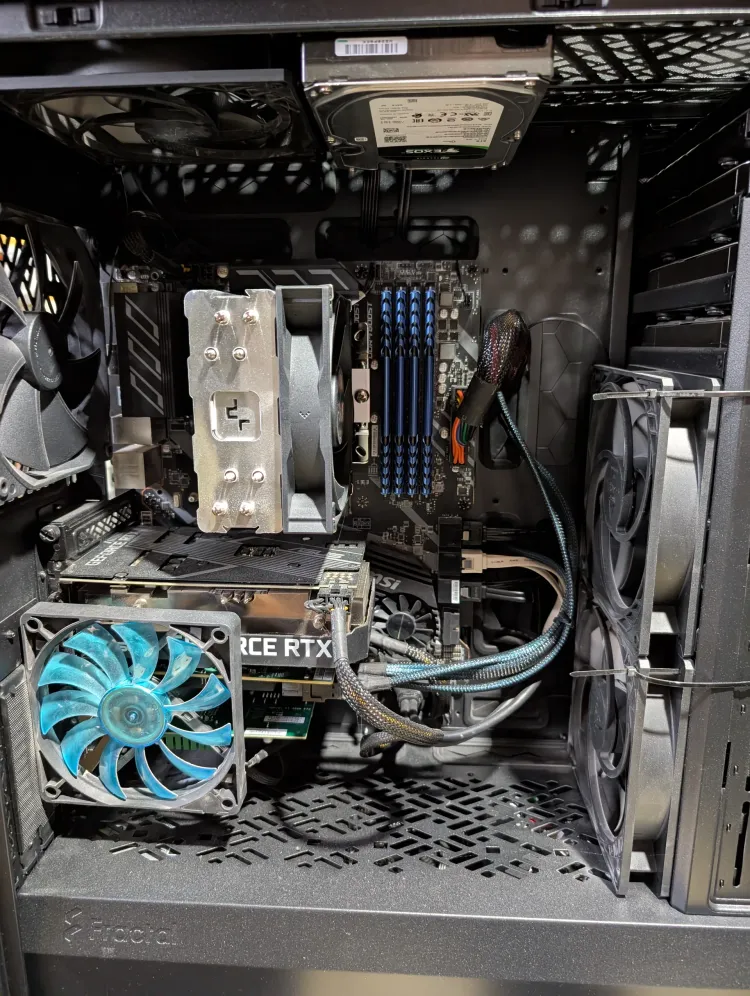
Let’s skip the fluff. If you just found an old office OptiPlex, inherited a dusty gaming desktop, or pulled a "slow" laptop out of your closet, you are holding the building blocks of a private cloud.
You don’t need a $2,000 enterprise server rack to build a high-performance homelab. You just need a plan.
Most homelab guides are either four years out of date or require you to hunt through dozens of Reddit threads to find a working config. This site is a consolidated "Single Source of Truth" - a playbook for building a private, powerful network starting with exactly what hardware you already have.
I’m Joe. This site is my playbook. I’ve spent years tearing down old infrastructure and building "monsters" in my lab. The idea of a "homelab" can be intimidating - server racks and complex diagrams can make it feel expensive and out of reach.
This page is your direct, step-by-step playbook to wipe that old hardware clean, install a rock-solid operating system, and build a secure media automation server that puts paid streaming subscriptions to shame!
Pick your path below and start building.👇
New here? Start with the three pillars that define every modern homelab:
The Core Lab Pillars
🍿 Path A: The "Build Your Own Netflix" Route (Media Automation)
If your main goal is to hoard high-quality media, stream 4K movies smoothly to your TV, and completely cancel your streaming subscriptions, follow this track.
- Step 1: The OS Foundation → Wiping windows and installing [OpenMediaVault] to turn that old PC into a dedicated storage server (NAS).
- Step 2: The Engine → Setting up [Docker Compose & Dockhand] so you can run applications without messing up your host system.
- Step 3: The Automation Stack → Deploying the ultimate [Arr Stack Compose Suite] to completely automate how your movies and shows are fetched, sorted, and served.
- Step 4: The Stream → Choosing your platform layout using our [Plex vs. Jellyfin Showdown] to stream your files flawlessly to any screen.
If you're still unsure, hop over to my [Ultimate Media Server Guide (2026)] and do a little more research!
 Core Lab Joe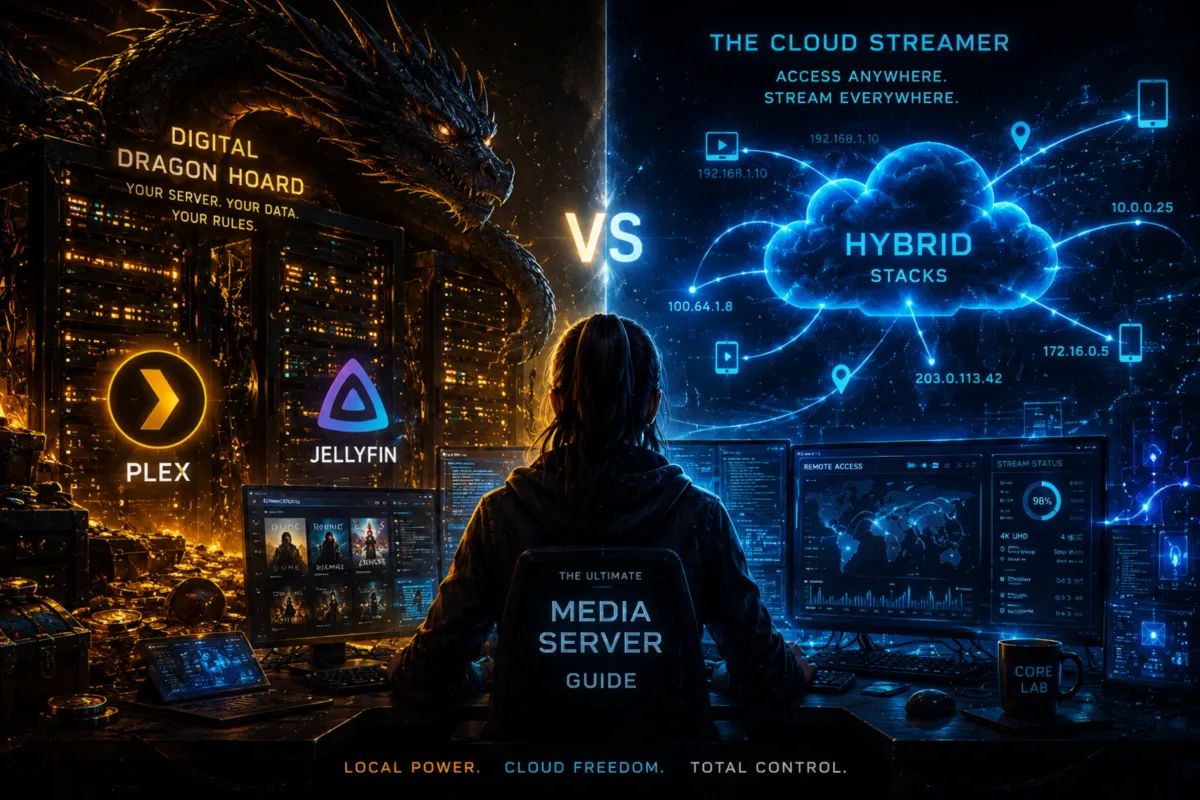
🛡️ Path B: The "Digital Fortress" Route (Privacy & Security)
If you already have data running or want to safely expose personal services (like your own cloud storage or home automation dashboards) to the internet without getting brute-forced by global botnets, start here.
- Step 1: Understanding Exposure → Read the [Master Cybersecurity Roadmap] to map your lines of defense.
- Step 2: Hardening the Edge → Ditching your garbage ISP router for an enterprise-grade [OPNsense Firewall Engine].
- Step 3: Safe Remote Access → Deploying [SWAG (Secure Web Application Gateway)] with [CrowdSec and Authelia] to ensure you have an A+ rated reverse proxy guarding your apps.
- Step 4: Internal Segments → Using [VLANs & Subnets] to trap your sketchy smart home devices in an isolated network segment where they can’t spy on your critical data.
Core Lab Joe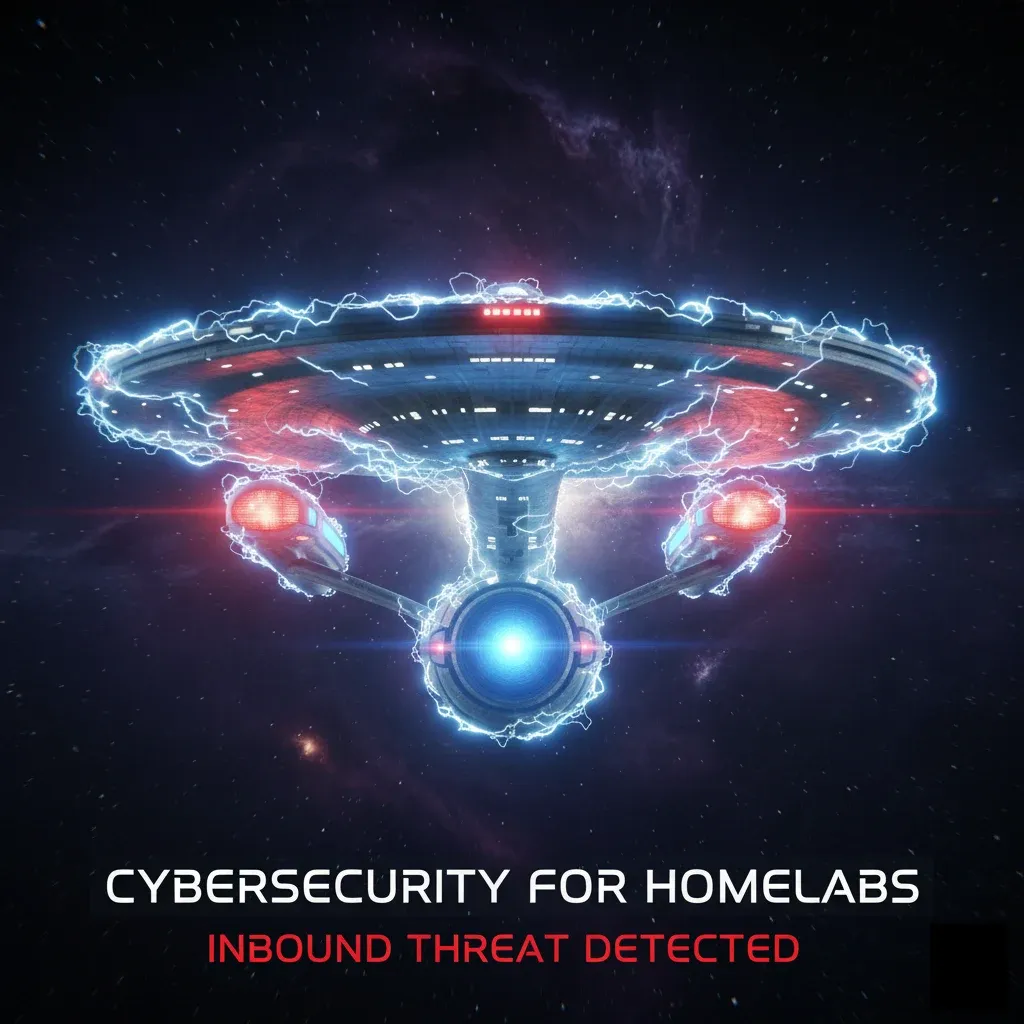
🎓 The Master Curriculum (For n00bs / new to Docker)
If you aren't sure what you want to build yet and just want to learn the fundamentals of modern technical network defence and self-hosting from the ground up, follow my detailed & structured phase-by-phase curriculum:
💡 The "Scrap" Philosophy
A truly effective homelab doesn’t start with a $2,000 server; it starts with resourcefulness. That old gaming desktop or "slow" laptop in your closet isn't e-waste - it’s the building block of your first fortress. We focus on squeezing 100% value out of existing gear before we ever suggest a purchase.
Core Lab Joe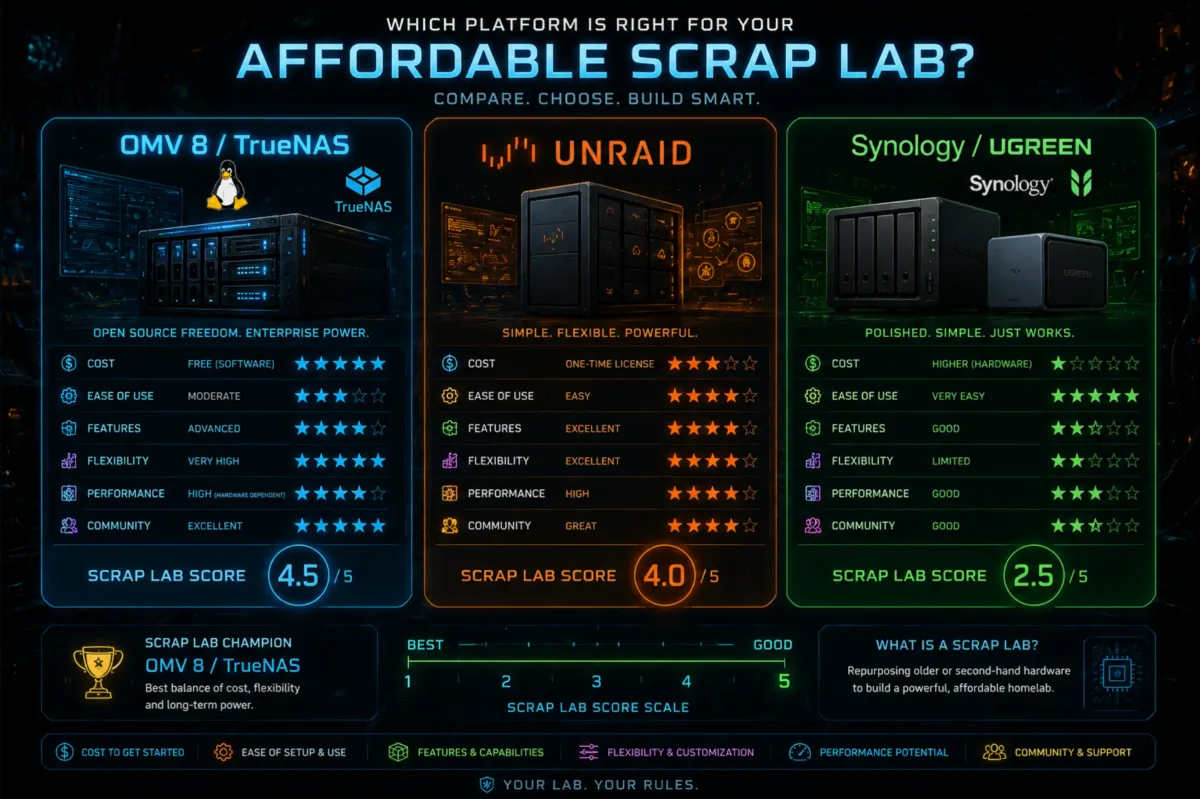
Phase 1: The Foundation (Hardware & OS)🛠️
Stop looking at $2,000 server racks. I focus on being "Anti-Ewaste" - using the hardware you already have or can find cheaply.
- The Hardware Strategy🪛: Read this first. Why a 5-year-old "Office PC" is the secret weapon of the modern homelab.
- Choosing Your OS: Why I choose Debian and Debian distros (Open Media Vault) for servers and CachyOS for performance on my main workstation rig.
- Networking for Homelabs🛜: Every homelab starts with a network, even if it's a single router or switch.
- 2026 Hardware Guide🖥️: My curated list of Mini-PCs, complete builds and accessories for any budget.
Core Lab Joe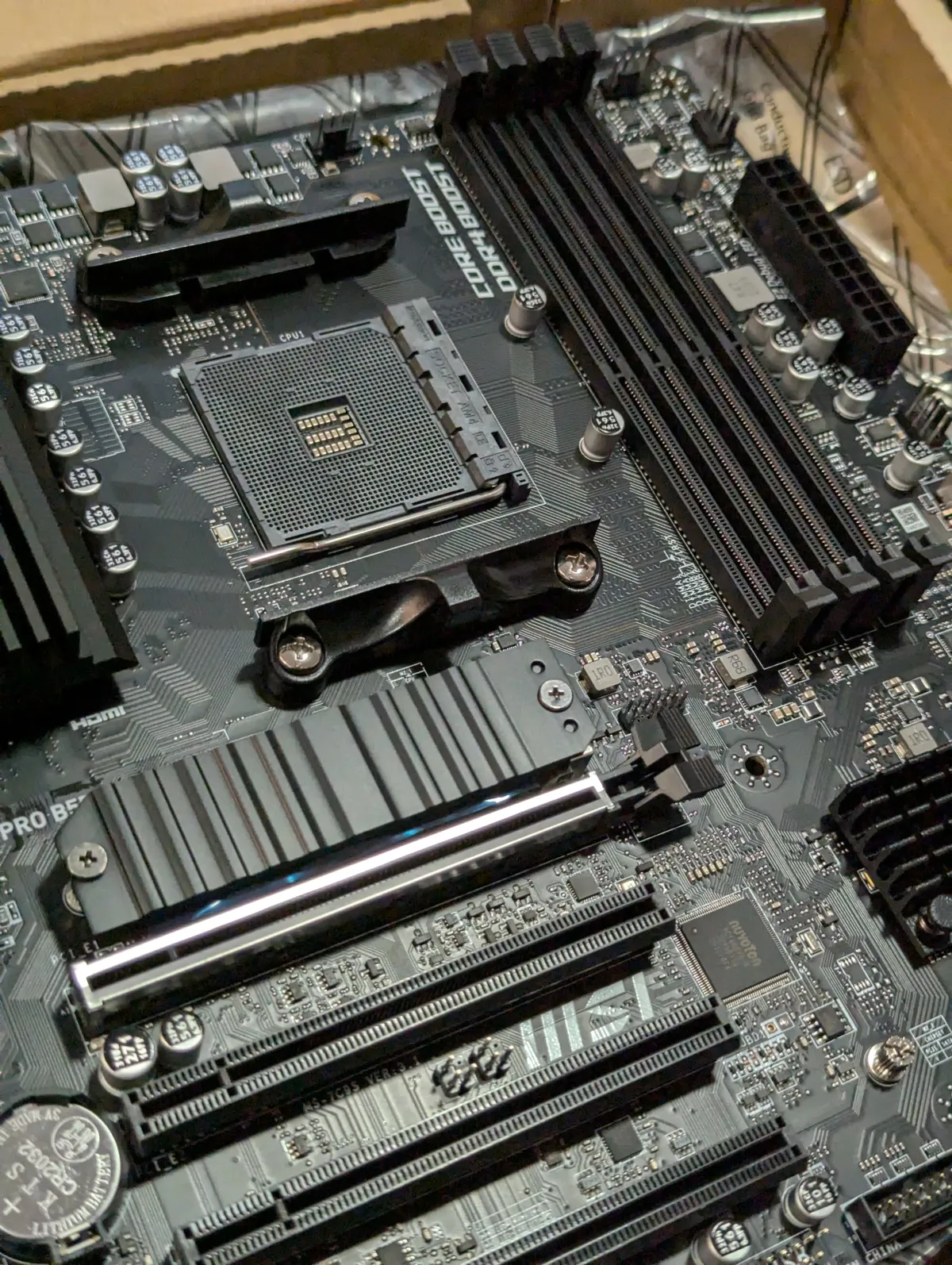
- The OS - OpenMediaVault 7/8: Turn any old PC into a powerful NAS (Network Attached Storage).
- Compare different NAS OS if OMV isn't for you.
- The Self-Hosting Roadmap: Understanding DNS, Cloudflare, and the architecture of a secure lab.
🐳 Phase 2: The Engine (Docker)
Once your server is running, you need applications. We use Docker for everything because it keeps apps isolated, portable, and easy to update.
- Docker Compose - Your Secret Weapon: Learn the core skill & reason why containers have taken over 90% of modern self-hosting.
- Docker on Debian systems: A pro’s guide to performance and various docker networking options such as user defined bridge or advanced concepts like macvlan.
 Core Lab Joe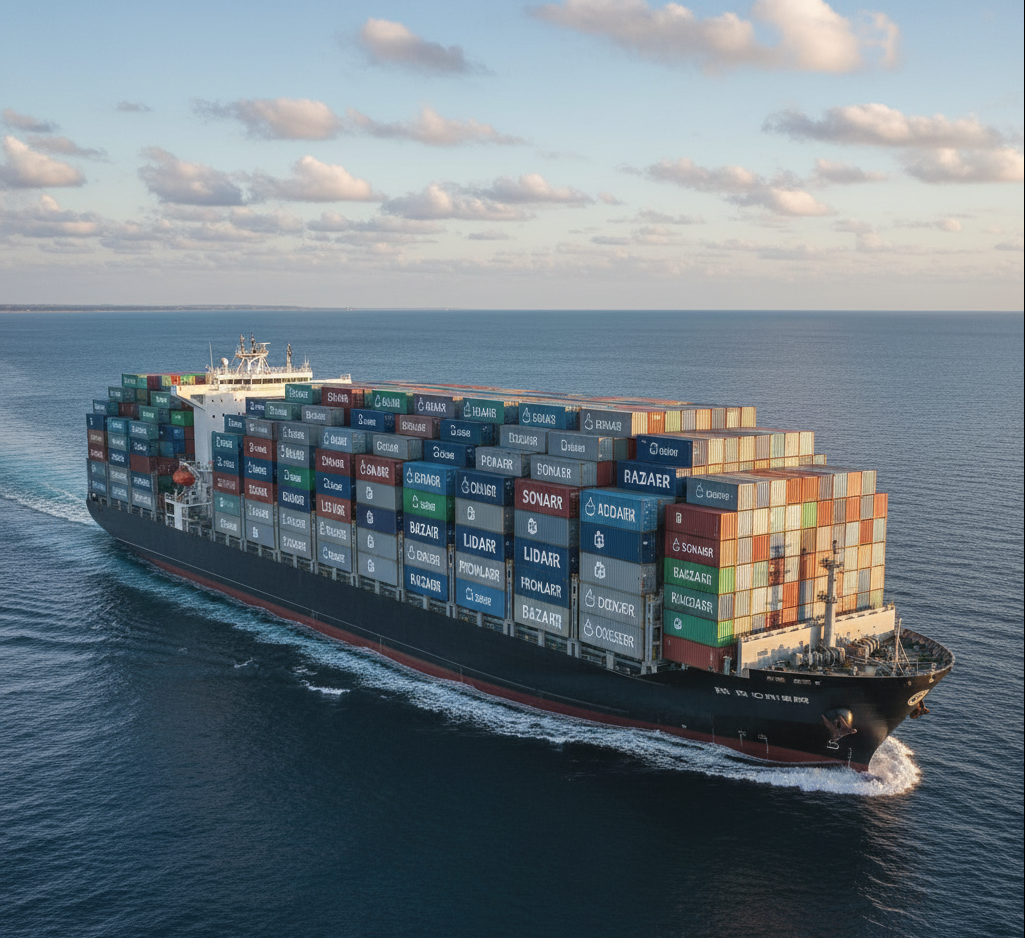
🛡️ Phase 3: The Security Track
For those who want to expose services safely.
Self-hosting is fun until you get hacked. Do not skip this step. Now that you have services running, you must secure them. The security roadmap is the most important set of guides on this site!
- The Master Cybersecurity Roadmap: Start here to understand your layers of defence.👇
 Core Lab Joe
- The OPNsense Foundation: Build an enterprise-grade firewall that puts ISP routers to shame.
- Reverse Proxy Guide: How to safely expose a port and access your stuff form anywhere!
- Personal Security for Canadians: Our 3-part series on hardening your identity north of the 49th parallel.
- VLANs & Network Segmentation: How to keep your dangerous IoT devices away from your sensitive personal data.
- Ready to graduate from the basics? Build the Digital Castle with [SWAG & CrowdSec & Authelia!]
🤖 Phase 4: The Reward (Media & Automation)
Stop using Alexa and start building a private smart home that doesn't phone home to Amazon.
- The Ultimate Home Assistant Server (2026): Running HA on an N100 Mini-PC—fully unlocked and "Add-on" free utilizing 'HACS'!
🍿 The Media Automation Track (Build your own Netflix)
This is the reward & fun part. Let's build a media server that's better than any paid subscription service.
- The Media Server Master Guide: Your central hub for building the media server of your dreams, whether you want to own all your files or stream them on demand.👇
Core Lab Joe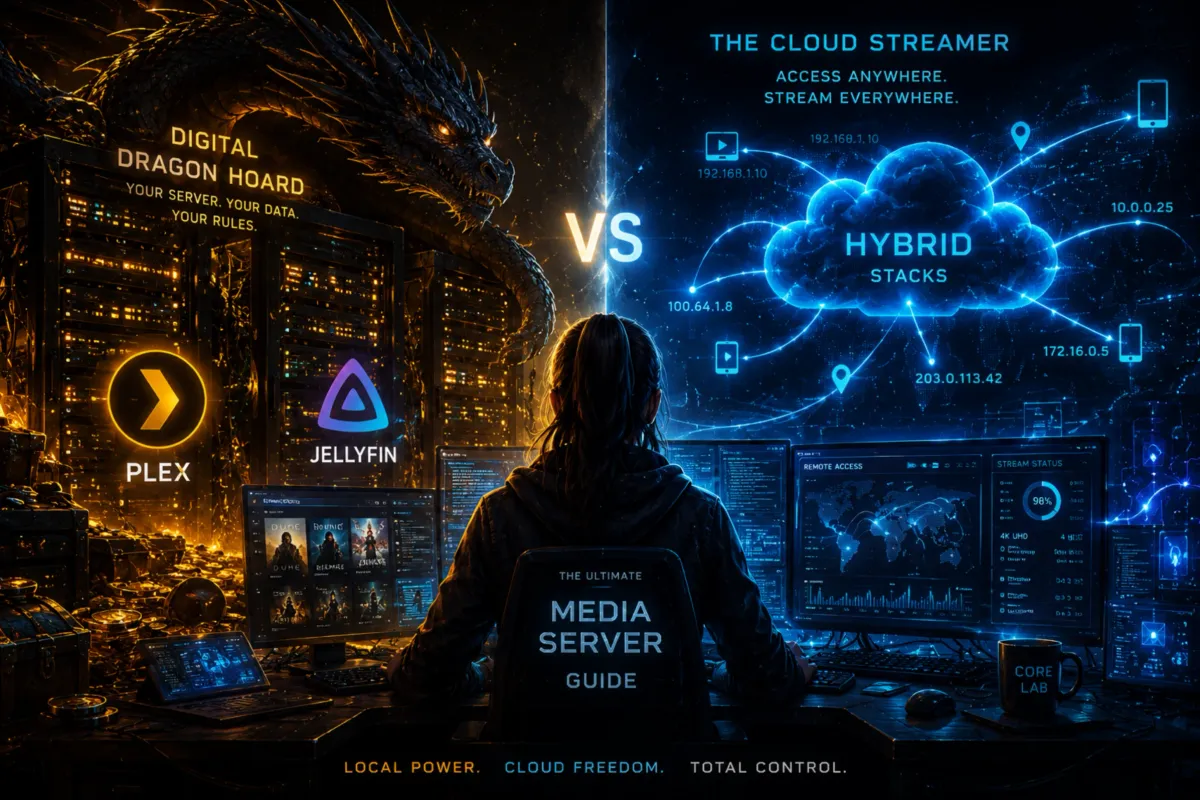
- Plex vs. Jellyfin: Which king of streaming is right for your lab?
- The *Arr Stack: How to automate the downloading and organizing of your movies and TV shows.
Core Lab Joe
- The "Unlimited" Media Stack: Stremio, Real-Debrid, and the "Fail-Proof" setup.
- Self-Hosted Gaming Servers: Deploying game instances with Docker Compose.👇
Core Lab Joe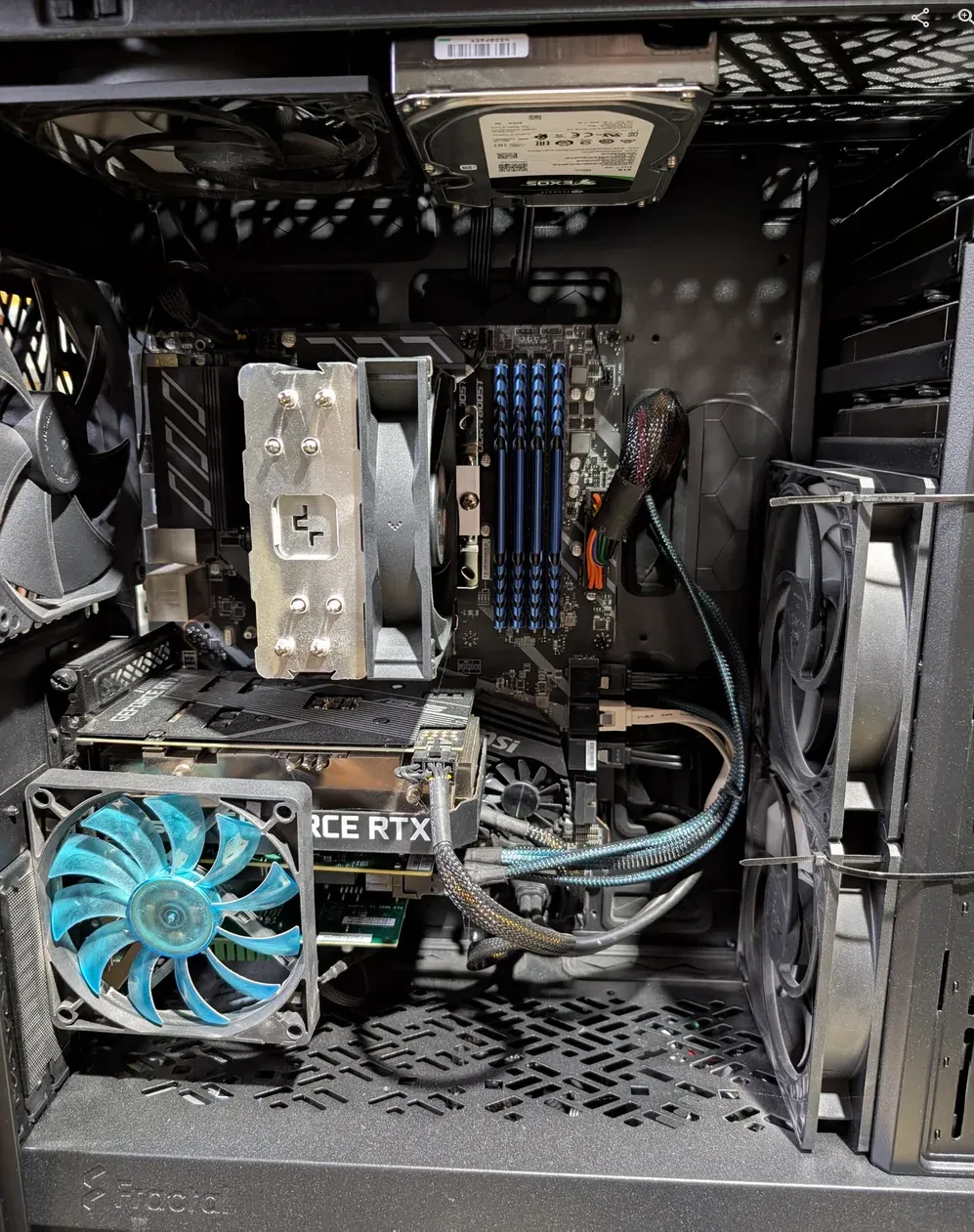
📍 Navigating the Lab (How to find things across the site!)
This site is designed as a technical library. To find your way through the stacks, use these tools:
- The SECTOR Navigator: On the right side of every page, you’ll find a floating section navigator. This allows you to jump between layers of the stack:
- 🖥️ Hardware: Finding the best "Scrap" or Mini-PC nodes.
- ☁️ Self-Hosting: Building your cloud on your terms.
- 🛡️ Cybersecurity: Hardening the perimeter.
- 🐧 Linux: The OS foundation (Debian & CachyOS).
- 🐳 Docker: The engine for everything we run.
- Search (Top Right): Click the 🔍 to perform a fuzzy search across every guide, tag, and configuration block on the site.
- Interactive TOC: The floating menu on the left tracks your progress as you read through our deep-dive pillars.
- Interactive Breadcrumbs: Top of each page, a breadcrumb trail you can click to bring you to a 'tag' collection of relevant posts.
📬 Stay Paranoid, Stay Safe
Building a homelab is a journey, not a destination. Most weeks I post on Tues-Wed, and sometimes a weekly rollup of new guides & updates.
Subscribe to the Core Lab newsletter to get these guides delivered straight to your inbox. No spam (noise), just signal.

Member discussion