
How to Build a Silent Homelab: A Guide to Fans, Racks, and Acoustic Treatment

You finally get your hands on that beautiful, "new-to-you" Dell R720 or an old enterprise switch, you plug it in, and... It sounds like a Boeing 747✈️ is taxiing in your spare bedroom. The dream of a powerful homelab clashes with the reality of living with it. The "Partner/Wife Acceptance Factor" (P/WAF) plummets, and you find yourself turning the lab off just to think straight.
I've spent the better part of a decade chasing the silent homelab dragon. At one point my homelab consisted of co-habitating in my home office, on and under my desk... I quickly took steps to mitigate vibrations as a first step! It’s the holy grail for self-hosters who don't have the luxury of a detached data center (or a very, very understanding family).
The secret isn't one magic-bullet product. A silent lab is a system built on three pillars: attacking the noise at its source (fans), containing what's left (the rack), and managing the room itself (acoustic treatment).
1. The Source of All Evil: Taming Your Fans

The #1 enemy of a quiet homelab is, without a doubt, the fans. Enterprise gear is designed for data centers where acoustics are irrelevant, and cooling is everything. Those tiny 40mm fans in a 1U server or switch scream at 10,000+ RPM to move air. This high-pitched whine is physically grating. Your first job is to fix this...
A Quick Nerd-Out on Noise (dB): You'll see "dB" (decibels) everywhere, but the scale is tricky. It's logarithmic, not linear. A 10dB increase is perceived by our ears as twice as loud. This is why dropping your lab's noise from 50dB (a loud conversation) to 40dB (a library) is a massive quality-of-life improvement. For context, a quiet room at night is ~30dB. That's our target.
The single most effective (and simple) change you can make is a "fan mod"—swapping the stock fans for high-quality, low-noise models. The undisputed king here is Noctua. Yes, they're more expensive (and famously beige/brown), but you are paying for engineering that provides excellent airflow with a noise profile that's a gentle "whoosh," not a high-pitched whine. There is a noticeable difference! I didn't think I cared that much until I heard the difference... I replaced the fans in a Synology DS1918+ at one point and even that whoosh was so much better.
💨 Homelab Fan Showdown: A Practical Comparison
| Fan Model | Size (mm) | Max RPM | Airflow (CFM) | Noise (dB(A)) | Why You'd Pick It |
| Typical Stock (e.g., Delta) | 40x28mm | 15,000+ | ~21 | 55-65dB | You wouldn't. It came with the server and it must be destroyed. |
| Noctua NF-A4x20 PWM | 40x20mm | 5,000 | 5.5 | 14.9dB | The silent champion for 1U servers and switches. (Check pinouts!) |
| Arctic P12 PWM PST | 120x25mm | 1,800 | 56.3 | ~22.5dB | The value king. Insane performance and static pressure for the price. Great for radiators or PC-case-based servers. |
| Noctua NF-A12x25 PWM | 120x25mm | 2,000 | 60.1 | 22.6dB | The best 120mm money can buy. The Sterrox material means it's powerful and quiet. The new benchmark. |
Why Noctua? (And a Critical Warning):
When you swap fans in enterprise gear, you run into a problem: static pressure. Stock fans are high-pressure "jet engines" designed to force air through dense heatsinks. A silent fan like a Noctua has much lower static pressure.
The server's brain (like a Dell iDRAC or HP iLO) often detects this lower-RPM, lower-pressure fan as "failing" and will panic, ramping all the other fans to 100%—making the problem worse. To successfully perform a fan mod, you often have to get your hands dirty with scripts (like using ipmitool over SSH) to manually set your server's fan-speed "curve" and tell it to calm down. It's a bit of a process, but it's the only way to get true silence from rack-mount gear. This is if you have actual Enterprise gear, for a normal personal / consumer grade system, no big deal.

While quiet fans are a great start, the real gains come from acoustic treatment. To stop vibration from transferring, you need to decouple the rack. To absorb high-pitched fan whine, you need acoustic foam. The car audio world has perfected this, and the experts at ArmorSound have a deep-dive guide on how acoustic materials like Mass Loaded Vinyl (MLV) and Closed Cell Foam (CCF) work to block and absorb sound. The physics are the same, whether you're silencing a 2024 Honda or a Dell R720 server.
 Aaron Steele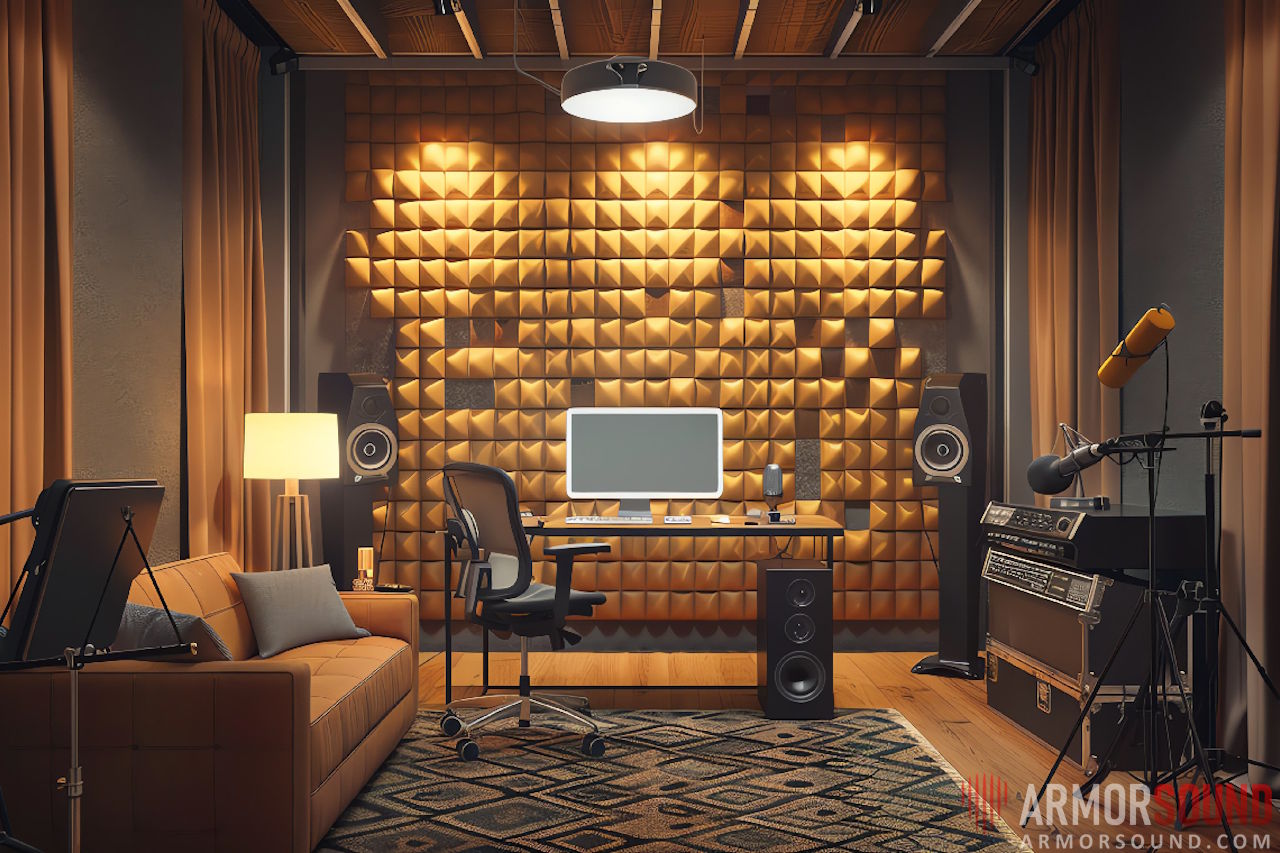
2. The Containment Strategy: Your Rack

Fans are step one, but the drives will still spin, and the power supplies will still hum. The noise has to go somewhere. An open-frame rack, which I love for easy access and great airflow, does nothing for sound. This is where acoustic, sound-damping server racks come in.
These racks are a serious investment, but they are purpose-built to trap noise. They achieve this in three ways:
- Fully Enclosed: Heavy, gasket-sealed doors (front and back).
- Acoustic Foam: The interior walls and doors are lined with high-density acoustic foam to absorb sound waves.
- Baffled Airflow: Air is forced through a specific path (often in the bottom front, out the top back) that's lined with foam, muffling the sound as it exits.
The trade-off, as you might guess, is heat. A sealed box is an oven. All good acoustic racks must have their own built-in (and hopefully quiet) exhaust fans to manage thermals. You're trading noise for thermal complexity.
🗄️ Homelab Rack Comparison: Open vs. Enclosed vs. Acoustic
| Rack Type | Typical U-Size | Approx. Noise Reduction | Thermal Management | Best For... |
| Open Frame | 12U - 42U | None (0dB) | Excellent (Open air) | A dedicated, well-ventilated basement or locked closet. |
| Standard Enclosed Rack | 6U - 42U | Low (~5-10dB) | Fair (Usually has 1-2 top-mount fans for exhaust) | Hiding gear in an office, light noise reduction, and dust control. |
| Acoustic Rack (e.g., StarTech, NavePoint) | 12U - 42U | High (15-30dB) | Complex (Requires integrated, smart fans) | Living spaces, shared offices, or anywhere you share a room with the lab. |
I have a standard enclosed rack, 9U, mounted on my wall in the basement.
Is an Acoustic Rack Worth It?
Yes, but only if you absolutely cannot put the lab in another room. A 30dB reduction is massive—it's the difference between "annoying" and "imperceptible." But you must monitor your temperatures. A 12U acoustic rack filled with servers will cook itself if the exhaust fans fail. For many people, a better (and much cheaper) solution is a standard enclosed rack placed inside a closet, with the closet door itself being weather-stripped and treated.
Another option, is to build your own custom silent rack, like the Technodabbler has. Check it out!
 Alex Denault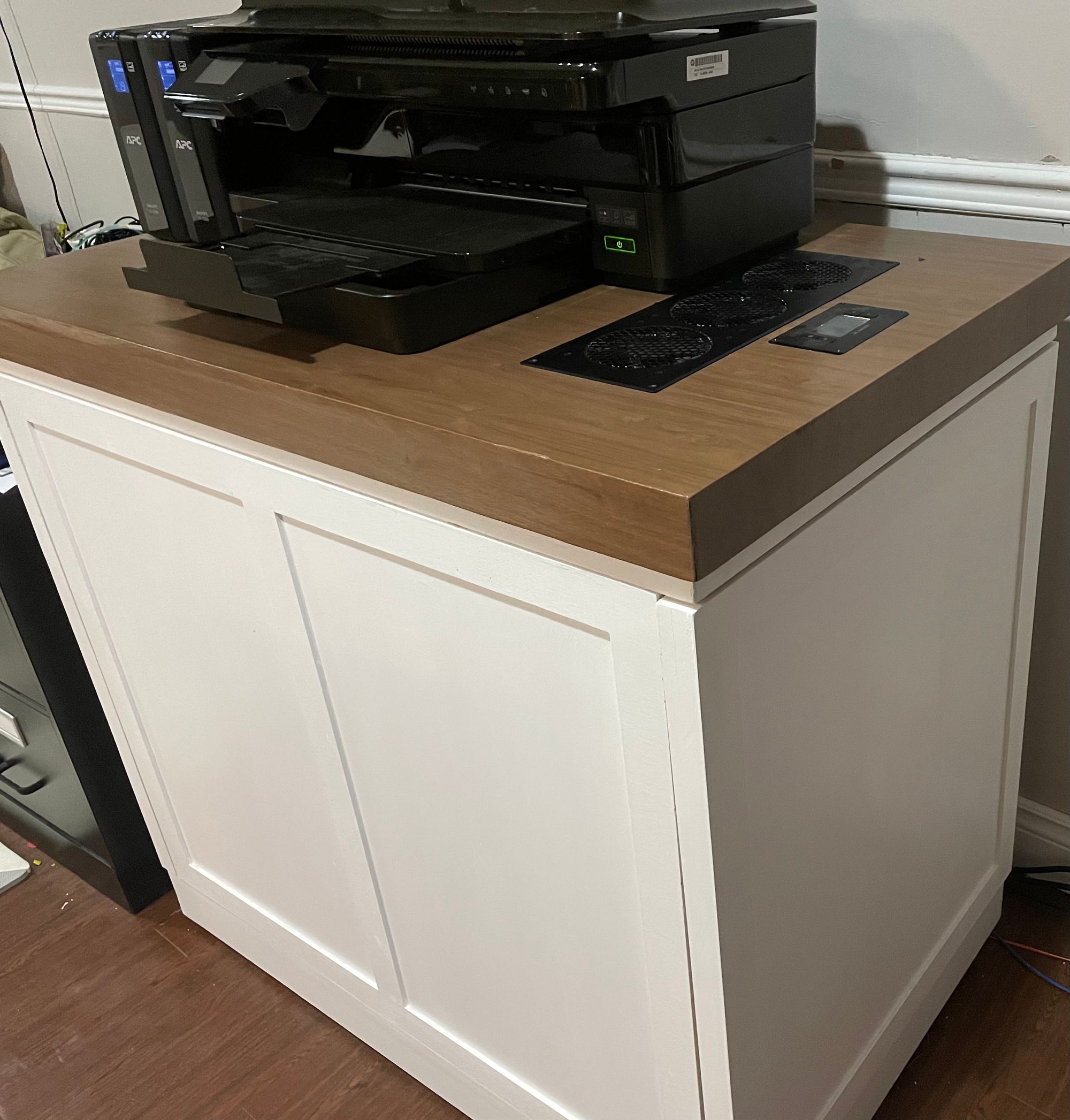
3. The Final 10%: Treating the Room
Okay, so you've got Noctua fans and an acoustic rack. You're 90% there. But you still hear a low, annoying hum. What gives?
You're dealing with two new enemies: reflection and vibration.
- Reflection (The "Bounce"): Sound waves from your rack's exhaust bounce off hard surfaces—your drywall, your hardwood floor, your desk. This is that "echo" or "reverb" that makes a room feel noisy.
- The Fix: Absorption. This is what those foam panels you see in music studios are for. You don't need to cover your walls, but a few high-density acoustic panels (not the cheap egg-crate foam!) on the wall behind the rack can work wonders. Even simpler? Put a thick rug on the floor. It's amazing how much sound a good rug will soak up.
- Vibration (The "Rumble"): This is the most overlooked part. Your rack, and the spinning hard drives inside it, vibrate. This low-frequency vibration travels through the rack's feet, into your floor, and then uses the entire structure of your house as a giant amplifier. This is that rumble you feel more than you hear.
- The Fix: Decoupling. You have to isolate the rack from the floor. The cheapest way is to get a dense rubber mat (like a horse stall mat from a tractor supply store) and put it under the rack. The "pro" way is to buy dedicated vibration-isolating pads or feet for the rack to sit on. This stops the vibration in its tracks and can be the final piece of the puzzle.
Building a silent lab is a journey, not a destination. It's a holistic battle against decibels. But when you finally get there—when you can sit in the same room as your lab, running 20 VMs and a dozen containers, and the only sound you hear is your own typing... that's the dream.
What are your best tips for a silent lab? Have you found a magic bullet I missed? Drop a comment below!



Member discussion