The Ultimate 18-Drive Self-Hosted Monolith: Why the Fractal Design Define 7 XL is Still the Best Home Server Case in 2026
If you are deeply embedded in the homelab world, you eventually hit a critical scaling wall. You start with a modest pre-built NAS or a repurposed desktop or both as I did, but as your data grows, your Docker stack expands, and your home automation needs become mission-critical... You face a tough choice: buy an enterprise-grade rack-mount server that screams like a jet engine in your basement, or build a custom, high-capacity tower that can live comfortably in your living space.
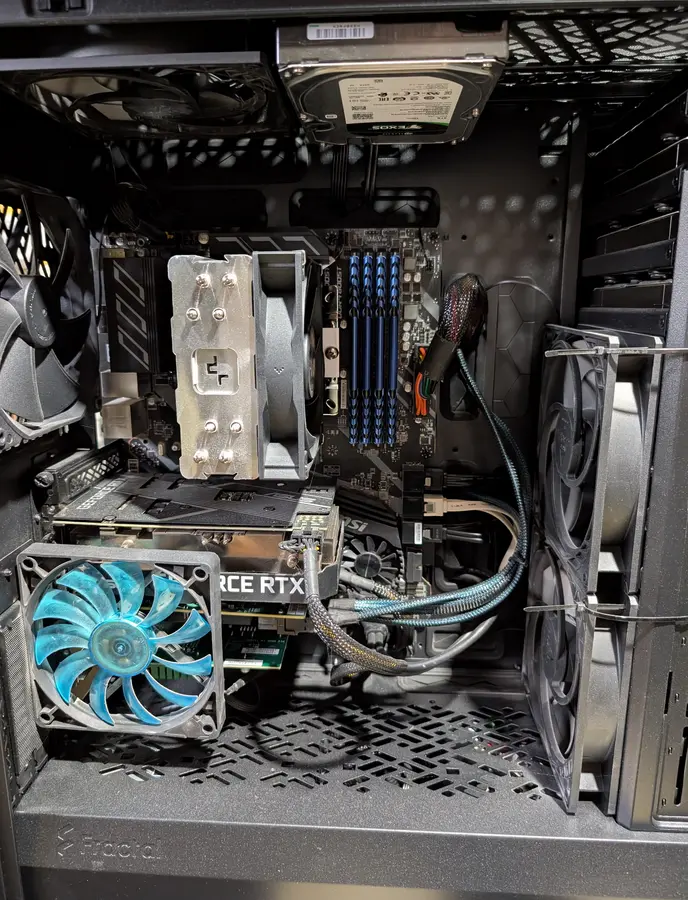
When I set out to build my ultimate self-hosted monolith - a machine capable of handling 18 internal hard drives, an enterprise-grade SAS HBA, a dedicated GPU for transcoding, and dozens of containers (58 concurrent Docker containers presently) - I needed a chassis that refused to compromise on storage capacity, thermal efficiency, or acoustics.
Enter the Fractal Design Define 7 XL.
This post is part of my DIY custom NAS/Server Series:
Custom NAS & Servers
Though it’s been on the market for a few years, it remains the undisputed gold standard for large-scale DIY NAS builds and homelab servers. In this long-term review, I’m going to pull back the side panels and showcase exactly how I utilize this legendary case to run an entire self-hosted ecosystem completely local-first.
Disclaimer: This post contains affiliate links. If you purchase hardware through these links, I earn a small commission at no extra cost to you, which directly supports the maintenance of this blog and the self-hosted infrastructure running it!
Why Choose a Tower Over a Rackmount Server?
For cybersecurity professionals and homelab enthusiasts alike, data ownership is everything. But enterprise rack servers (like a Dell PowerEdge or an HP ProLiant) come with massive trade-offs: proprietary parts, high power consumption, and high-pitched 40mm fans that destroy the ambient peace of a home. They were never meant for home use, and often sound like a fighter jet taking off.
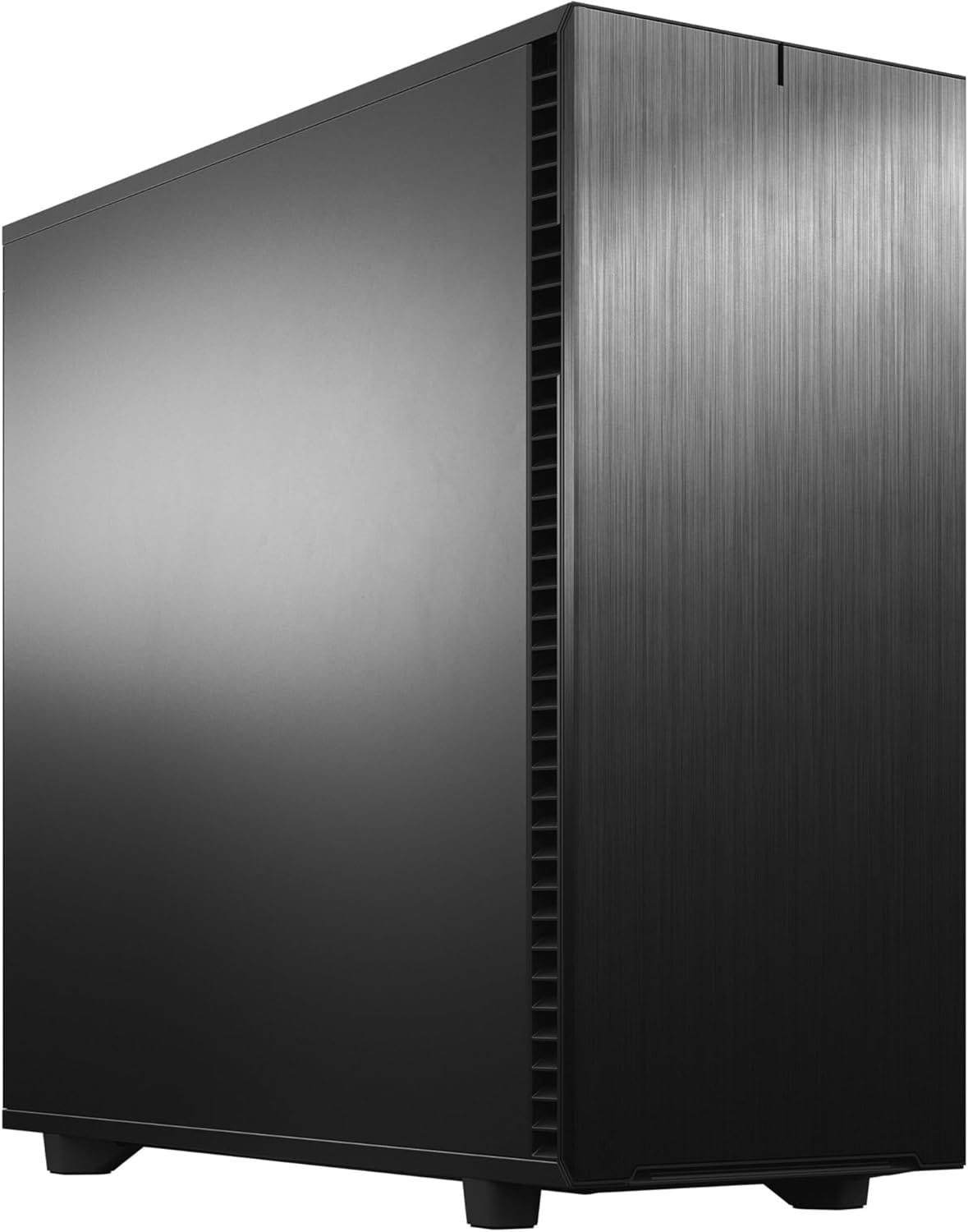
The Fractal Design Define 7 XL bridges this gap perfectly. It offers the storage density of a 4U rackmount chassis but retains the standard ATX form factor (handling up to E-ATX motherboards!), whisper-quiet acoustics, and component compatibility of a premium consumer tower.
Hardware Architecture: Packing an Enterprise Datacenter into a Tower
To understand why this case is so incredible, you have to look at the sheer volume of hardware I’ve packed inside it. This isn't just a storage box; it’s a high-performance compute node and massive storage array combined.
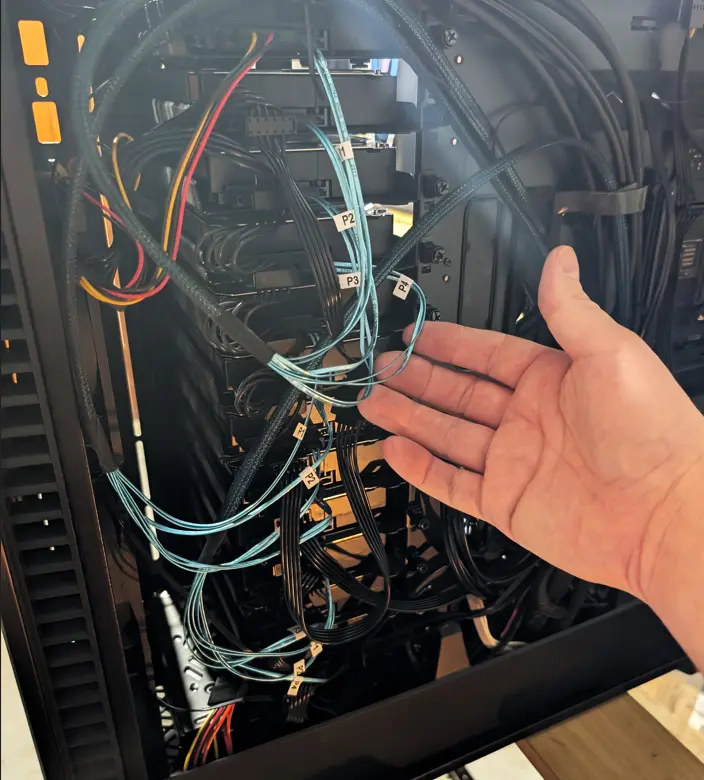
1. The 18-Drive Internal Storage Array
The marquee feature of the Define 7 XL is its Storage Layout mode. By shifting the internal modular spine of the case, you transform the open interior into a massive hard drive matrix.
Right now, I am running 18 internal drives inside this single chassis. Achieving this requires utilizing Fractal's modular type-B drive trays and multi-brackets. The structural rigidity is phenomenal; even with
- 17X mechanical drives spinning simultaneously plus;
- 7-8X Case fans plus;
- RTX3060 12GB (with it's own fan), with all this;
there is zero harmonic resonance or rattling, thanks to the thick steel construction and rubber-dampened drive mounts.

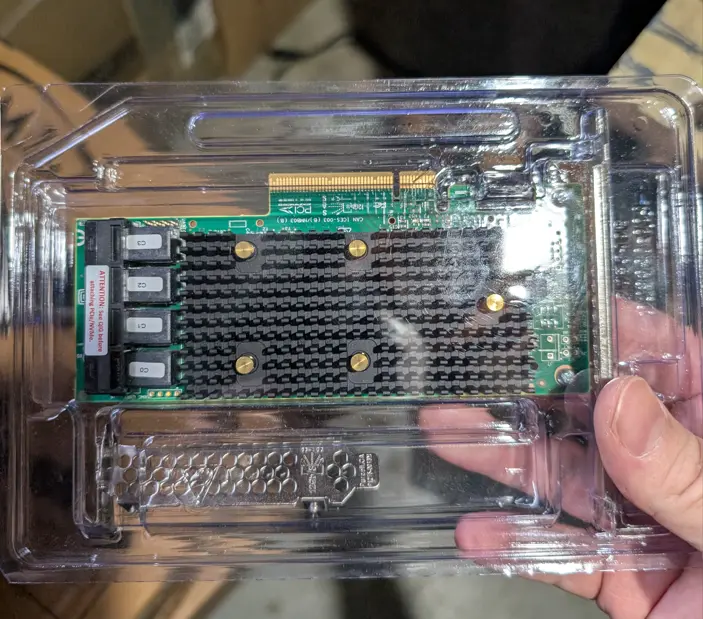
2. Driving the Array: The LSI 9400-16i HBA
You can’t just plug 18 hard drives into a standard consumer motherboard. Let alone 12X SAS drives! To handle the massive data throughput and connectivity, I use an LSI 9400-16i Tri-Mode HBA (Host Bus Adapter) card.
- Installed in the 2nd PCIe x16 slot (8x speed), this enterprise card easily routes high-bandwidth SAS/SATA lanes directly to the drive stacks via high-density mini-SAS HD cables.
- The Define 7 XL provides ample physical clearance for these stiff enterprise cables without bending or crimping against the side panels.
Ok, so where exactly am I fitting all of these drives you ask? EVERYWHERE...
Once converted into storage mode, I slotted
- 12X SAS drives directly into the drive trays I purchased (above) and;
- 5X SATA drives in the bottom drive trays, and;
- The builtin drive sleds down below on the Fractal only hold 4X drives, so I needed 1 more spot. That was on the roof...
- 1X 2TB SSD (For containers / high IOPs) now inside where OS drive was,
- 1X 128GB SSD (OS drive), now in a USB 3.0 enclosure due to lack of SAS & SATA ports! Fractal could absolutely handle more drives...
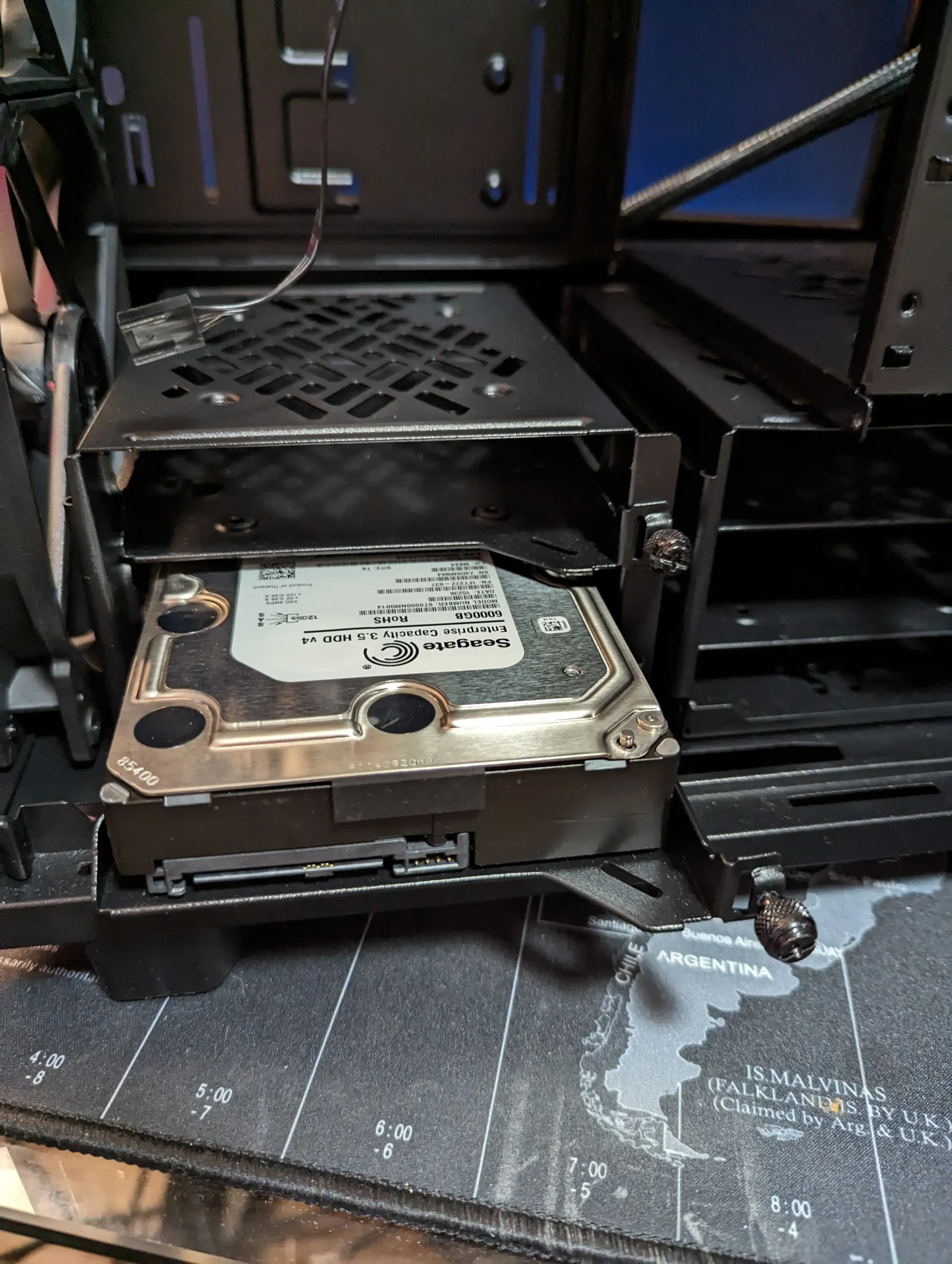
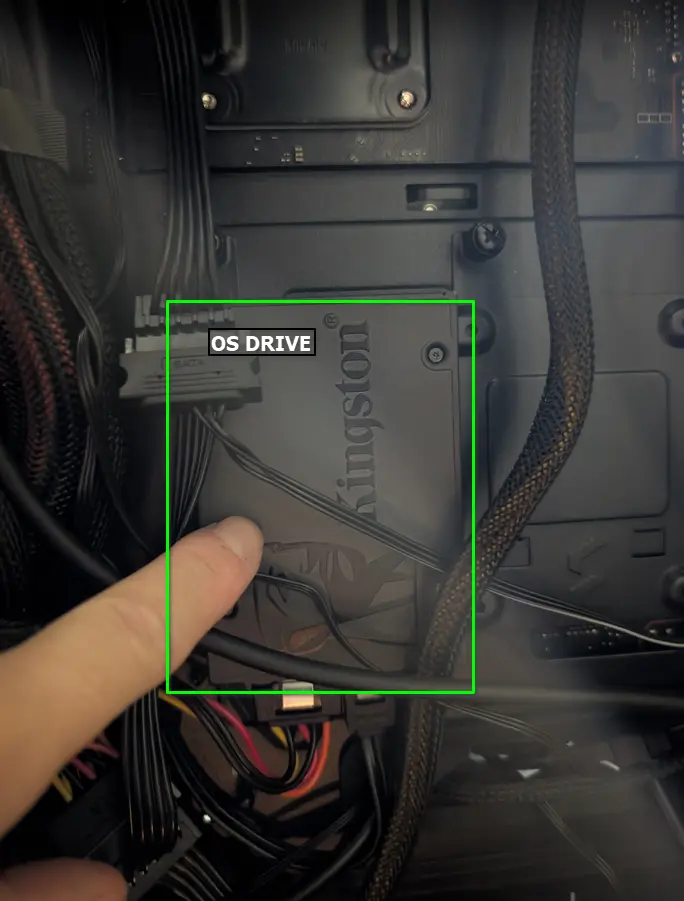
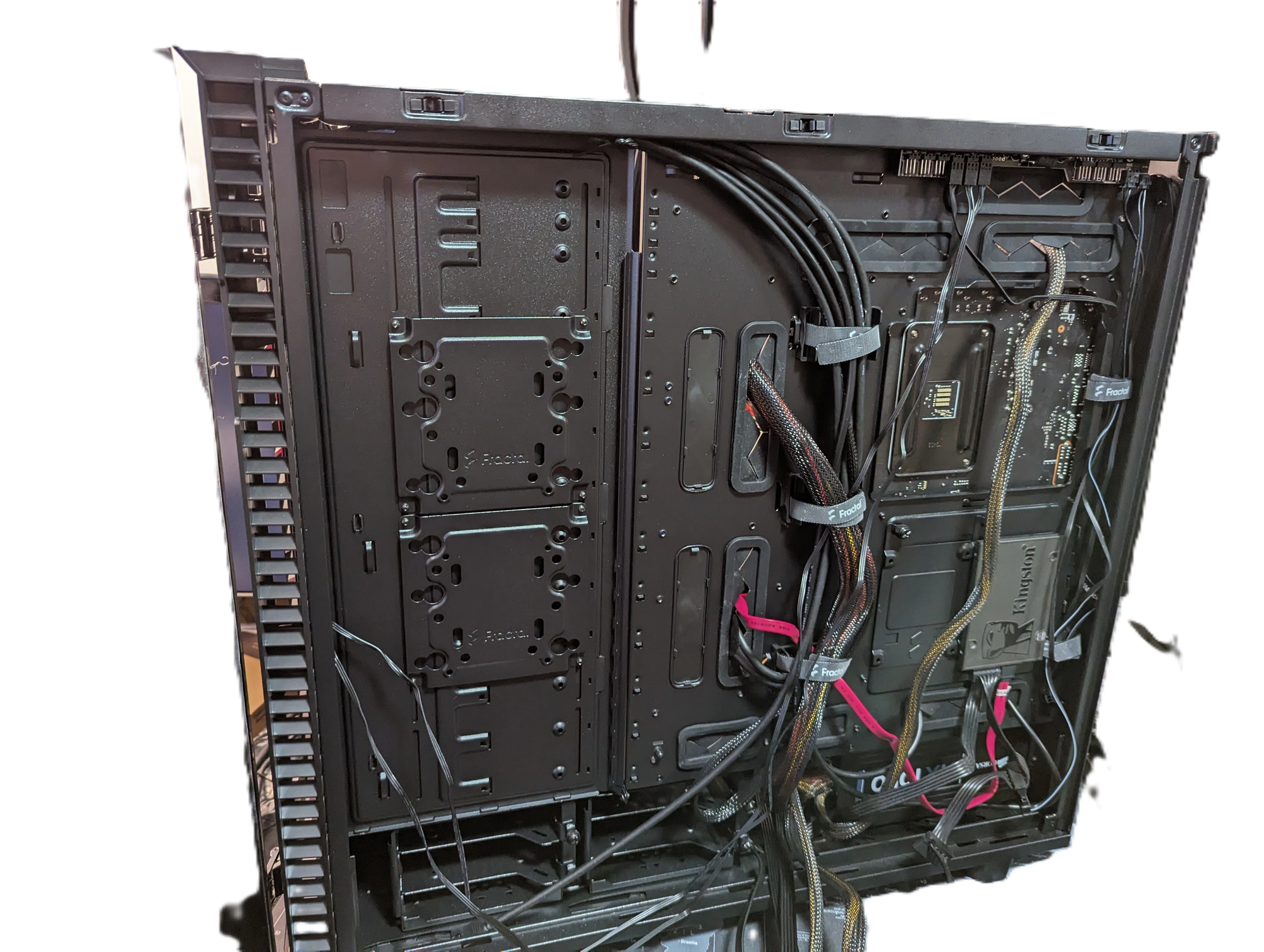
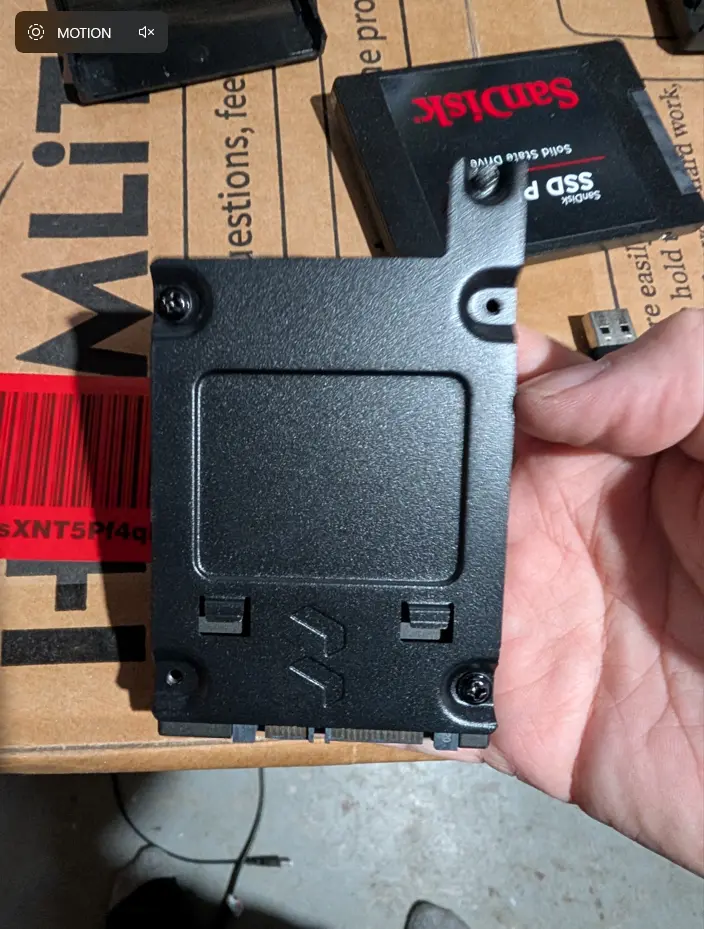
Left, close up of 2.5" SATA SSD on drive sled, right, drive installed on backside of Fractal Define 7 XL. Note: This is before conversion to storage mode.
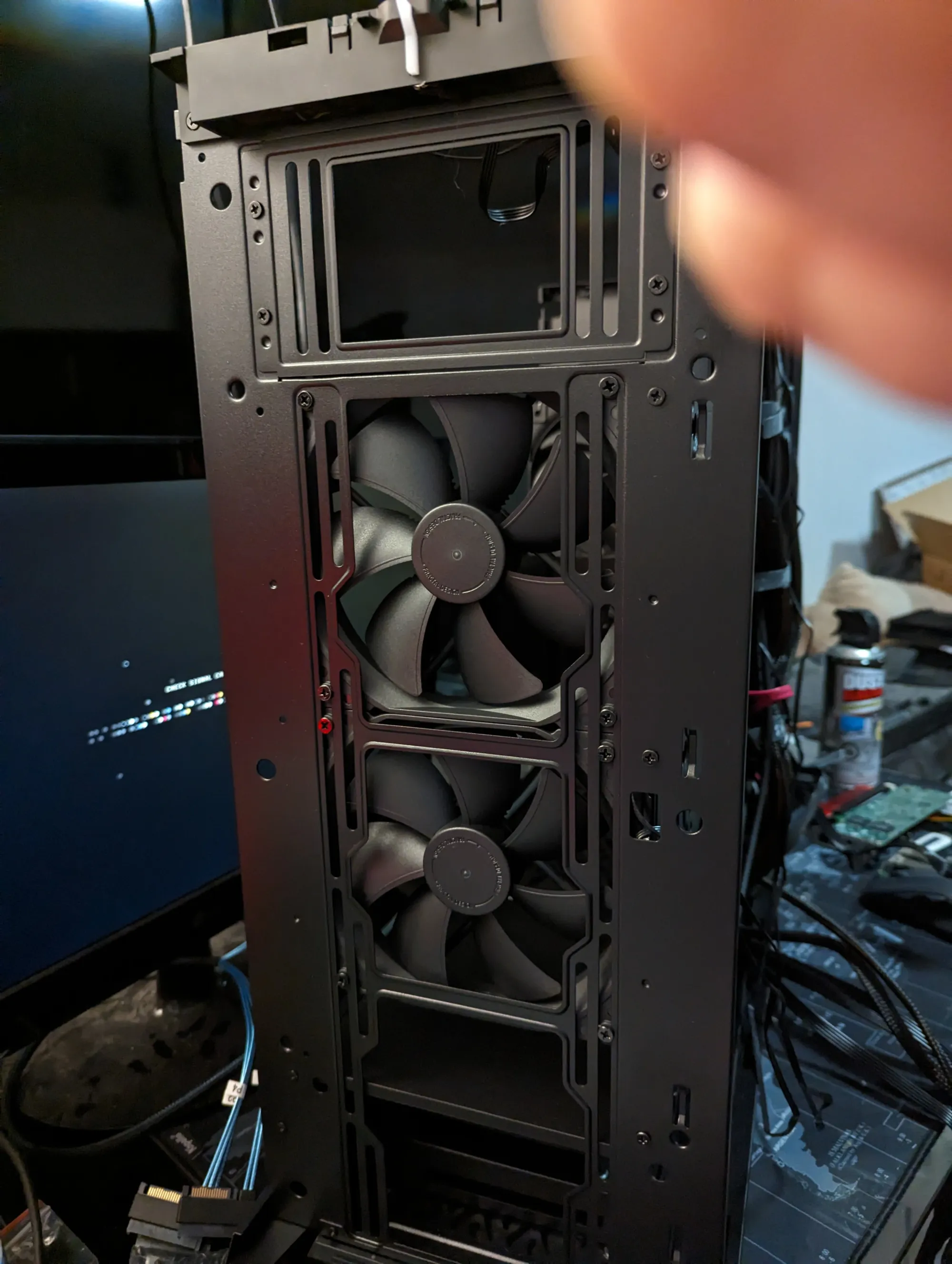
Note: I could install 1 more fan or 1 more hard drive into the Fractal Case. If I had even more drives, I could swap the top fan out for a full 3X 3.5 inch drives up there!
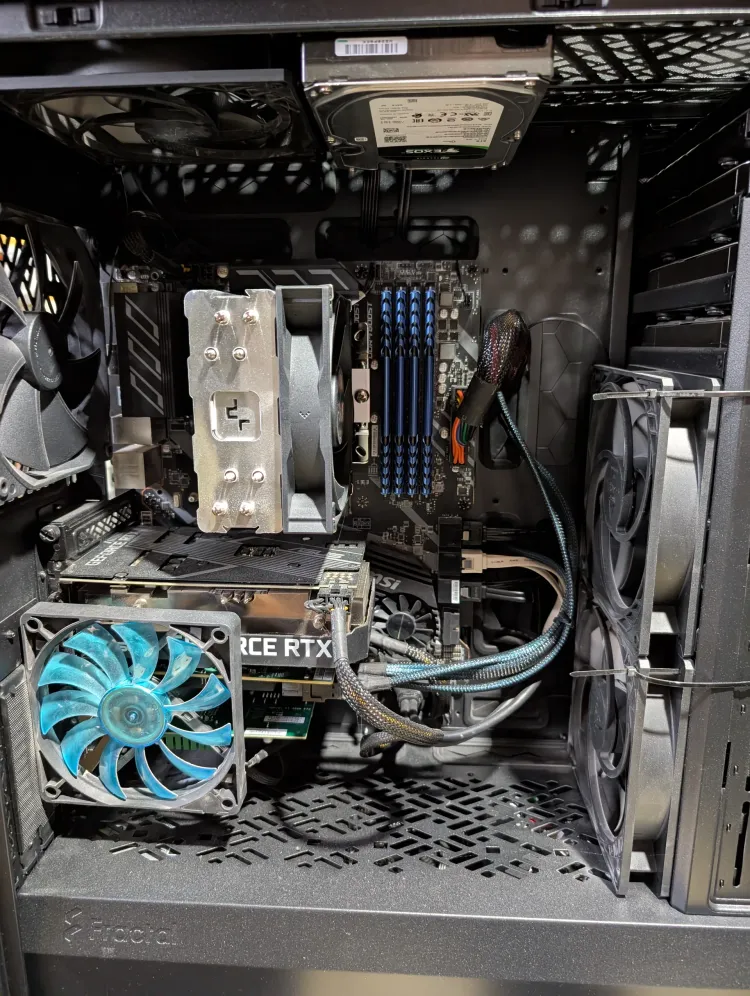
3. Compute & Transcoding: Nvidia RTX 3060
Alongside the enterprise HBA sits an Nvidia RTX 3060. This card is the ultimate sweet spot for a modern homelab. With 12GB of VRAM, it acts as the heavy lifter for:
- Hardware-accelerated video transcoding for media streaming.
- Local AI model testing and text-to-speech generation.
- Parallel processing for self-hosted container workloads.
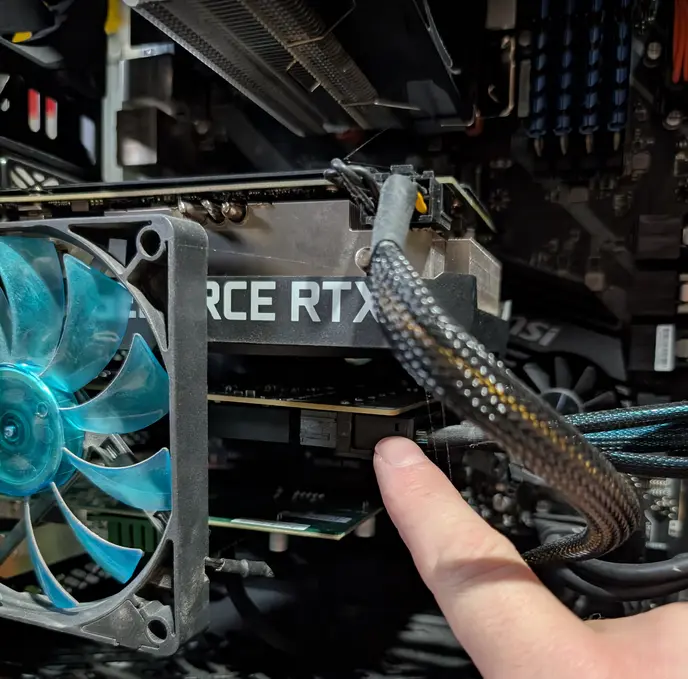
The case features generous PCIe slot spacing, meaning the RTX 3060 has plenty of breathing room right next to the hot-running LSI HBA card.
Thermal Engineering: Cooling 18 Drives Silently
Heat is the absolute enemy of mechanical hard drive longevity. Shoving 18 drives close together is a recipe for a thermal meltdown if your airflow isn’t dialed in. So this is where my Arctic PWM fans came into play. My plan was:
- 3X intake fans blowing cool air directly over the 12X front SAS drives into the case nad;
- 2X Fans on the back side of those, "sucking" and helping push air through the case over the drives, pulling from the front drives and;
- 1X Top mounted fan and 1X rear fan, ontop of the CPU and GPU fans.
- Lastly, a PCIE side-mounted slot-fan for the HBA!
The Arctic P12 high-performance fans are configured in a push-pull orientation through the front intake and top/rear exhaust, these fans are specifically optimized for high static pressure.
Static pressure is critical here: the air has to be forcefully shoved through the incredibly tight gaps of an 18-drive mechanical wall. The Arctic P12s do this flawlessly while remaining completely silent at lower RPMs, keeping my drive temps hovering at a beautiful 35°C to 41°C under full load.
The Software Stack: Powering 58 Containers and Local Infrastructure
Hardware is only as good as the software running on it. This massive hardware footprint allows me to host a completely self-contained local cloud. The server continuously handles 58 Docker containers without breaking a sweat, split across core infrastructural pillars:
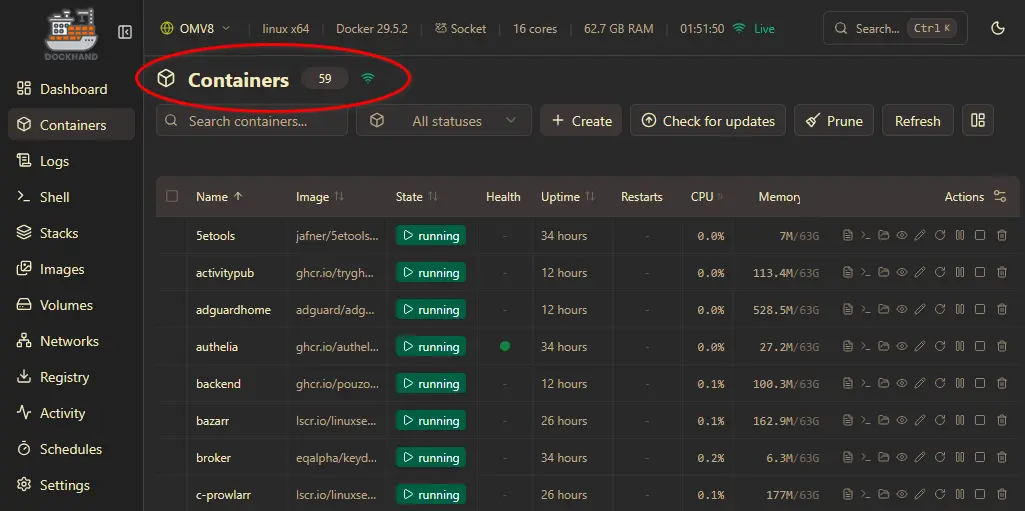
Core Production Website
This very website is self-hosted right out of this chassis! Running on an optimized Docker stack utilizing a high-performance CMS backend, the Define 7 XL gives me the peace of mind that my production data is entirely bare-metal under my own roof.
Home Automation Nerve Center (Home Assistant & n8n)
My entire home's intelligence relies on this machine.
- Home Assistant Docker: Manages hundreds of IoT devices, zigbee sensors, and local smart power monitoring. Because it runs locally on this hardware, there is zero latency and total privacy.
- n8n (Workflow Automation): Acts as the advanced logic engine, tying together everything from automatic server backup notifications to cybersecurity alert triaging via custom webhooks.
Media Automation & Storage Management
Behind the scenes, a comprehensive media automation stack manages data ingestion, integrity verification, parity calculations, and secure access permissions across the entire 18-drive volume. Ensuring my Linux ISO's are safe, secure, and performantly copied as needed. 😉
The Spouse-Approval Factor (SAF): Noise and Aesthetics
Let's talk about the real-world reality of a home server: acoustics.
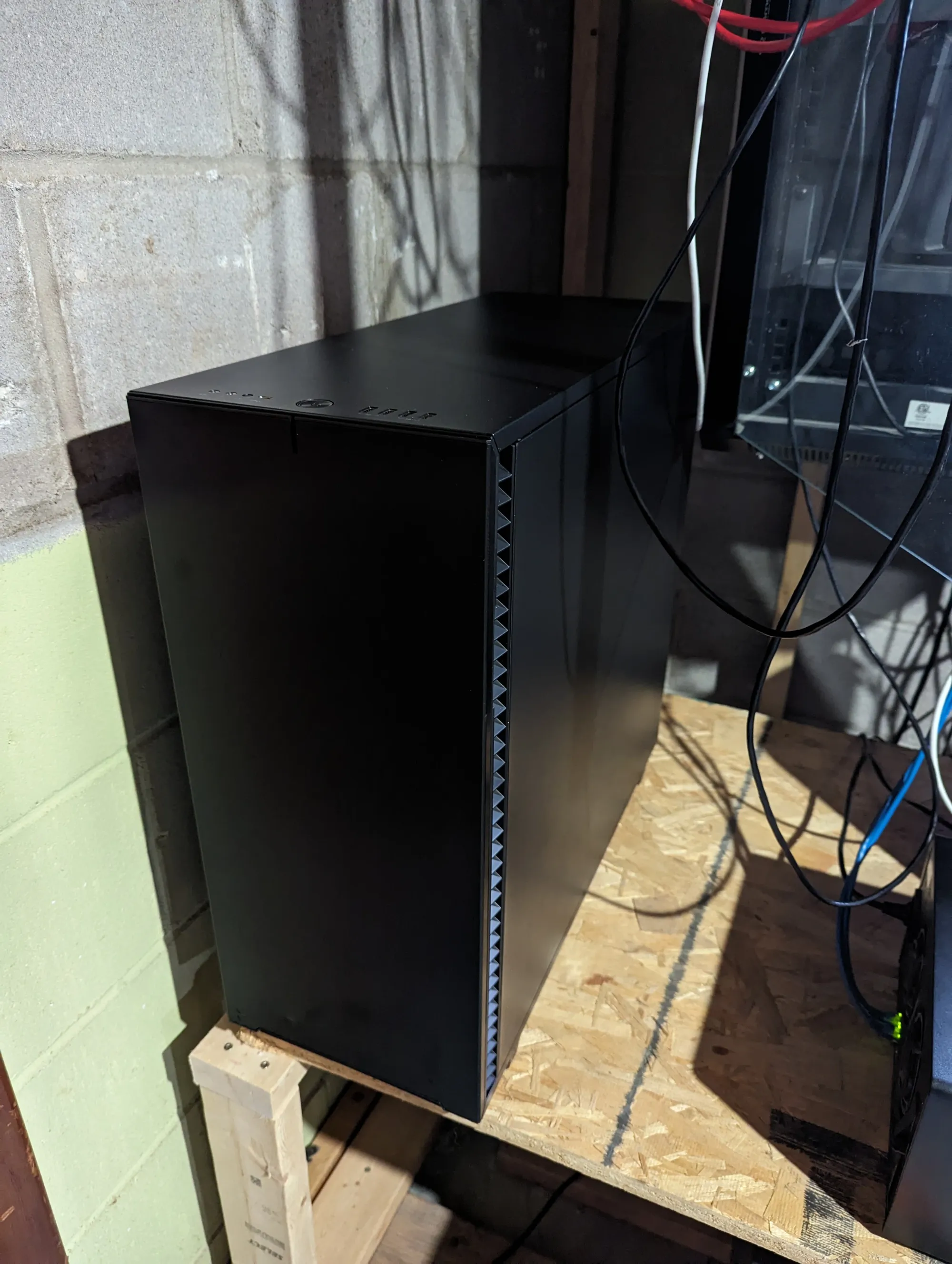
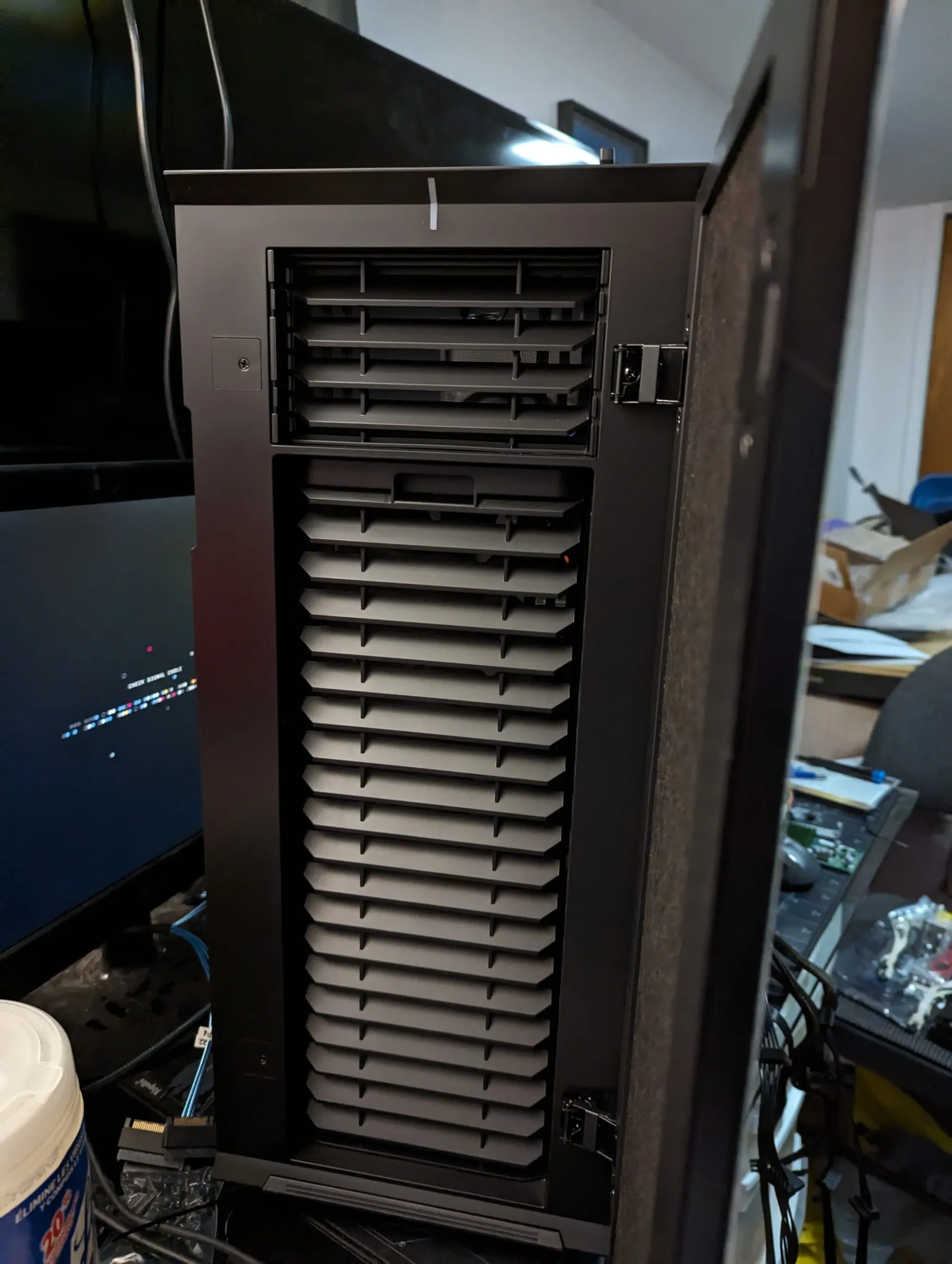
If a server is too loud, it gets banished to a garage or a damp closet - environments hostile to electronics. The Define 7 XL features industrial-grade sound dampening material baked directly into the front and side panels.
When you close the solid steel side panel and shut the front brushed-aluminum door, the high-frequency click-clack of 18 spinning hard drives vanishes. What you are left with is a subtle, low-frequency hum that easily blends into the background noise of any room. It looks like a high-end, minimalistic piece of office furniture rather than a data center monolith.
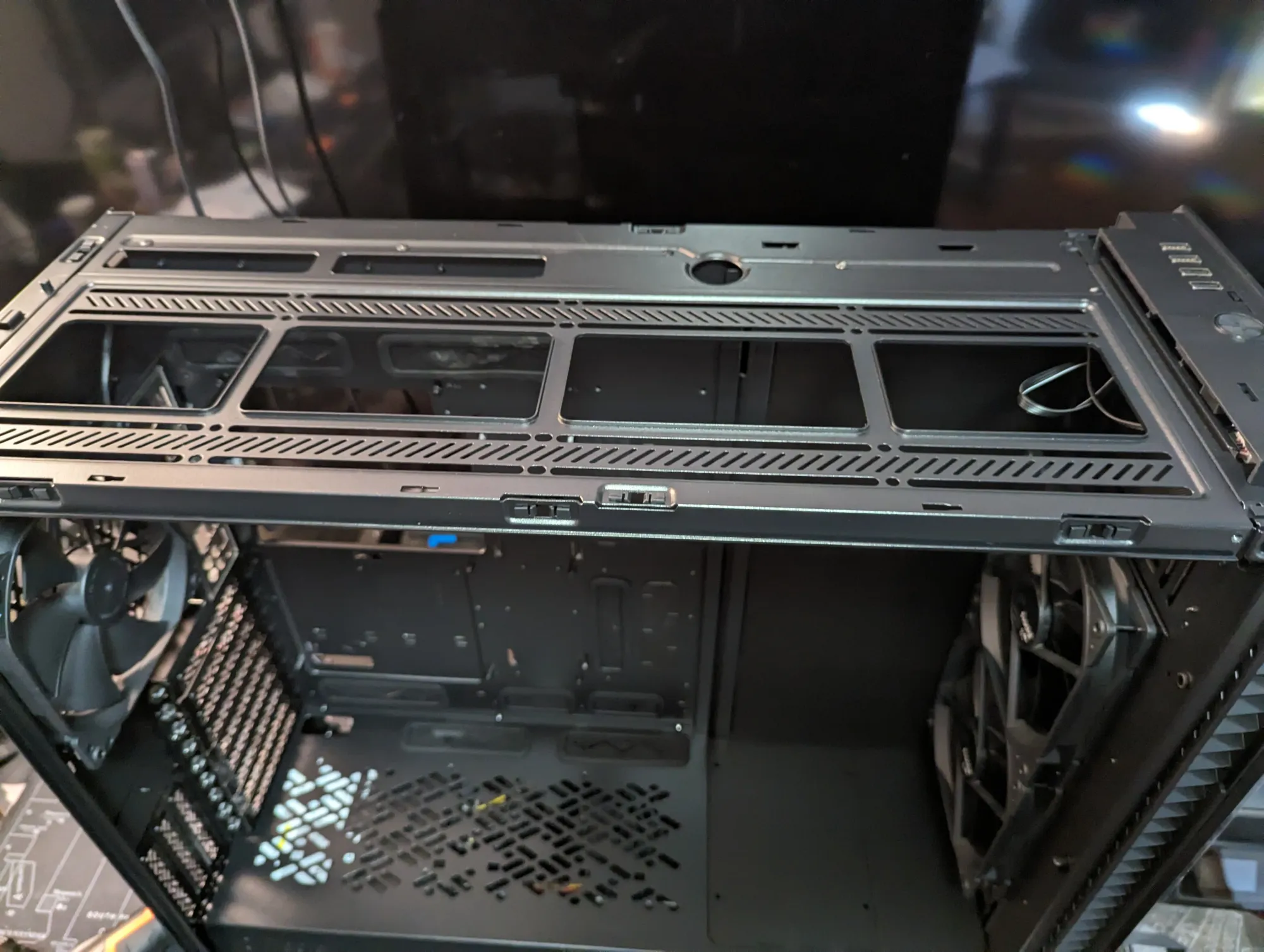
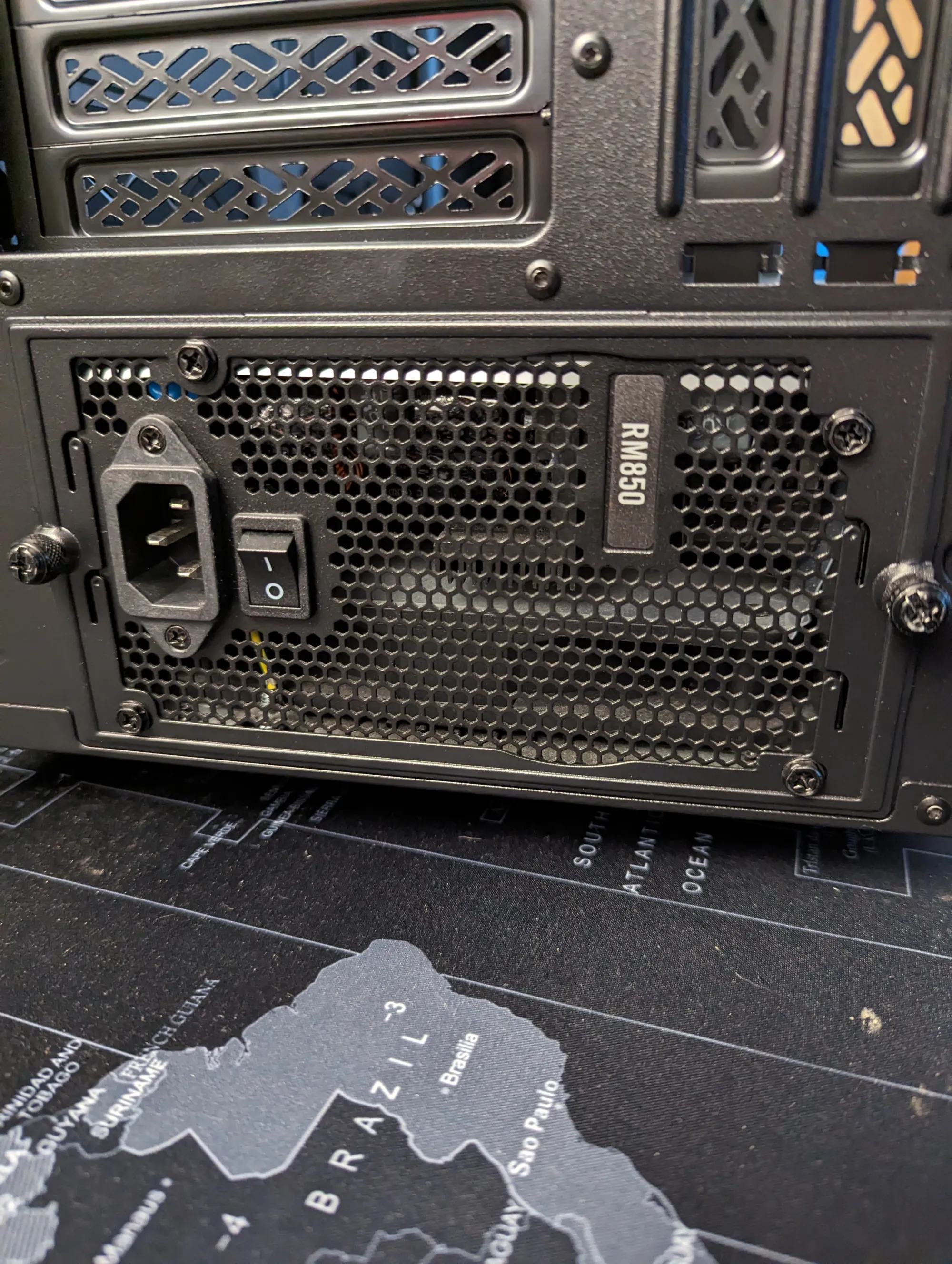
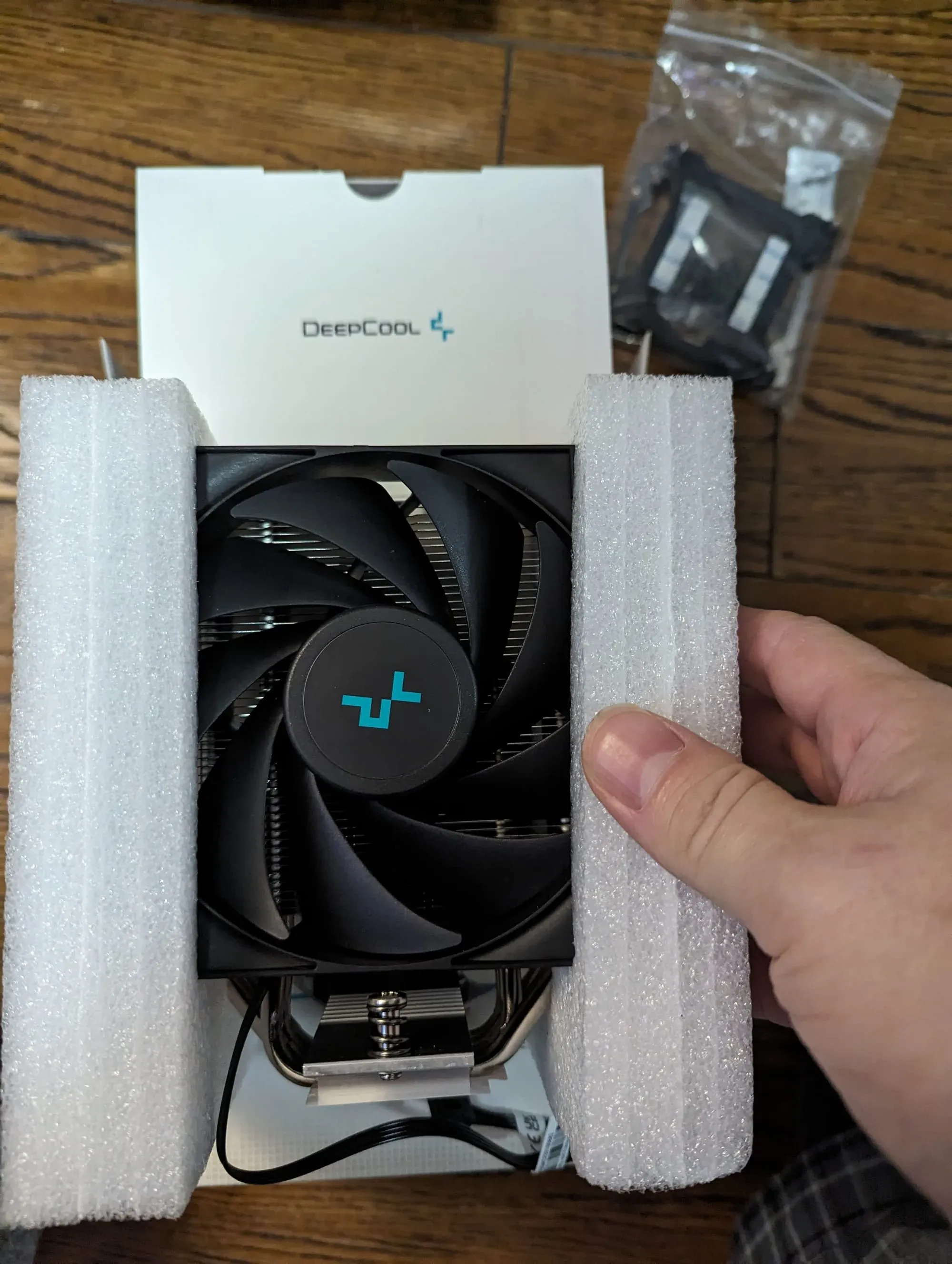
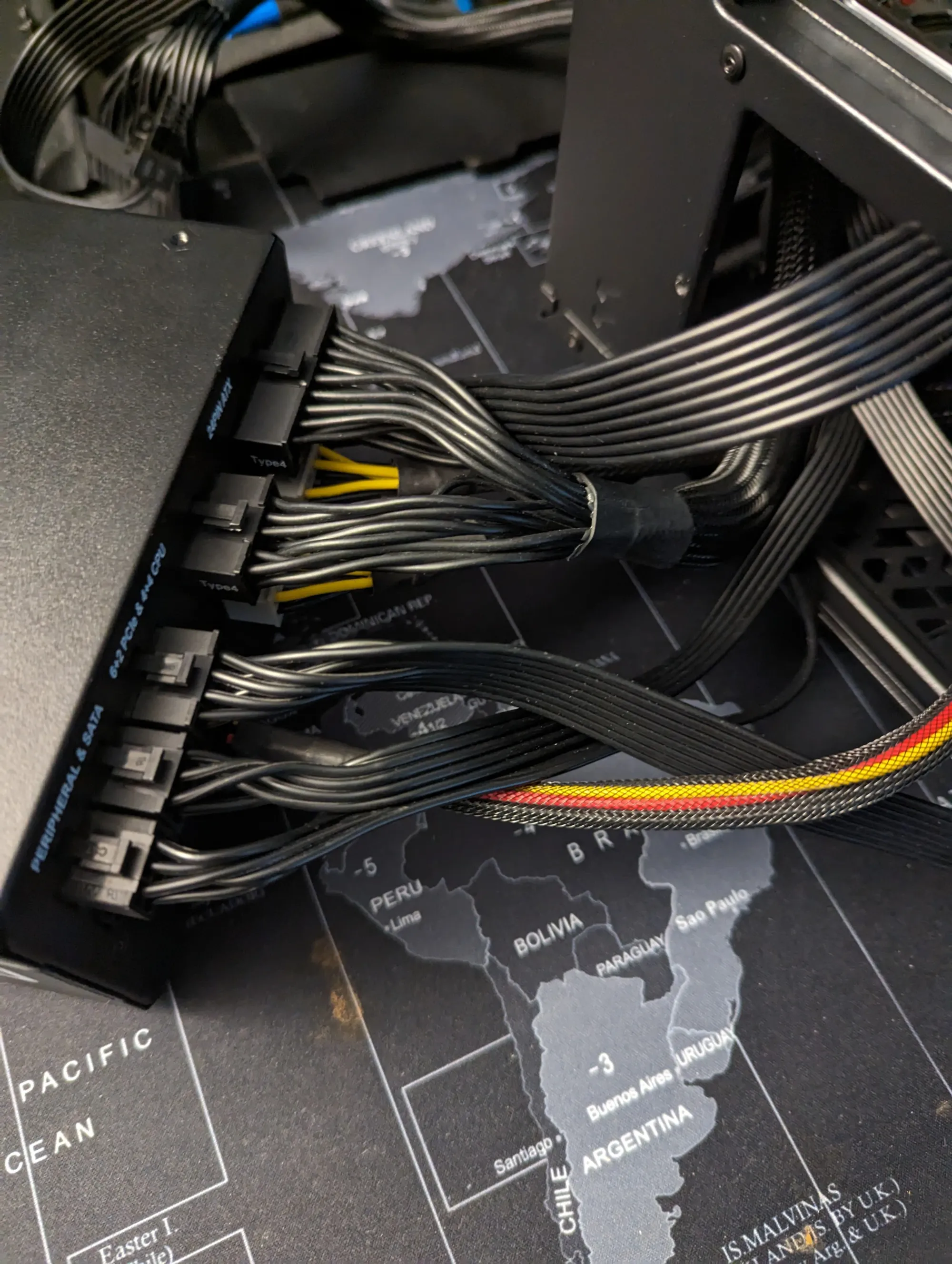
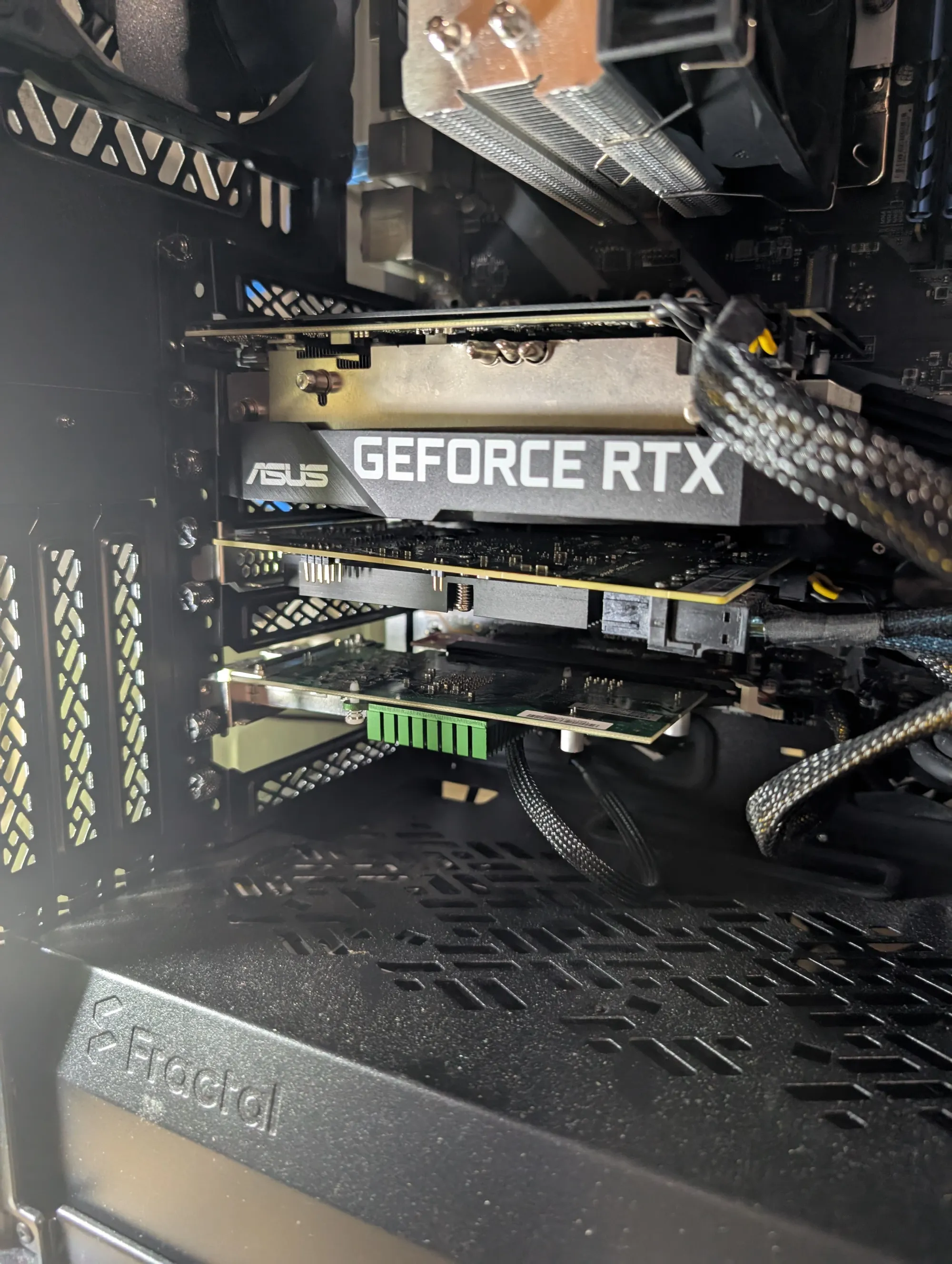
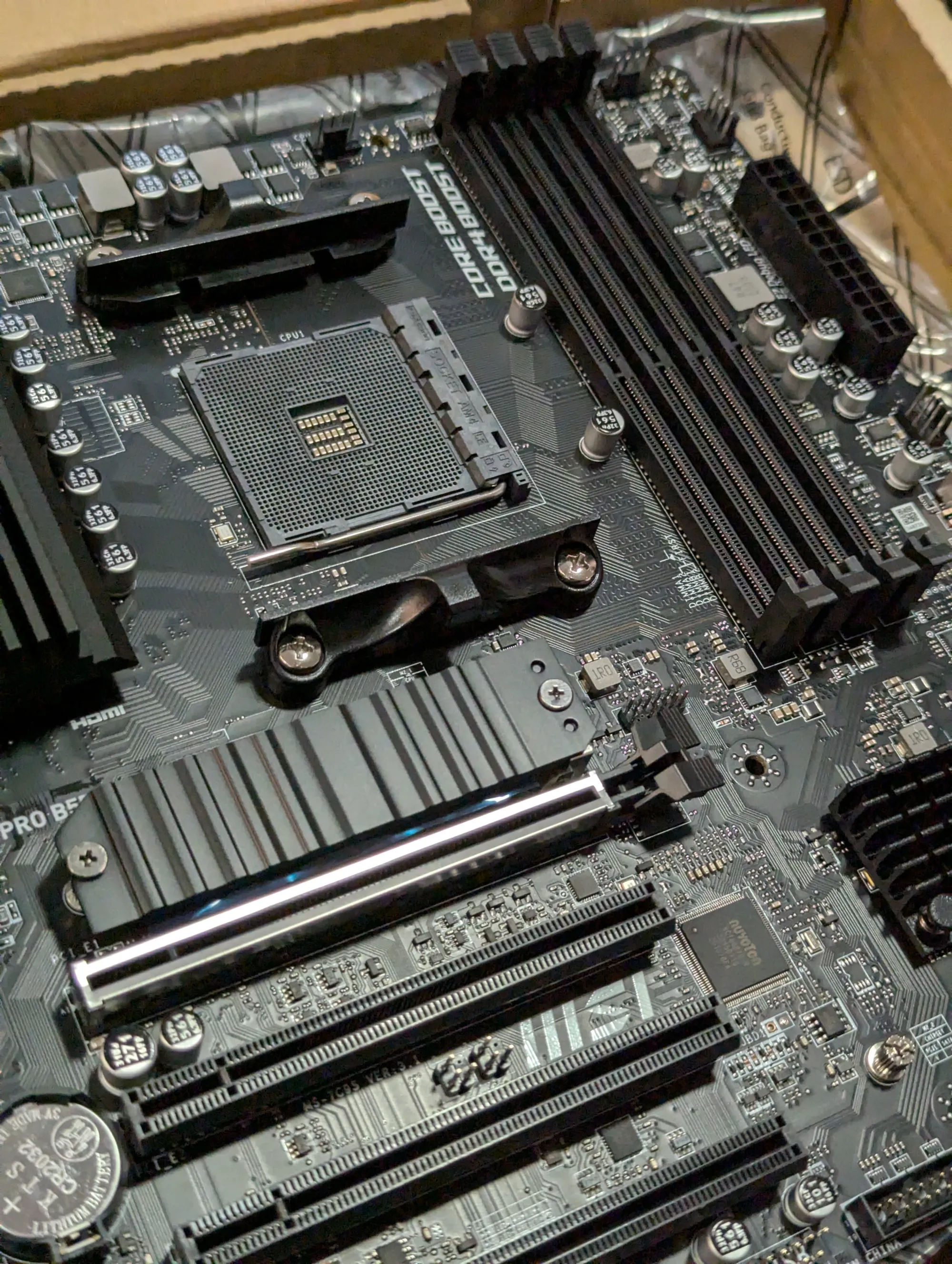
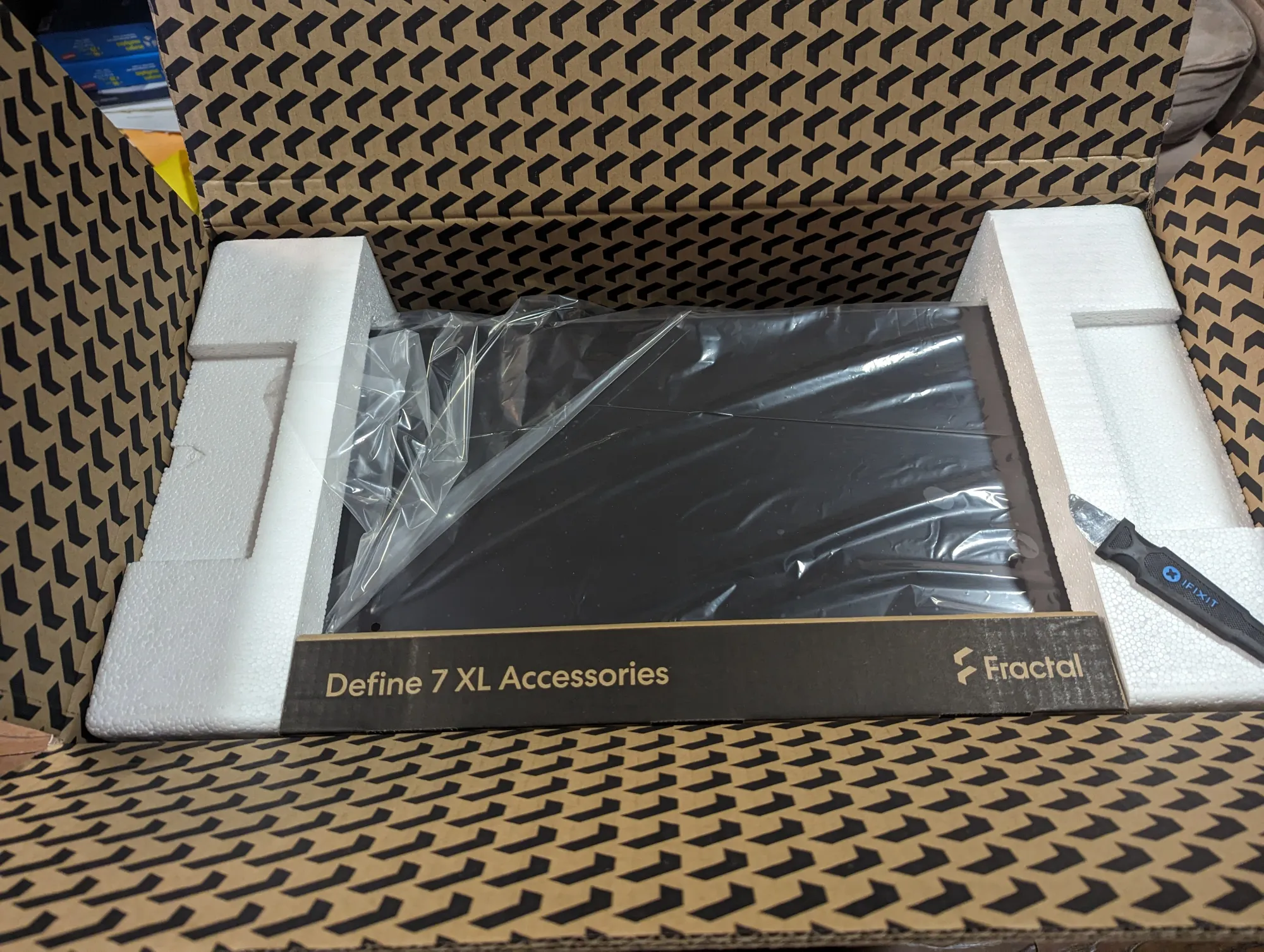
Fractal Design Define 7 XL Build gallery
Pros and Cons: A Real-World Homelab Assessment
The Pros:
- Unmatched Storage Density: 18+ internal drives without needing an external SAS disk shelf (JBOD).
- Industrial Build Quality: Thick steel, zero vibrations, premium tool-less top panel latches.
- Extreme Component Layout Versatility: Easily accommodates E-ATX motherboards, massive GPUs, and full-length enterprise PCIe cards simultaneously.
- Brilliant Cable Management: Deep routing channels, pre-installed hook-and-loop straps, and an abundance of tie-down points make routing massive power and SAS cables a breeze.
The Cons:
- Weight: Fully loaded with 18 drives, an HBA, a GPU, and a beefy power supply, this tower weighs well over 80 lbs. It is a literal back-breaker to move.
- Additional Accessory Cost: The case only ships with a limited number of drive trays. To scale up to 18 drives, you will need to purchase additional Fractal HDD Tray Kit Type-B packs separately, mentioned above.
Final Verdict: Is the Define 7 XL Worth It in 2026?
If your goal is to build a high-density, ultra-quiet, bulletproof server that will protect your data and power your home ecosystem for the next decade, absolutely yes.
The Fractal Design Define 7 XL isn't just a computer case; it’s infrastructure.
It eliminates the need for messy, loud, power-hungry rack equipment by consolidating massive storage and enterprise compute into a sleek, silent desktop tower. It has perfectly anchored my 18-drive, 58-container ecosystem, and it isn't slowing down anytime soon.
Build Your Own Monolith:
Ready to take total control of your data ownership? Use the links below to pick up the core components used in this build:
- Chassis: [Fractal Design Define 7 XL] (Affiliate Link)
- High-Static Pressure Fans: [Arctic P12 Fan Pack] (Affiliate Link)
- Storage Controller: [LSI 9400-16i HBA] (Affiliate Link)
- Extra Drive Brackets: [Fractal Type-B HDD Trays] (Affiliate Link)
Have questions about configuring the Storage Layout or routing cables for 18 drives? Drop a comment below!
❓ Frequently Asked Questions (FAQ)
How many drives can the Fractal Design Define 7 XL actually hold?
18+ internal drives, which is enough storage density that most homelabbers never need an external SAS disk shelf (JBOD). The case ships with a limited number of drive trays out of the box, though — scaling up to the full 18-drive count requires buying additional Fractal HDD Tray Kit Type-B packs separately.
Do I need an HBA card to run this many drives?
Yes. An LSI 9400-16i HBA (Host Bus Adapter) is what actually drives an array this large — consumer motherboards don't have anywhere near enough native SATA ports for 18 drives, so the HBA presents them all directly to the OS.
Is the Define 7 XL heavy once fully loaded?
Very. Fully loaded with 18 drives, an HBA, a GPU, and a substantial power supply, the tower weighs well over 80 lbs — it's a genuine two-person job to move once built.
Can this case fit a GPU alongside all those drives?
Yes — the case's layout versatility easily accommodates E-ATX motherboards, large GPUs (an RTX 3060 for transcoding in this build), and full-length enterprise PCIe cards simultaneously, without the internal drive cage layout getting in the way.
Is a tower case better than a rackmount server for a homelab?
For most home environments, yes. A tower like the Define 7 XL delivers rack-server levels of storage and compute density while staying quiet and blending into a home office or living space — something rackmount chassis, with their loud, high-RPM fans, generally can't do without dedicated soundproofing.
Is the Define 7 XL still worth buying in 2026?
Yes, if your goal is a high-density, quiet, long-term storage and compute server. It eliminates the need for separate, loud rack equipment by consolidating massive storage and enterprise-grade compute into one silent desktop tower — the build in this review runs 18 drives and 58 Docker containers without issue.


Member discussion