
Beyond the Fluff: Real-World CI/CD Automation for Your Homelab

CI/CD is more than just an enterprise buzzword; it’s a fundamental shift in how homelab enthusiasts and self-hosters manage their infrastructure and application deployments. Forget vague promises—implementing a Continuous Integration and Continuous Deployment (CI/CD) pipeline moves your setup from a manual, error-prone environment to a professional-grade, reproducible, and reliable system.
While big tech companies certainly leverage this automation, a modern homelab is arguably the perfect proving ground, offering direct, tangible benefits like faster feature rollouts and significantly reduced operational overhead.

What Is CI/CD and it's Importance in a Homelab?
Continuous Integration (CI) and Continuous Deployment (CD) form an automated methodology designed to reduce human error, streamline workflows, and ensure consistency from code change to production release.
Originally programming concepts, these have been widely adopted into the DevOps and DevSecOps methodologies in the IT world.
In a homelab, this translates directly to managing services like Plex, Nextcloud, Home Assistant, or custom applications with the same rigor and efficiency as a major company manages its services.
Understanding The Core Principles with Real Tools
| Principle | Description | Homelab Tool Examples |
| Continuous Integration (CI) | Automatically merging code (e.g., a new feature for your custom monitoring dashboard or a configuration change) into a shared repository, followed by automated testing and building (e.g., creating a new Docker image). | GitHub, GitLab, or Gitea (for self-hosted Git repositories). Jenkins, GitLab CI, or GitHub Actions for orchestrating the build and test stages. |
| Continuous Testing | Running automated tests (unit, integration, configuration validation) to check code quality and functionality before deployment. | Shell scripts, Python unittest, or Goss (for server configuration validation) triggered by a CI tool like GitLab CI. |
| Continuous Deployment (CD) | Automatically deploying the validated build (e.g., a new Docker container) to the target environment (your homelab server or Kubernetes cluster). | Ansible (for configuration management and deployment), Terraform (for infrastructure provisioning), Flux CD or Argo CD (for GitOps deployment to Kubernetes). |
Practical, Factual Benefits for Homelab Enthusiasts
The benefit isn't theoretical; it's a measurable reduction in time spent on manual maintenance.
- Reproducibility: Use Terraform to define your virtual machines or Ansible to define your host configuration. If a server fails, you can redeploy the entire environment identically within minutes.
- Reduced Configuration Drift: Ansible playbooks enforce a specific state. Running a playbook ensures every server is configured exactly the same way, preventing "it works on my machine" issues across your servers.
- Faster Rollbacks: If a new version of Home Assistant breaks your smart home, a CD pipeline using Docker and a tool like Portainer or Argo CD allows for an immediate, automated rollback to the last stable version, minimizing downtime.
You can run these kinds of tools on just about any hardware that Linux operates on, such as a NAS.

4-Bay NAS! Intel Pentium Gold 8505 5-Core CPU, 8GB DDR5 RAM, 128G SSD, 1 * 10GbE, 1 * 2.5GbE, 2 * M.2 NVMe Slots, 4K HDMI
Understanding The Automation Components of CI/CD in Homelabs
Moving beyond the what and into the how, a robust homelab CI/CD pipeline relies on several integrated, real-world tools that handle specific functions.
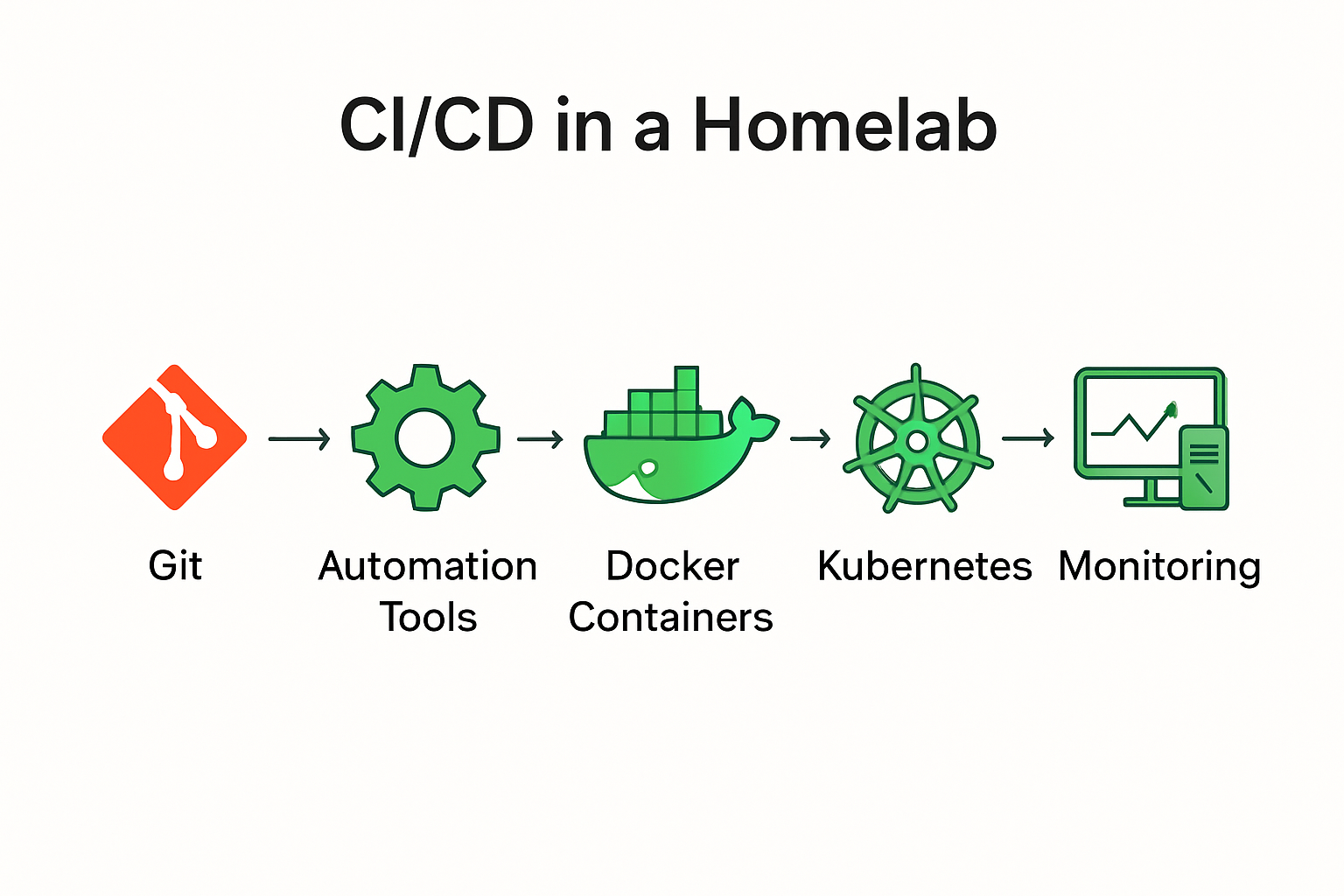
Core Architectural Components and Tooling
| Component Type | Purpose in Homelab CI/CD | Essential Tool Examples |
| Version Control System (VCS) | The single source of truth for all application code, configuration files, and infrastructure definitions (Infrastructure as Code). | Git hosted on GitHub, GitLab, or Gitea. |
| CI/CD Orchestrator | The "brain" that monitors the VCS for changes, triggers the pipeline, and runs the necessary build, test, and deployment jobs. | Jenkins, GitLab CI, GitHub Actions, or Drone CI. |
| Containerization/Virtualization | Ensures the application runs consistently across development and deployment environments by packaging it with all dependencies. | Docker or Podman for containers; Proxmox or VMware ESXi for VMs. |
| Configuration Management (IaC) | Automates the setup and maintenance of the underlying host operating systems, network settings, and application configuration files. | Ansible (agentless, uses SSH) or SaltStack (master/minion architecture). |
| Orchestration / GitOps | Manages the lifecycle and scaling of containerized applications in the final environment. GitOps ensures the deployed state matches the configuration in Git. | Kubernetes (full-scale), k3s (lightweight Kubernetes), Flux CD, or Argo CD (for GitOps). |
Practical Deployment Strategy: The GitOps Model
For homelabs managing containerized services (which is common for self-hosting), the GitOps model is highly effective.
- A user commits a change to the configuration (e.g., updates the required Docker image version for Jellyfin) in a Git repository.
- The GitOps tool (Flux CD or Argo CD) running inside your k3s cluster monitors that Git repository.
- The tool automatically pulls the change and applies it to the cluster, deploying the new container version.
This workflow means the only way to change your infrastructure is by changing code in Git, which is tracked, reviewable, and reversible.
Real-World Automation Scenarios with CI/CD Tools
CI/CD in a homelab is best understood through concrete, end-to-end examples using the tools mentioned above.
flowchart TD
A["🧑💻 Developer"]
B["💾 GitHub/GitLab Repo"]
C["⚙️ CI Pipeline"]
D["☁️ Terraform IaC"]
E["⚙️ Ansible Playbooks"]
F["🐳 Docker Containers"]
G["🏠 Home Assistant Configs"]
A --> B --> C --> D --> E --> F --> G
Scenario 1: Automated Server Configuration Management
If you have multiple servers (VMs, Raspberry Pis, or physical hosts), manually updating security patches or installing new packages is time-consuming and inconsistent.
- Tool: Ansible
- Workflow:
- Define server configuration (e.g., "all servers must have Prometheus Node Exporter installed and running") in Ansible Playbooks and store them in a Git repository.
- Set up a daily GitLab CI or Jenkins job to execute the Ansible playbook against all defined hosts.
- Result: Every morning, the job ensures every server is in the desired state, immediately correcting any manual changes or configuration drift without human intervention.
Scenario 2: Continuous Deployment of a Self-Hosted Application
For those who develop their own tools (e.g., a custom API or web dashboard), CI/CD streamlines the release process.
- Tools: GitHub Actions, Docker, Ansible (or k3s / Argo CD).
- Workflow:
- Developer pushes new code to GitHub.
- GitHub Actions (the CI Orchestrator) automatically runs a pipeline: a. Test: Runs Python
unittestsuite. b. Build: Builds a new Docker container image. c. Push: Pushes the newly tagged image to a container registry (e.g., Docker Hub or Quay.io). - If using a simple setup, the action triggers an Ansible playbook that logs into the deployment server and pulls/restarts the new Docker image.
- If using k3s/Argo CD, the action updates the image tag in the GitOps repository, and Argo CD automatically notices the change and deploys the new container version.
- Result: Code changes are tested and deployed to the homelab environment within minutes of a commit, without any manual SSH or build commands.
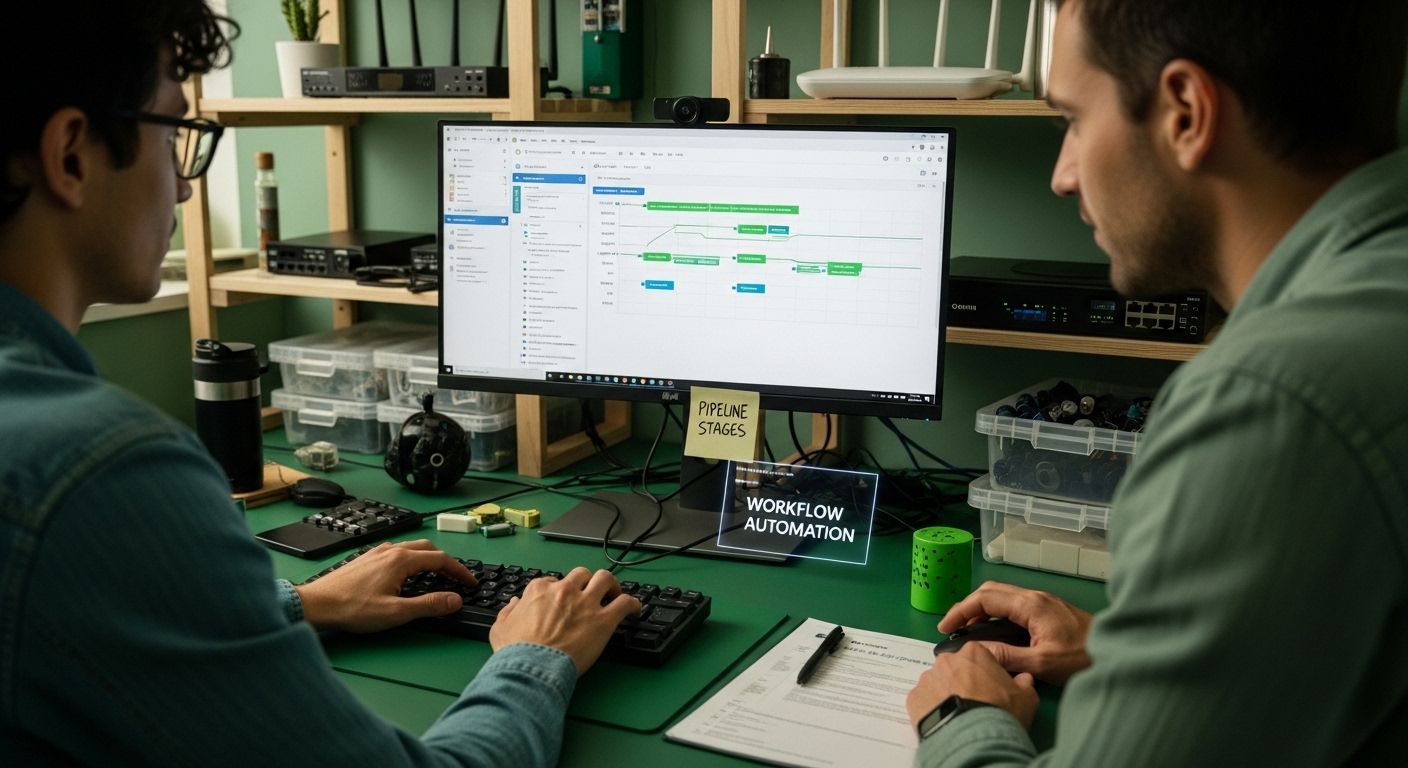
By meticulously designing CI/CD components and workflows, homelab enthusiasts can create powerful, scalable infrastructure that mimics enterprise-grade software development practices while maintaining flexibility and personal customization.
Frequently Asked Questions
What is CI/CD in a homelab setup?
CI/CD stands for Continuous Integration and Continuous Deployment, a methodology that automates the processes of integrating code changes, testing applications, and deploying software in a homelab environment.
How does CI/CD enhance the management of a homelab?
CI/CD enhances homelab management by streamlining workflows, reducing manual errors, enabling quick testing and deployment, and ensuring consistent infrastructure across different environments.
What are the key components of a CI/CD pipeline in a homelab?
The key components include Version Control Systems (like Git), Build Automation Tools (such as Jenkins), Containerization Platforms (like Docker), Orchestration Systems (like Kubernetes), and Monitoring Infrastructure (like Prometheus).
Why is CI/CD important for small-scale IT projects in a homelab?
CI/CD is important for small-scale IT projects because it addresses efficiency challenges, reduces manual intervention, provides rapid feedback loops, and allows teams to compete with larger organizations by adopting professional development practices.
Recommended
- Docker Compose on Deb12: Containers & Macvlan Networking
- Home Automation with Docker & Home Assistant 2025
- Homelab on a Budget - Seriously!
- Network; Foundation
Take the next step in CI/CD and learn about DevSecOps -
 SECITHUB

Member discussion