SSD-Deaths & NAS Upgrades, Ghost CMS Home Assistant and Massive Real-Debrid shock & awe!
An OPNsense SSD death, an OMV8 power-outage recovery, a Real-Debrid purge fix, and integrating Ghost CMS with Home Assistant in this Core Lab update.
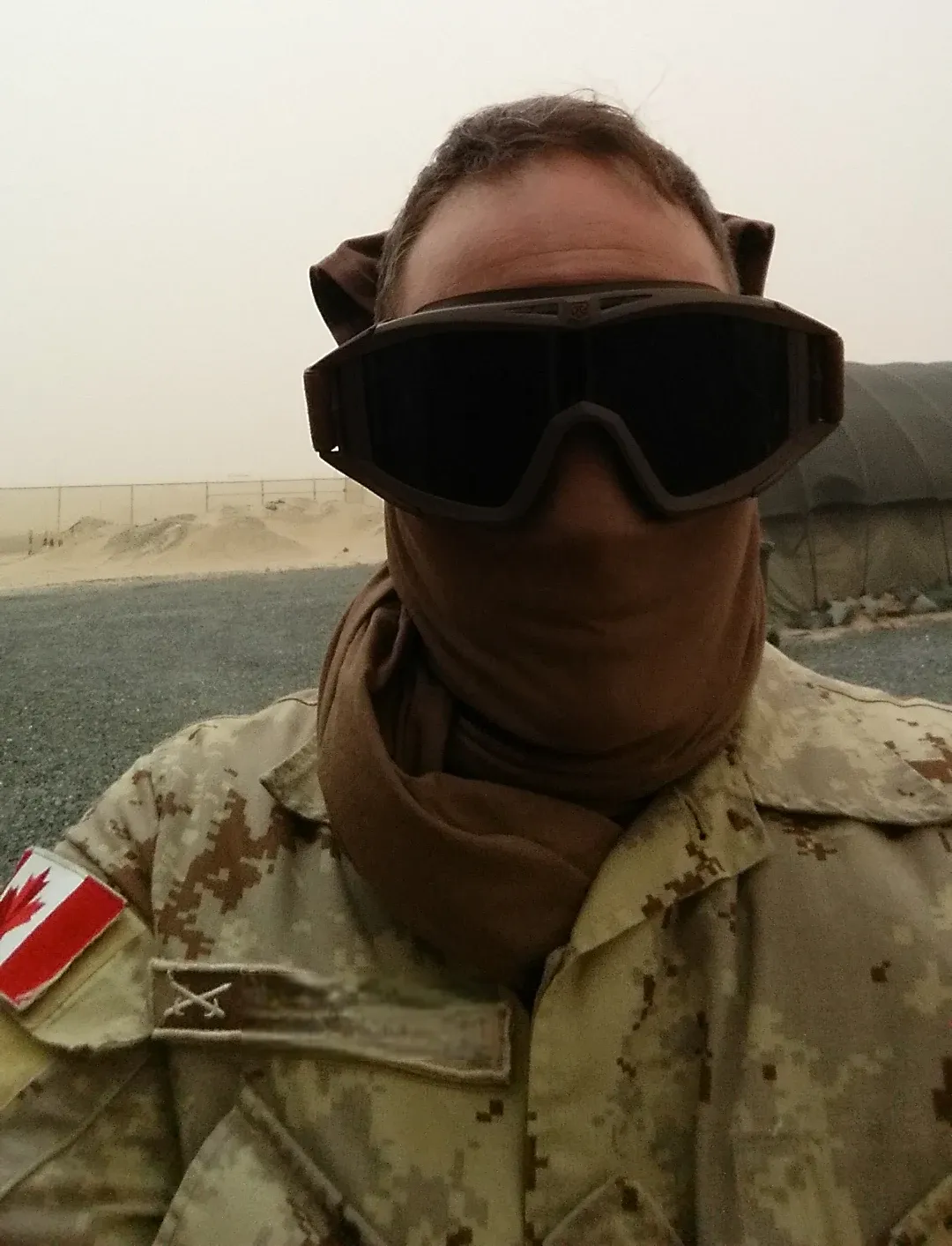
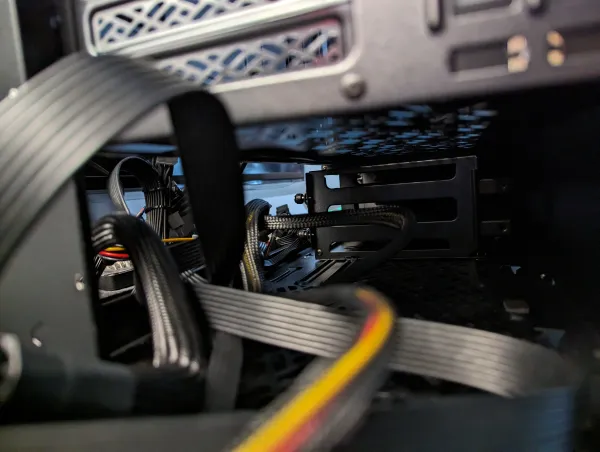
It’s been a bit quiet around here (Core Lab) lately as I’ve been under the weather (sudden health issue!) and digging my way through a backlog of unfinished documentation. Between the health issues & hardware failures, I've fallen behind in my publishing rate!
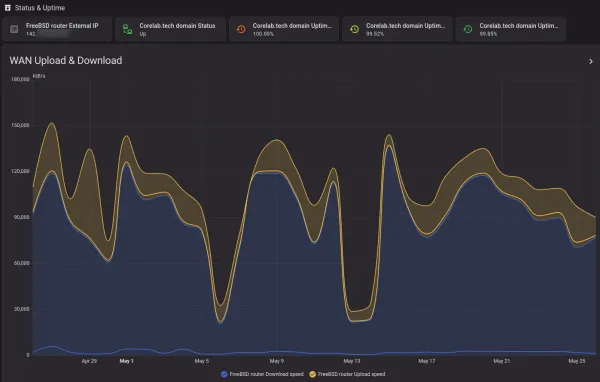
But behind the scenes, the homelab infrastructure hasn't stopped evolving. As mentioned partly due to hardware failures! At the worst time possible... You may have noticed the site was totally offline for about 12-16 hours the weekend of May 15-17th.
1. SSD Death on my OPNsense Firewall
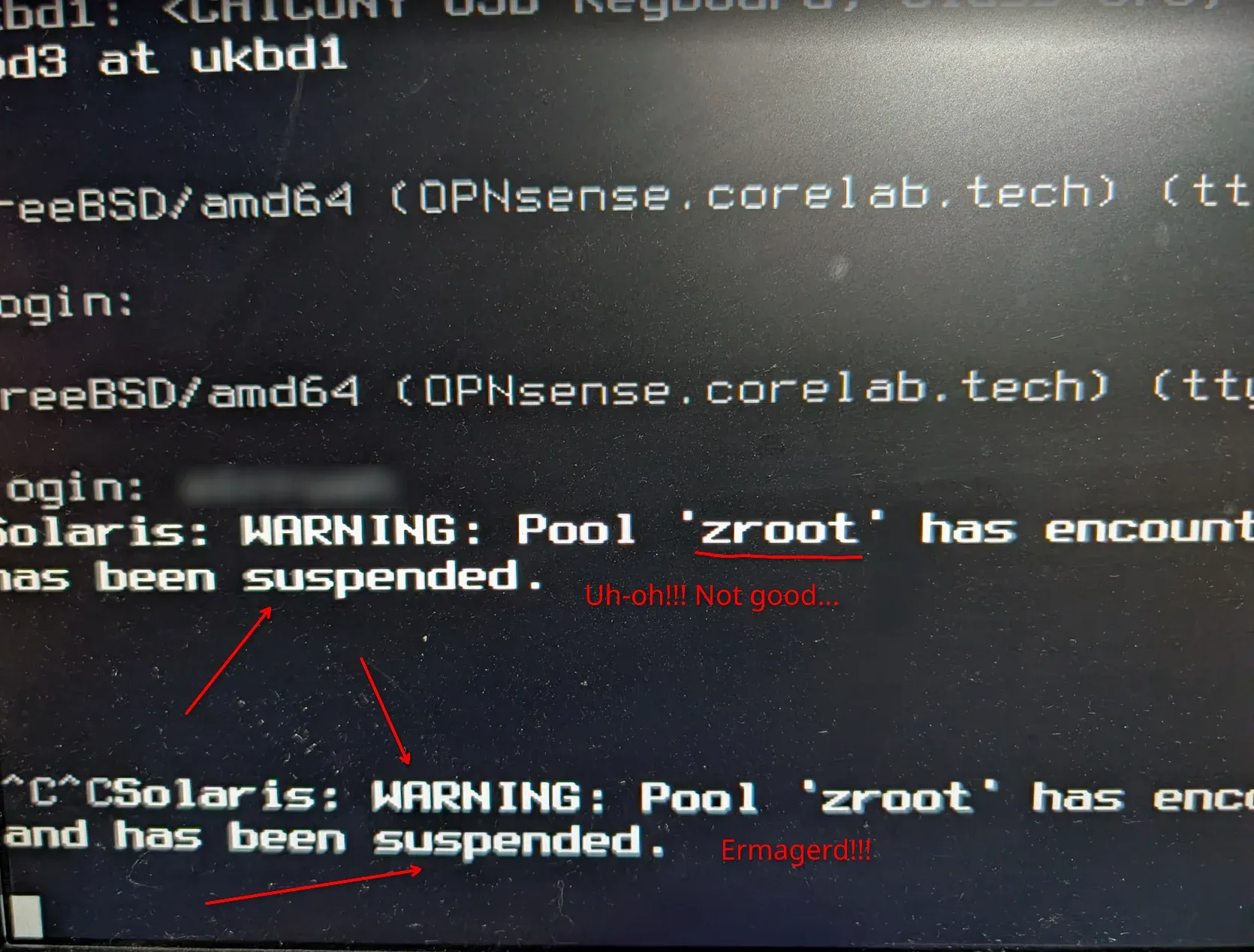
At some point during the late afternoon a couple weeks ago on 5th May, my OPNsense's SSD drive died! This is a VERY old drive, one of the original gen 1 SSD's from around 2010. I've been using it since that time as I prefer to get maximum usage out of my hardware, and money spent... I definitely got my monies worth!
It was part of a 2-drive RAID1 mirror I had setup for my at-the-time brand new gaming computer & workstation I built in early 2012, after my tour to Afghanistan. 1 of the drives died about 3 years in, and this one lasted a lot longer.
The OPNsense 2021/2022 use case
- Used as single ZFS-OS drive for OPNsense
- Performance mitigation of old drive was utilizing ZFS - it has ARC - Adaptive read cache, which ensures once the OS was loaded, OPNsense would primarily utilize RAM (VERY fast, especially in comparison to an old SSD).
- Further optimized by setting up RAM cache for logs & saving writes to the disk, prob why it lasted the last 4+ years as OPNsense OS drive.
- No redundancy, I accepted this risk based off my backup schedule & comfort with restoral process.
- Performance mitigation of old drive was utilizing ZFS - it has ARC - Adaptive read cache, which ensures once the OS was loaded, OPNsense would primarily utilize RAM (VERY fast, especially in comparison to an old SSD).
The OPNsense Emergency Recovery
I recovered by swapping the drive out with a newer SSD (spare), and restoring config from latest backup! VERY quick and almost seamless, OPNsense is absolutely fantastic.
- Let me know if anyone would like to have a guide on doing restores/swaps of hardware in OPNsense but it boiled down to:
- Shutdown, cleaning & annual maintenance of the OPNsense system (Old Alienware desktop).
- Swap bad drive for good drive.
- Install OPNsense onto new drive via USB stick.
- Boot interrupt & restoral from backup on same USB stick.
- Re-install of plugins like Zenarmor etc.
- New OPNsense then reboots upon config restoral, and continues on as if nothing ever happened.
2.When Power Outages Strike - OMV8 needed a Rescue!
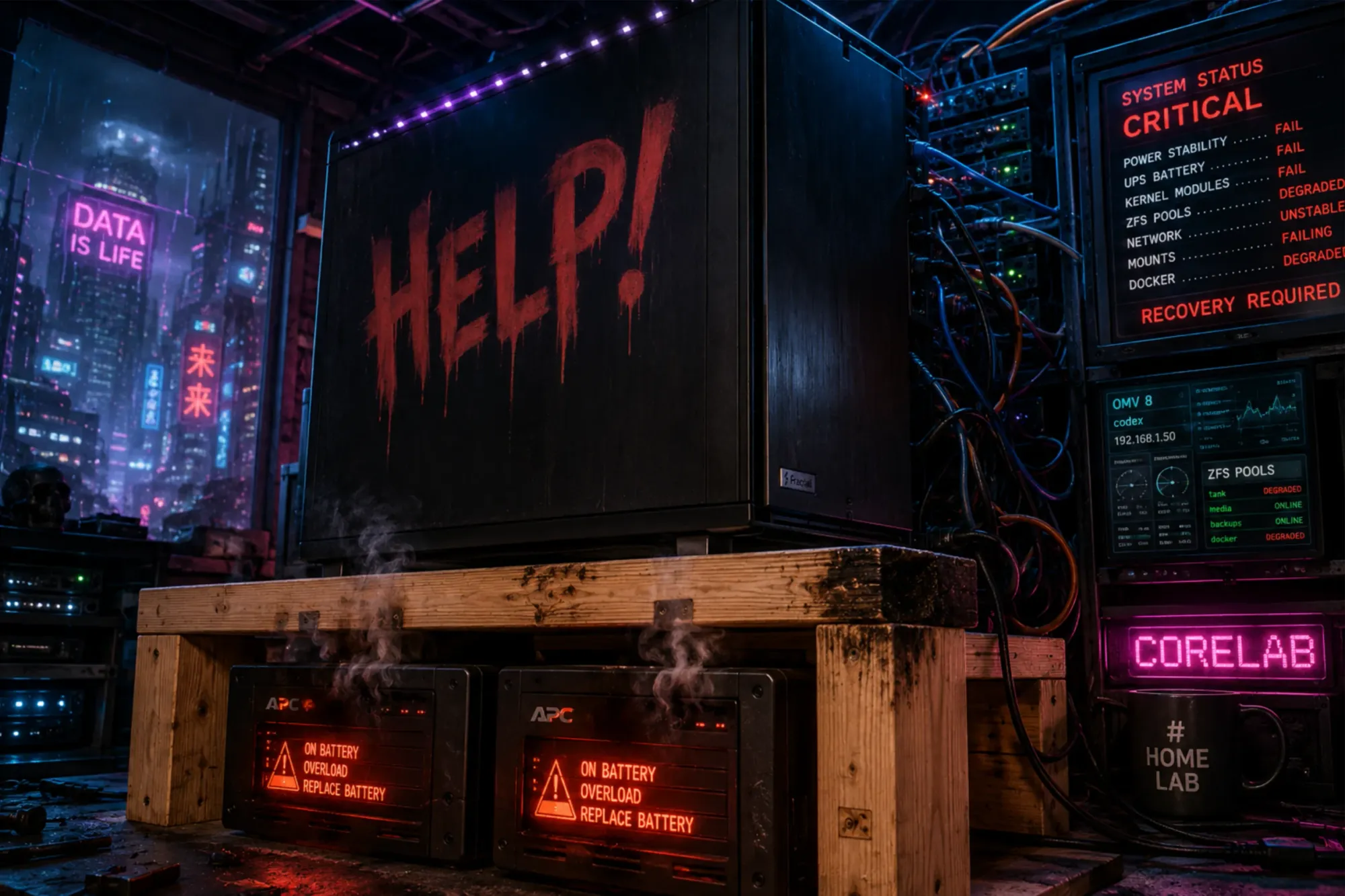
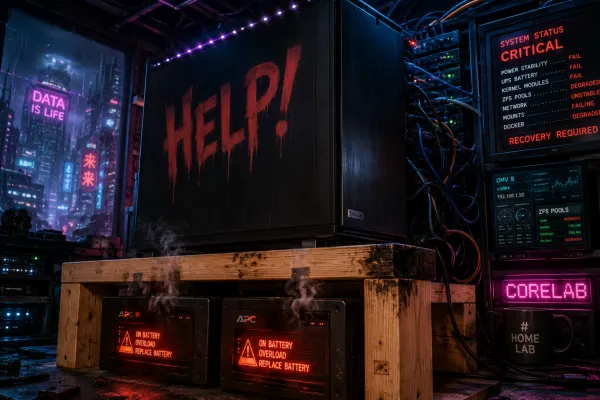
A complete technical post-mortem and recovery guide for OpenMediaVault 8 after rolling power failures corrupt the boot SSD, drift kernels, and break DKMS blocks. It wasn't fun!
3. Storage Architecture: The OpenMediaVault (OMV8) Flash Migration
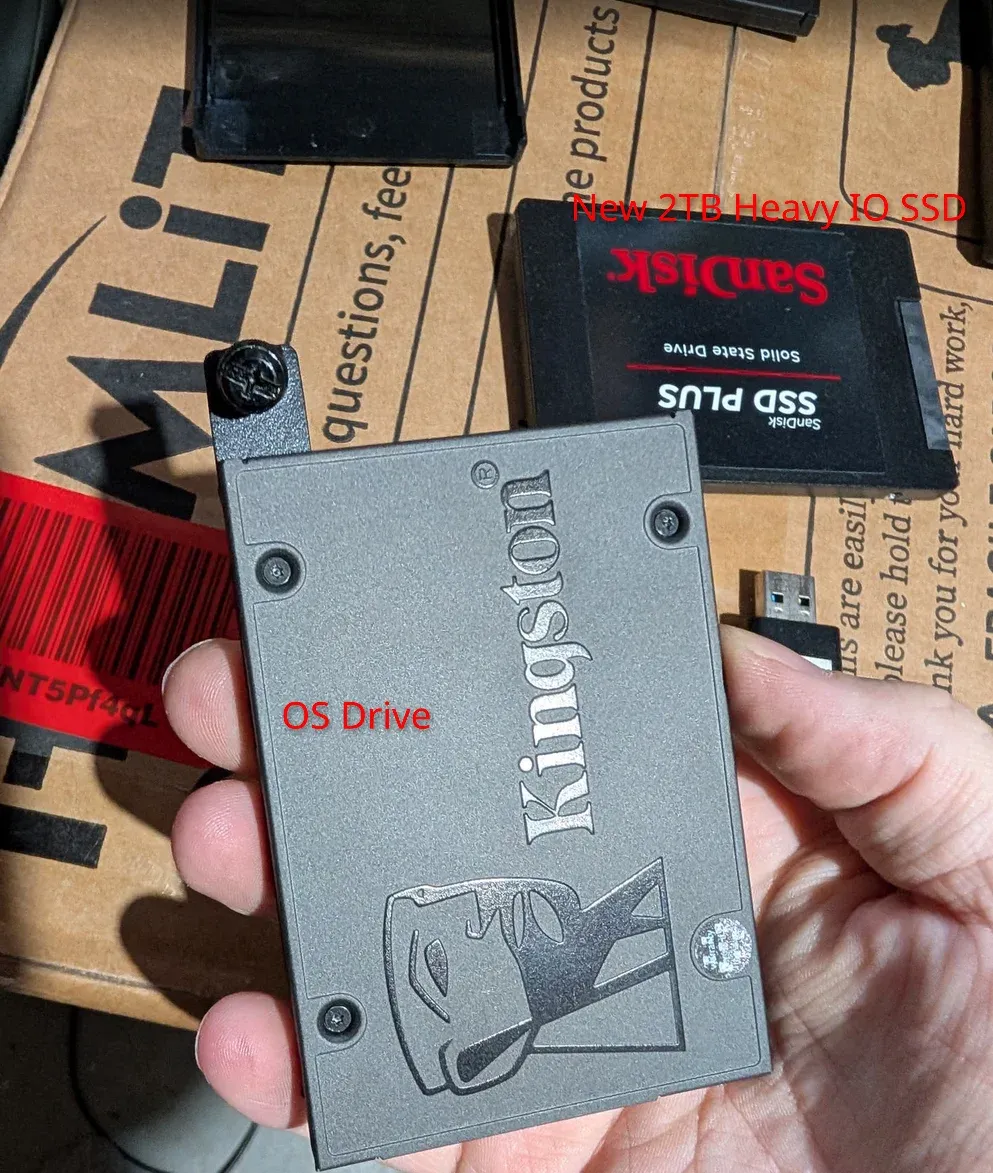
My philosophy has always been about squeezing maximum lifecycle value out of older enterprise and consumer hardware, but sometimes you just need dedicated flash storage to handle heavy, concurrent read/write cycles.
To read the complete detailed annual maintenance, HBA upgrade & drive sway, checkout [The SATA Pivot: Mitigating IOPS Bottlenecks in your Homelab]
This month (May 2nd 2026), the core server (Codex) underwent a strategic storage migration:
- The OS Layer: Migrated the foundational operating system cleanly over to a stable USB 3.0 configuration.
- The Container Layer: Dropped in a dedicated 2TB SSD solely allocated for Docker container storage, heavy database operations, and high-frequency configuration directories.
4. Hot Fix: Surviving the Real-Debrid Purge
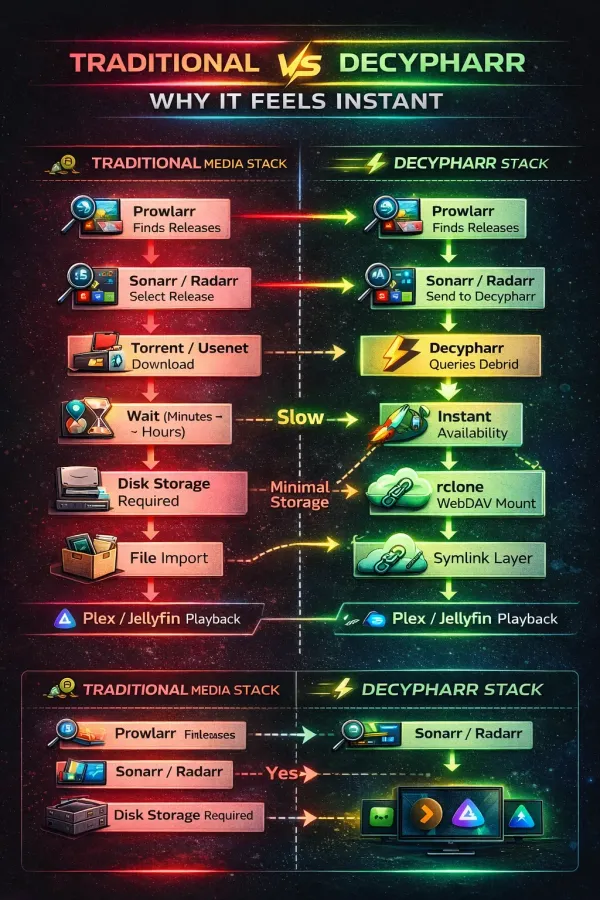
If you are running cloud-assisted media automation via Decypharr, you already know the last few days have been chaotic due to aggressive EU legally enforced backend keyword filtering. I just published a comprehensive step-by-step technical guide on how to implement aggressive Custom Formats and Release Profiles in Radarr and Sonarr to act as a defensive shield, stopping blocked releases before they ever stall your queues.
👉 [Read the full Real-Debrid Filtering Guide here]
 Core Lab Joe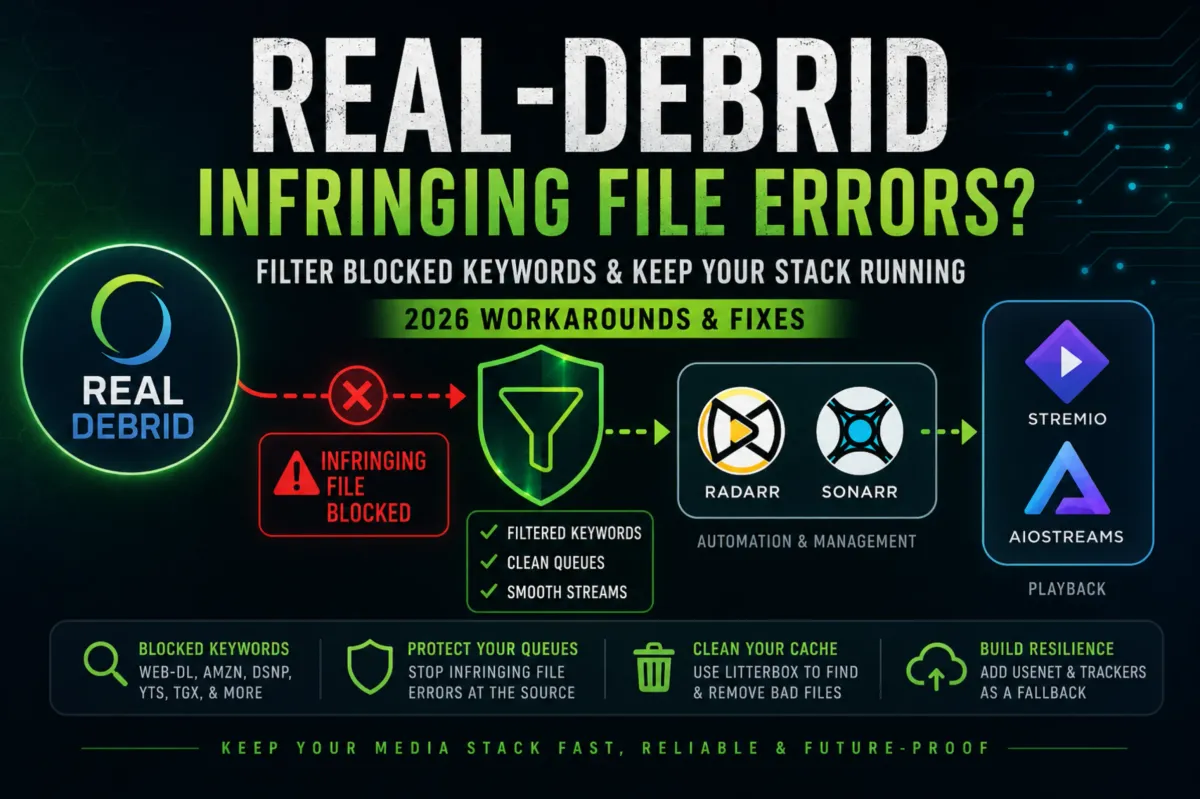
5. Integrate Ghost CMS with Home Assistant Natively!
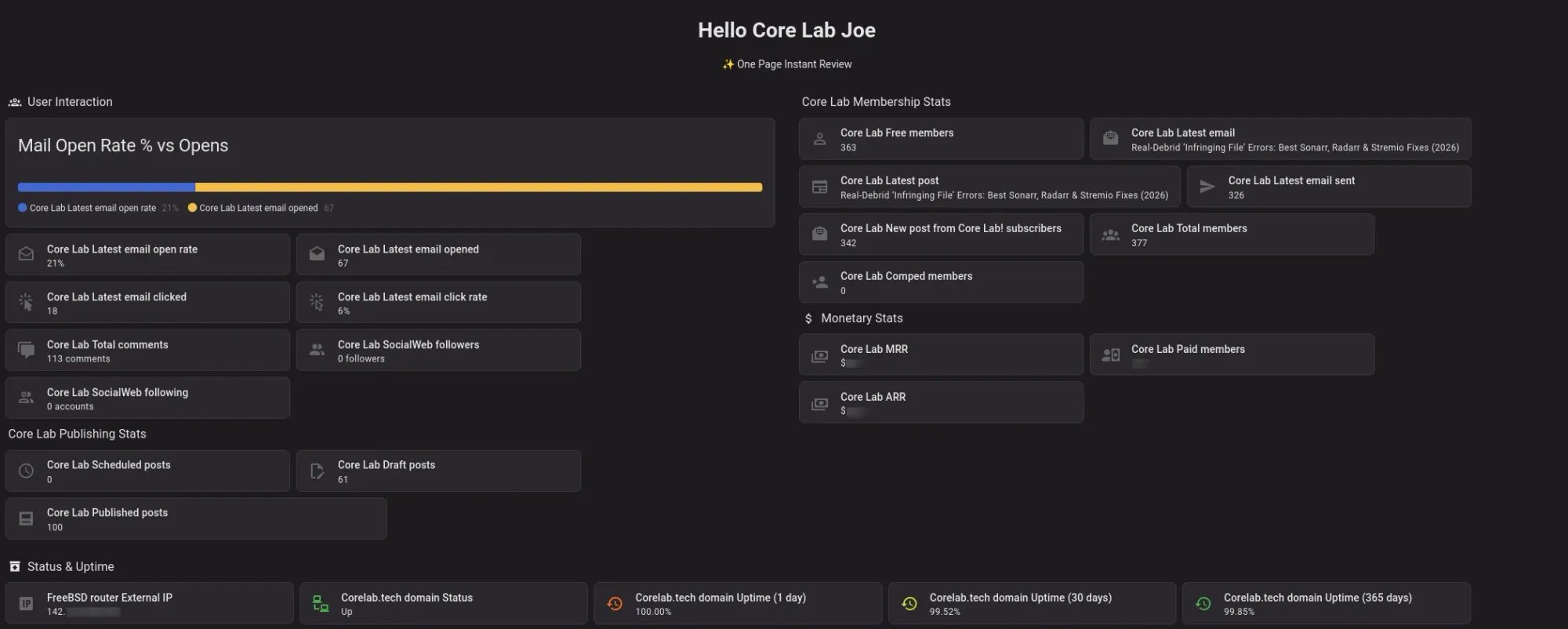
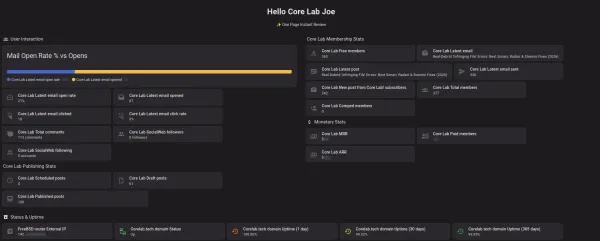
Stop wasting time checking dashboards. Learn how to [natively connect Ghost CMS to Home Assistant to monitor] MRR, subscribers, and trigger custom automation.
Coming Soon-ish
- More systems & network homelab monitoring & alerting, it's been requested a few times but requires a lot of documentation to provide comprehensive guides for 😉. I aim for quality not quantity!
- Home Assistant Deep-Dives & Dashboards for Homelab & Website monitoring, and of course, automation!
Core Lab Reader Survey!
If you have a couple minutes, please hop over to the Core Lab Reader survey and give me your two cents about what you're interested in reading or learning about, what you'd like to see more of, and how Core Lab can better help you achieve your Home Lab / Self-Hosted happiness!
Thanks so much!
Written by
On this page
What's Next?

News from Core Lab: Theme Upgrades & PC Builds & Overhauls
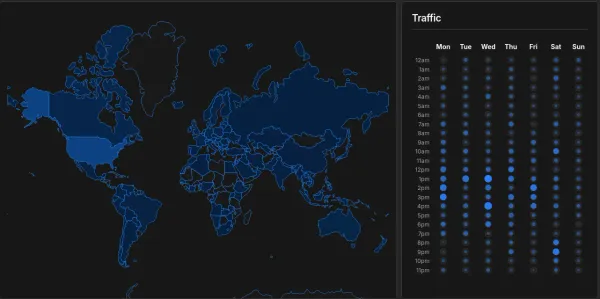
Happy Friday! If things look a little different around here, it's because Core Lab just underwent a massive infrastructure upgrade on the front end. I've migrated the site to a new premium theme designed specifically to fix some of the UX friction you've experienced, when reading massive 3,000-5,000-word guides on small screens. A staggering 84% of Core Lab visitors are hitting the site on laptops or mobile devices, so it made sense to switch to something even more modest-screen friendly. As al