
Latest from Core Lab
The OPNsense Day 2 advanced configuration guide is now open to everyone, plus the new Suricata IDS/IPS guide and a homelab security roundup.

The paywall is down! OPNsense day 2 guide now open to everyone. Today I’m excited to open up one of our most requested resources to the entire community. OPNsense "Day 2" Advanced & configuration. I've also got the OPNsense Suricata (IDS/IPS) guide published!
You can also read my last update "meta-post", Core Lab Q1 Updates, published on 08 March '26 for a brief snapshot of the site's ongoing trajectory.
📊 Homelab Security & Monitoring
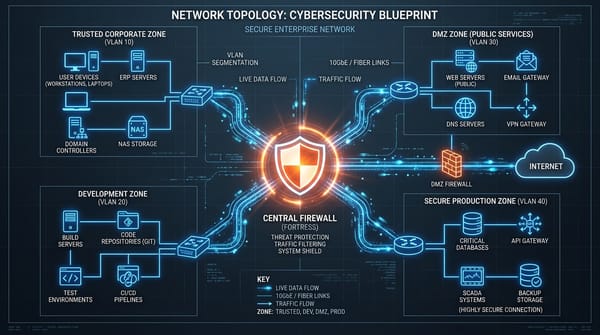
The OPNsense IDS/IPS 26.4+ Guide - Suricata, Inline vs Divert Mode!
This guide is finally here! A few readers have asked for an IDS/IPS and Suricata guide. Things changed a lot for IDS/IPS in v26.4+, that's discussed along with complete setup tutorial.
 Core Lab Joe
The OPNsense Day 2 Guide: Now Open for All
While "Day 1" is all about getting your hardware online and your traffic flowing, "Day 2+" is where the real fun (and security) begins. I’ve officially moved the OPNsense Day 2 Guide out of early access.
 Core Lab Joe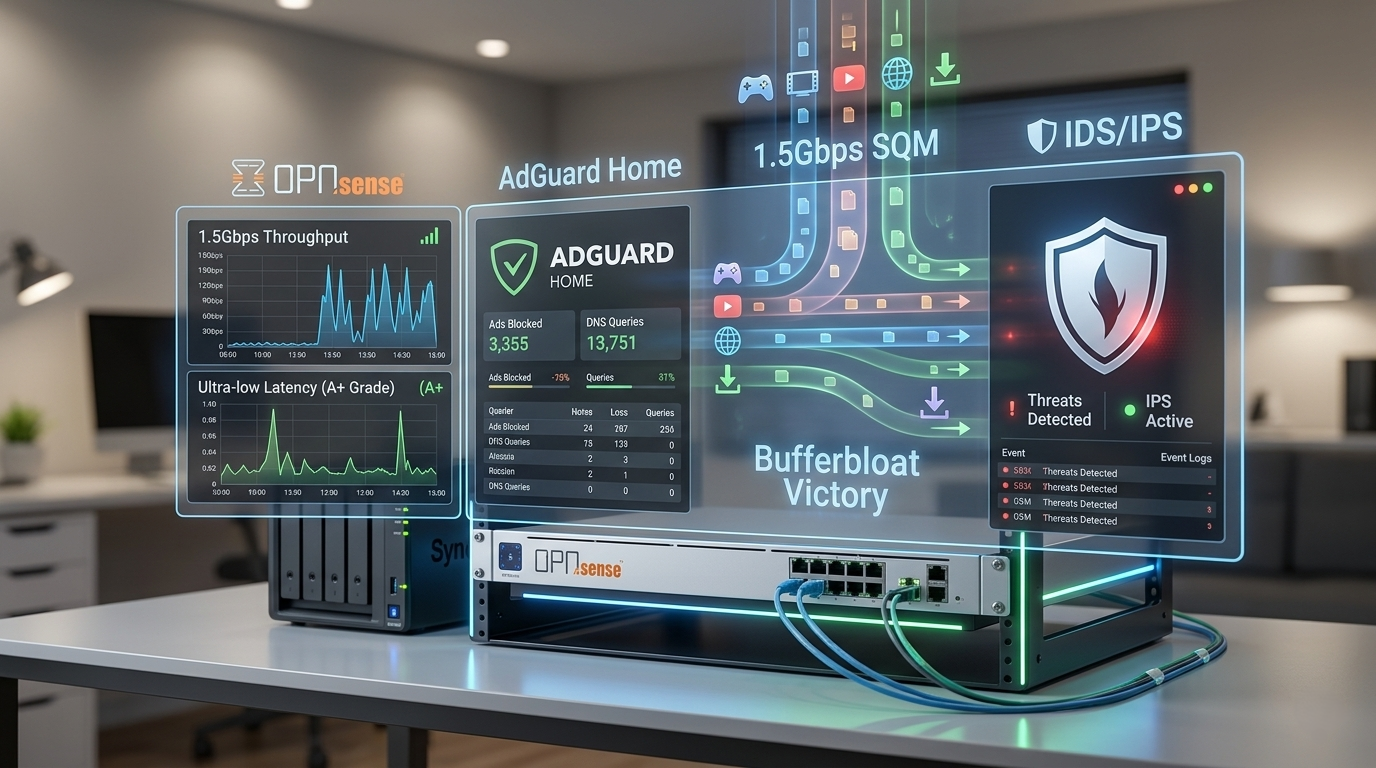
What’s Inside:
- Bypassing Cloudflare (Selectively!) for Plex/Jellyfin: Don't want to break Cloudflare terms of service? Don't want to get your streaming throttled, here's how to work around that.
- DNS & NTP Interception / Redirection: How to truly capture and redirect key functions of your network to further enhance your privacy & security.
- Eliminating Bufferbloat (FQ-CoDel FTW!): Enabling traffic shaping in OPNsense to defeat dreaded network buffering.
How To Upgrade OPNsense to V26.1.4 Oh My!
Running OPNsense and haven't done this major milestone upgrade yet? Here's your detailed step by step walkthrough; bravely move forward 😄
 Core Lab Joe
What's Inside:
- Service transition from Unbound & ISC DHCP to Dnsmasque
- The /21 subnet issue & other problems
- Migrating your firewall rules to the new format (complete guide!)
🍿 Media Server Networking & Management
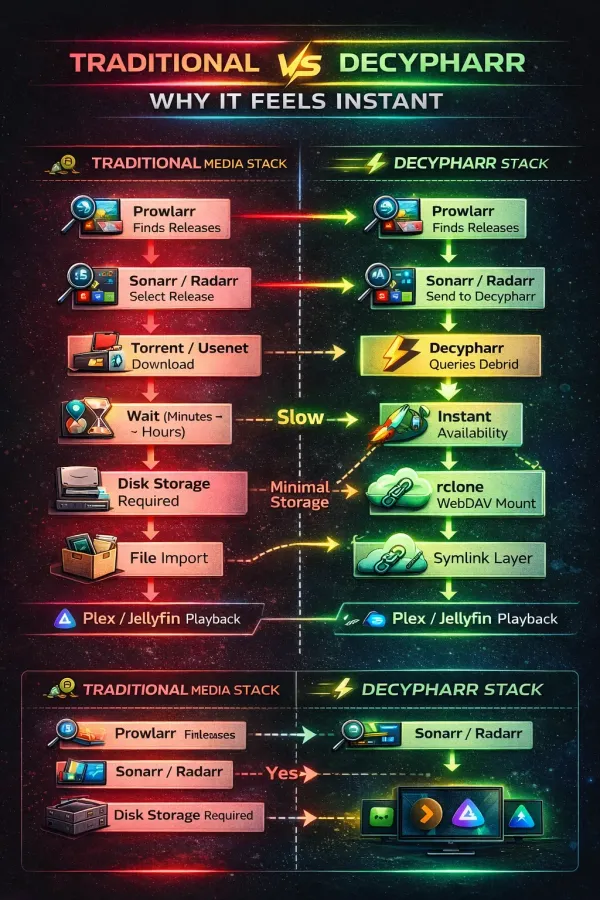
Not a huge update on the media server front, except for some tweaks to the Real Debrid & Plex/Jellyfin guide. Received confirmation from a few additional readers that they were able to finally get the solution working!
Check out the "Ultimate" and "Unlimited" (No really) Media Server Guide!
 Core Lab Joe
With the price of hardware lately, I feel this may be the way to go moving forward for the next couple years... I will be providing further updates to this and the Stremio & Real Debrid guide regarding addons. They will essentially be 'living documents' that evolve with the underlying tech stack.
🐧Overhauls & Updates on Existing Content
My Customizing Ghost series got a bit of an update, showing off how I enhanced the table of contents and other customization of the blog.
 Core Lab Joe
Some updates happened in the Hardware Guides as well, and further refinement will occur, or specialized build guides for things like ultra-low-cost options, energy efficient builds.
If you're planning on purchasing hardware, I'd greatly appreciate it if you used one of my links to support the ongoing costs of the site and me!👇
 Core Lab Joe
Coming Up Next
The Q1 roadmap is still in full swing. Keep an eye out for upcoming deep dives and specific docker implementations & reviews!
As always, thanks for being part of the journey. If you have questions about any guide or a specific configuration that’s giving you trouble, feel free to drop a comment on the post or fire me an email!
See you in the logs,
Corelab Joe
💀 The Threat Landscape (This Week)
🚨 The “Session Is the New Password” Problem
Attackers are doubling down on session hijacking over credential theft. Instead of brute-forcing passwords, they’re targeting browser sessions, cookies, and OAuth tokens through phishing kits and malicious extensions.
Modern kits now:
- Steal active session cookies in real time
- Bypass MFA entirely
- Reuse tokens to log in without triggering alerts
The Takeaway:
Treat your browser session like a password.
- Avoid logging into sensitive accounts on random devices
- Be extremely cautious with browser extensions
- Use separate browser profiles for risky activity
⚠️ Security Alert: Supply Chain Attacks Are Heating Up
We’re seeing a continued rise in malicious package injections across ecosystems like npm and PyPI.
Recent incidents involved:
- Typosquatted packages mimicking popular libraries
- Hidden credential stealers embedded in post-install scripts
- Backdoors targeting CI/CD pipelines
The Takeaway:
If you’re self-hosting or building stacks:
- Pin package versions
- Avoid “latest” tags blindly
- Audit dependencies before deploying
🧠 AI Tools Becoming High-Value Targets
AI-powered tools and self-hosted agents are now a major attack surface.
New research shows:
- Prompt injection attacks are being used to exfiltrate secrets
- Misconfigured AI tools exposing API keys publicly
- Agents running with excessive permissions (file system, shell access)
The Takeaway:
If it can execute commands, it’s a risk surface.
- Sandbox aggressively
- Never expose AI tools directly to the internet without auth
- Treat them like privileged services
🌐 The “Exposed Dashboard” Epidemic
Shodan scans continue to reveal thousands of exposed admin panels:
- Docker APIs
- Portainer instances
- Grafana dashboards
- Home lab UIs with no auth or weak credentials
This is still one of the most exploited entry points.
The Takeaway:
- Never expose dashboards directly
- Use a reverse proxy + authentication (you already do this well)
- Assume anything public will be scanned within minutes
🔓 Ransomware Tactics Are Getting Quieter
Instead of loud, system-locking attacks, many groups are shifting to:
- Silent data exfiltration
- Delayed extortion
- Targeting backups first
You may not even know you’re compromised until data is leaked.
The Takeaway:
- Monitor outbound traffic, not just inbound
- Keep offline backups
- Log access to sensitive shares
Written by
On this page
What's Next?

News from Core Lab: Theme Upgrades & PC Builds & Overhauls
Happy Friday! If things look a little different around here, it's because Core Lab just underwent a massive infrastructure upgrade on the front end. I've migrated the site to a new premium theme designed specifically to fix some of the UX friction you've experienced, when reading massive 3,000-5,000-word guides on small screens. A staggering 84% of Core Lab visitors are hitting the site on laptops or mobile devices, so it made sense to switch to something even more modest-screen friendly. As al