
Best Pre-Built NAS for a Homelab (2026): UGREEN, TerraMaster & More
The best pre-built NAS units for a 2026 homelab. UGREEN DXP4800 Plus/Pro and the TerraMaster F6 compared for Plex, storage, and RAM-upgrade headroom.

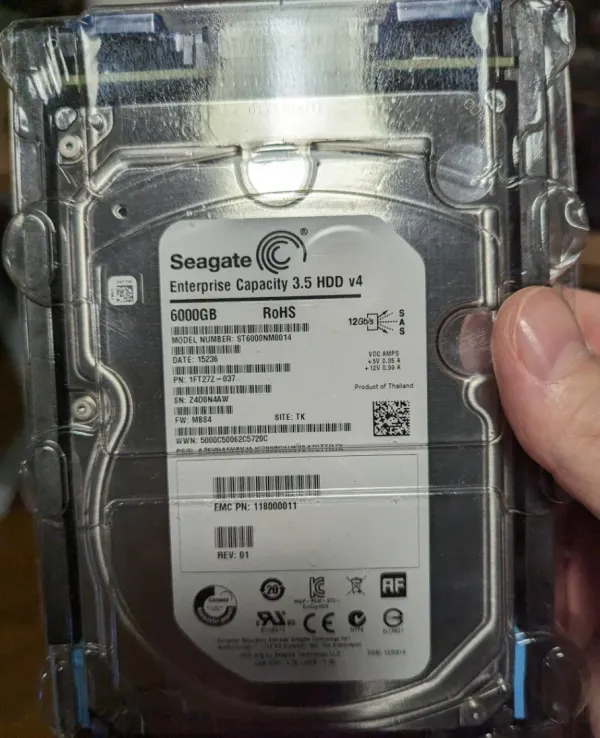
Building your own NAS is the enthusiast's path, and one I took myself with a 12×6TB Enterprise SAS RAIDZ2 array. But not everyone wants to source parts, flash an OS, and possibly troubleshoot ZFS at midnight. For those who want capable storage out of the box, the pre-built NAS market finally got interesting in 2026.
Here are the pre-built units worth your money this year, with an eye on the two things that actually matter for a homelab: Plex/Jellyfin transcoding muscle and RAM-upgrade headroom. If you'd rather build your own, see my DIY NAS Server Build and Best NAS OS Comparison.
The Homelab Hardware & Silicon Engineering Series
A battle-tested blueprint for homelab hardware: comparing server silicon, sizing quiet always-on mini-PCs, deploying turnkey NAS vs. custom chassis, and sourcing enterprise-grade storage media.
Best All Around Pre-Built NAS 💾
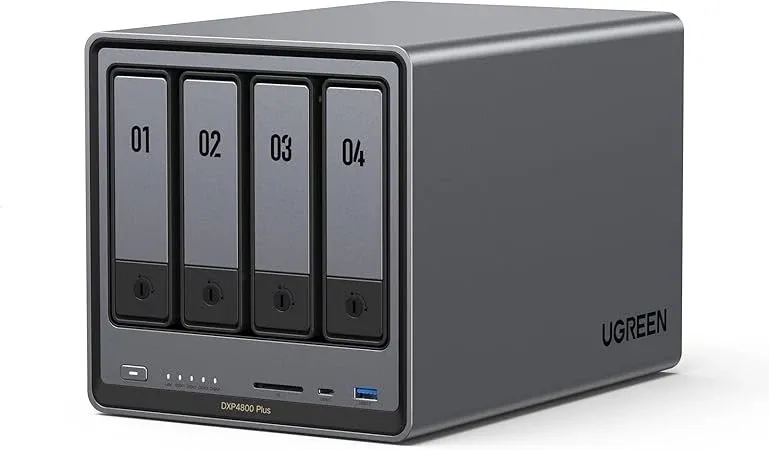
DXP4800 Plus
If I was recommending a prebuilt NAS today that matched the sweet spot of price/performance/features, it would have to be the UGREEN DXP 4800 Plus.
There's a LOT to love with the DXP4800 right now and it's easy to see why this specific one is exploding on Amazon and UGREEN's website right now!
- 4 bays for 3.5" hard-drives
- Intel Pentium Gold 8505 (5 cores/6 threads, 12th gen Intel w/ limited Quicksync)
- 8GB DDR5
- 128GB SSD
- 1X10Gbps RJ45 NIC!
- 1X 2.5Gbps RJ45 NICs
- 2XM.2 NVMe Slots
- 4k HDMI port
Check the price directly from UGREEN:
Now check the price directly from Amazon:
DXP4800 Pro
A slight step up for marginal cost (Roughly ~$100 more), and not-so-marginal performance gains! So what's the extra cost and all the fuss about you ask?
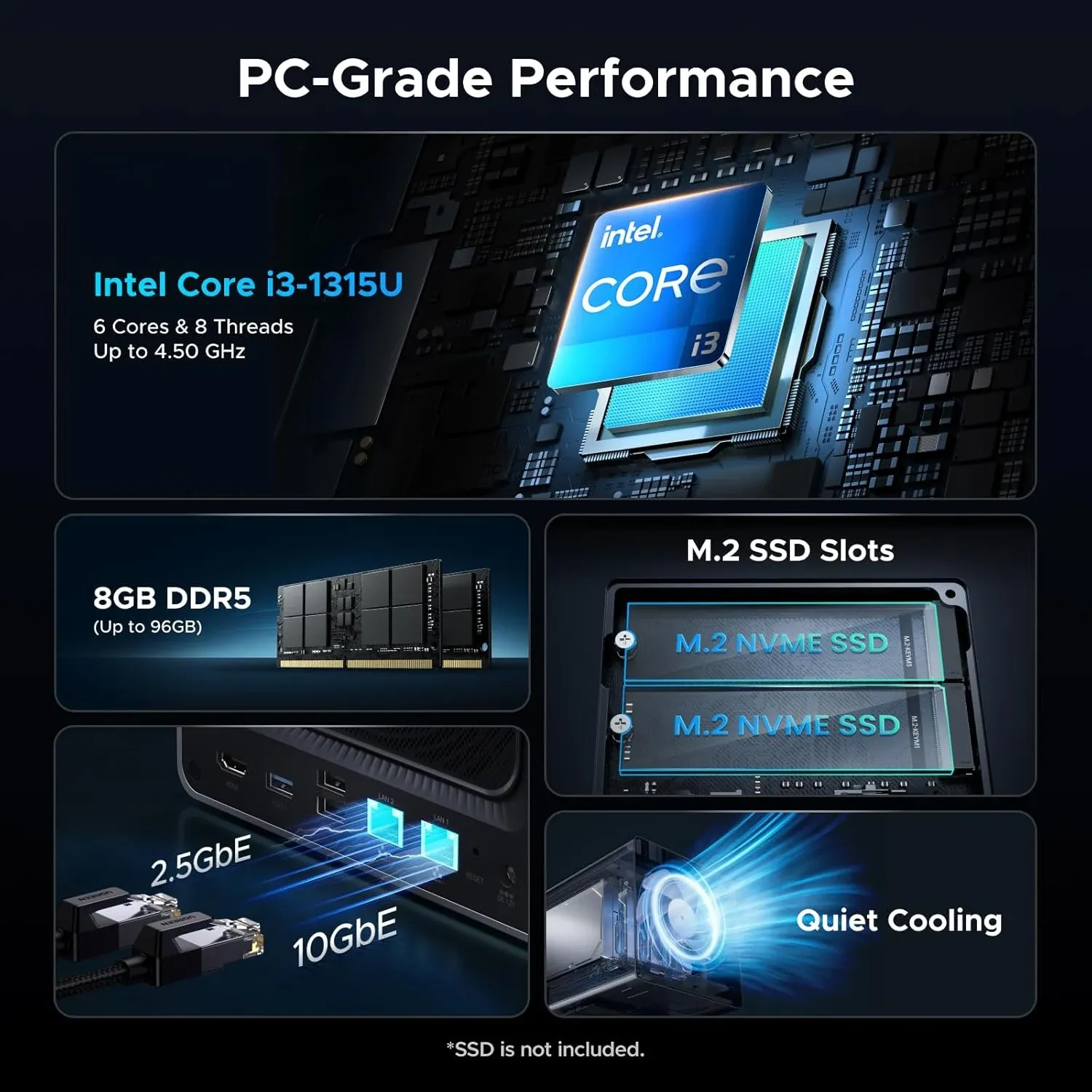
Basically the CPU that's included with this model. Which IMO strikes the sweet spot for long-term ownership value. It has 'legs' for you to grow into and you won't be handicapped as soon.
- Same specs as DXP4800 Plus above except for;
- Intel Core i3-1315U (6 cores/8 threads, Intel newer Intel Quicksync!)
- 64 Execution units (EUs) vs 48 EUs in the Plus model which means more simultaneous 4k transcodes.
DXP6800 Pro (6-Bay Flagship)
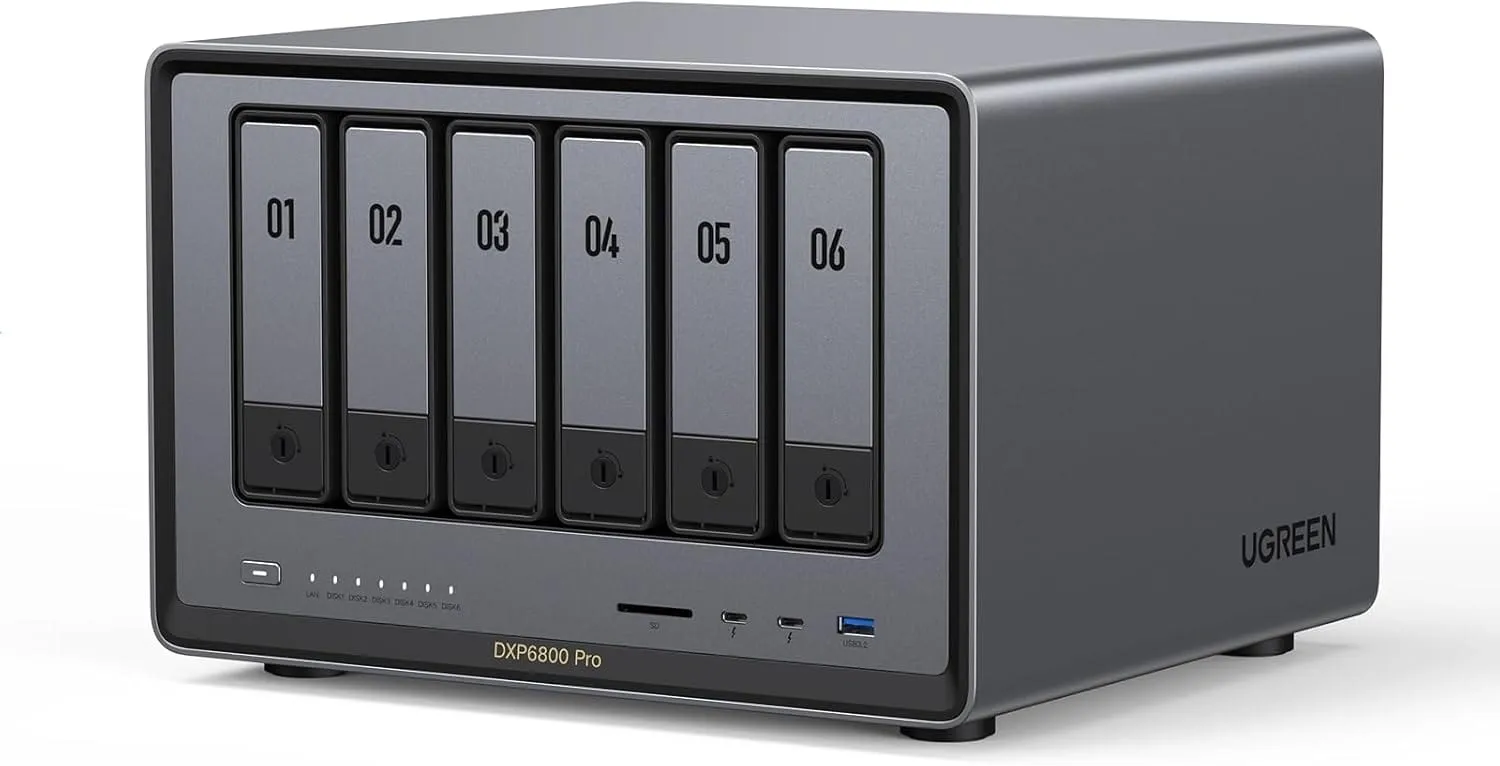
If you need more raw storage capacity than a standard 4-bay appliance can provide, or you're planning on running heavier containerised workloads alongside your media server, the 6-bay DXP6800 Pro is UGREEN's flagship powerhouse.
- 6 Drive Bays + Dual M.2 NVMe Slots: Provides massive RAIDZ2 / RAID 6 storage density and dedicated cache tiering without requiring external SAS JBOD expansion enclosures.
- Intel Core i5-1235U (10 Cores, 12 Threads): Massive multi-threaded compute with 80 Execution Units (EUs) of Intel Iris Xe Graphics for effortless concurrent 4K HDR hardware transcoding.
- Dual 10GbE Networking: Delivers 10-gigabit throughput natively out of the box—no add-in PCIe NICs required.
- Dual Thunderbolt 4 (40Gbps) Ports: Enables lightning-fast direct attached storage (DAS) ingest workflows for creative professionals and video editors.
NAS RAM Upgrades
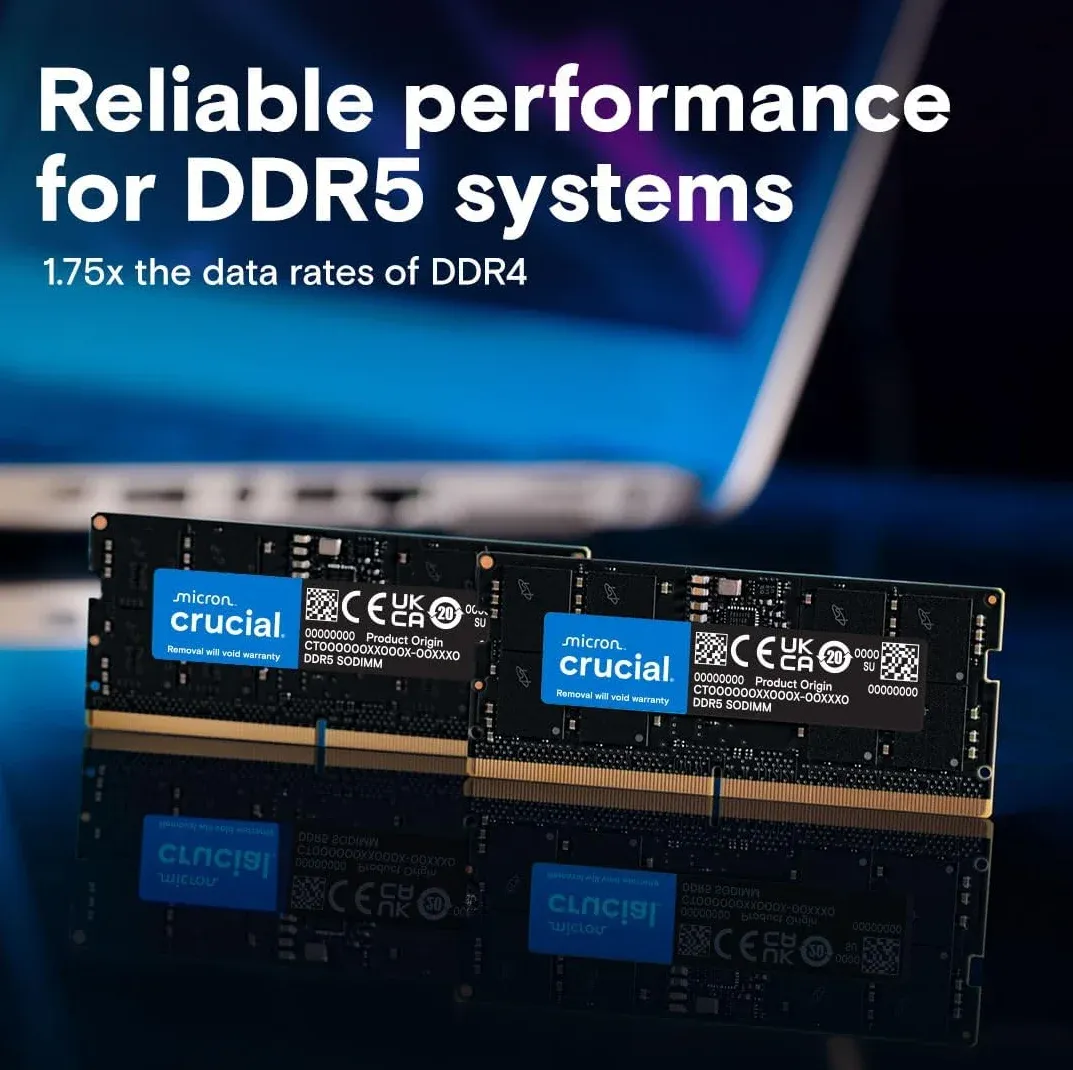
In either case, I suggest upgrading the RAM on these units if you plan to use VMs or containers on them. 👇 Note: You do NOT need fast ram (4800Mhz is good). If you put faster ram in the NAS, it will simply down-clock it for complete compatability with the CPU!
UGREEN NAS Performance as a Media Server (Plex/Jellyfin)
For media serving, the most critical component is the Integrated GPU (iGPU) and its support for Intel QuickSync (QSV). Both CPUs feature modern QSV engines capable of hardware-accelerated transcoding for almost all modern codecs.
- Transcoding Capabilities: Both units excel at transcoding 4K HEVC (H.265) and AV1 content. Because they both use 12th/13th Gen architecture, they can decode AV1 in hardware, which is a major "future-proofing" feature for modern high-quality rips.
- Performance Difference: The Core i3-1315U in the Pro model has 64 Execution Units (EUs) compared to the 48 EUs in the Pentium Gold 8505. In practical terms, the Pro can handle a higher number of simultaneous 4K transcodes (e.g., 4-5 streams vs 2-3 streams) before hitting hardware limits.
- Efficiency: For a single user or a small household, you likely won't notice a performance difference. Both can transcode a 4K HEVC file to 1080p with very low CPU overhead (typically under 20%).
Overall System Performance
- Multitasking: The Pro model features an extra Performance Core (P-core) and two additional threads. This makes it notably better if you plan to run Virtual Machines (VMs) or a lot of docker containers alongside your media server.
- Expansion: Both units support NVMe SSD caching or storage pools via dual M.2 slots, which significantly speeds up Plex/Jellyfin metadata loading and poster art browsing.
- Connectivity: Both models are uniquely powerful in the market for including 10GbE networking as standard, allowing for extremely fast file transfers if your home network supports it.
Newer NAS Contender - TERRAMASTER F6!
Brand new for 2026, this new Terramaster seems like a direct and compelling competitor to the newer UGREEN series.
- Same 13th gen processor as the UGREEN DXP4800 Pro
- 6 Bays vs the 4800 Pro's 4!
- Costs slightly more than the pro, but you do get 2X more drive bays!!!
 Visit the TERRAMASTER Store

Are Synology Systems Good NAS Still?
Overall, yes, but they are not cost effective nor competitive when it comes to these newer NAS choices above.
I have owned several Synology models, and still have 1 + an expansion bay, but I only use it as purely a NAS. I stopped using all of their features and sold my first Synology years ago.
As such, I don't recommend them for the prosumer market since Synology "gimped" their NAS' ability to do hardware accelerated transcoding, lowered codec support, and in general have been almost hostile to the consumer and prosumer segment of the market.
They have "en$hitified" further and cater to simply more dollars.
Keep Building the Fortress
This guide is one wing of the larger Homelab Hardware Guide. Continue your build with these companion resources:
Homelab Hardware Guides
The Complete Guide · Start Here
Best Homelab Hardware Guide (2026)
The Gatehouse
Best Mini PCs for a Homelab
The Engine
Best Homelab Server CPUs: Intel vs AMD
The Vault (This post)
Best Pre-Built NAS for a Homelab
The Ammo
Best NAS & Homelab Hard Drives
The Uplink
Homelab Networking Gear Blueprint
The Supply Line
Where to Buy Homelab Hardware in Canada
Frequently Asked Questions
Is a pre-built NAS good enough for Plex?
Yes, if you choose the right model. Units like the UGREEN DXP4800 Plus include Intel CPUs with Quick Sync, which handle 4K hardware transcoding for Plex and Jellyfin without breaking a sweat.
Can you upgrade the RAM on a UGREEN NAS?
Yes. UGREEN DXP series units use standard SODIMM slots, so you can add memory yourself, which matters if you plan to run Docker containers or virtual machines alongside storage.
Is a pre-built NAS or a DIY build better?
A pre-built NAS wins on convenience and support. A DIY build wins on flexibility, cost per terabyte, and OS choice like TrueNAS or OMV with ZFS. Choose based on how much you want to tinker.
Does a pre-built NAS support ZFS?
Some do, depending on the operating system. Many pre-built units ship with their own software, but models that let you install TrueNAS SCALE or run ZFS give you the strongest data integrity.
Written by
On this page
What's Next?