
Updates from the Lab
It's been a hot minute (2 weeks+) since I've sent an update out! A late-winter cold (illness, not temp!) make Joe a dull guy that's for sure...Regardless, plenty for you to pour over and enjoy! It's a bit thick so I included a table of contents for this update.
I’m excited to open up a new post with everyone (paid subscribers had early access) that delves into maximizing Radarr & Sonarr, after initial setup. Believe it or not, you don't need yet another app to have them 'upgrade' your files until they are just how you like them.
You can also read my last update "meta-post", Latest from Core Lab (24 Mar '26), for a brief snapshot of the site's ongoing trajectory.
New Github Repo & Welcome Package⌨️
I finally got around to making a Github to start putting all my scripts, code pieces and various generators & errata in. More to follow once I finalize & improve each piece.
This is now sent to everyone upon sign up, but as you pre-date the "Welcome emails", we'll show you the new expansion to Core Lab!
 corelabjoe
- Always review code before you run it! Click the link above, go view the scripts yuorself and run them through a friend or LLM if you like. Tested on my own gear first of course 😄
- Right now it comprises a Network Auditor script and a Server bootstrapping script in both Shell & PowerShell.
- VERY easy to run, simply via curl commands for Linux or PowerShell for Windows:
# For Linux (Debian 13/Trixie):
# First one is the network audit, second is the server bootstrapping & hardening.
curl -sL https://corelab.tech/audit.sh | bash
curl -sL https://corelab.tech/bootstrap.sh | bash# Windows user? Use the PowerShell versions:
irm https://raw.githubusercontent.com/corelabjoe/corelab-tools/main/diagnostics/network-auditor.ps1 | iexirm https://raw.githubusercontent.com/corelabjoe/corelab-tools/main/hardening/server-boostrap.ps1 | iex🍿 Media Server Networking & Management
Without further waiting, here's the recently published for all Advanced Sonarr & Radarr guide:
- Step-by-step config showing you how to turn them into "Media Hunters", where you enable the Native Hunting Protocol! Set them loose!
 Core Lab Joe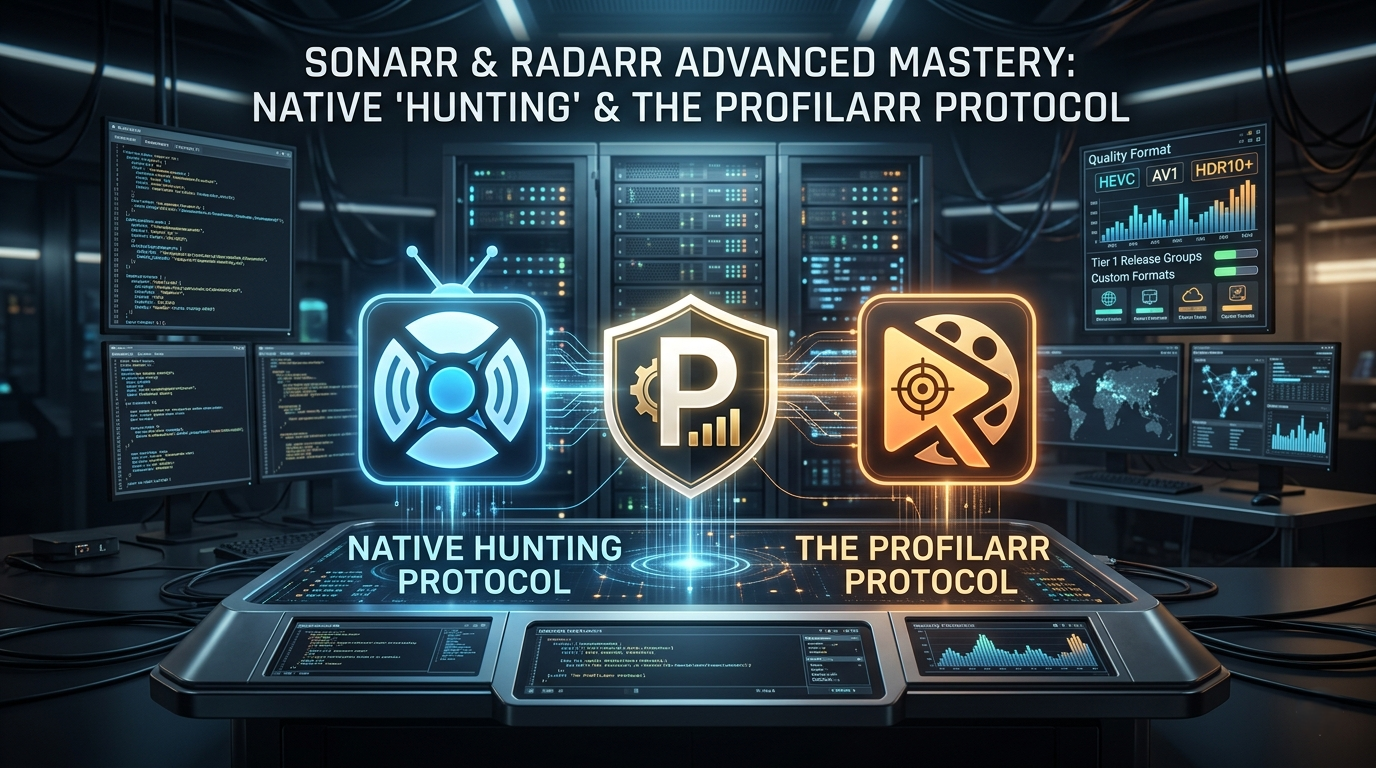
- Huge Deal - Decypharr deployment guide! (On paid preview first)
- Ever dreamt of having a streaming media server without having to spending thousands of dollars on hard drives?
 Core Lab Joe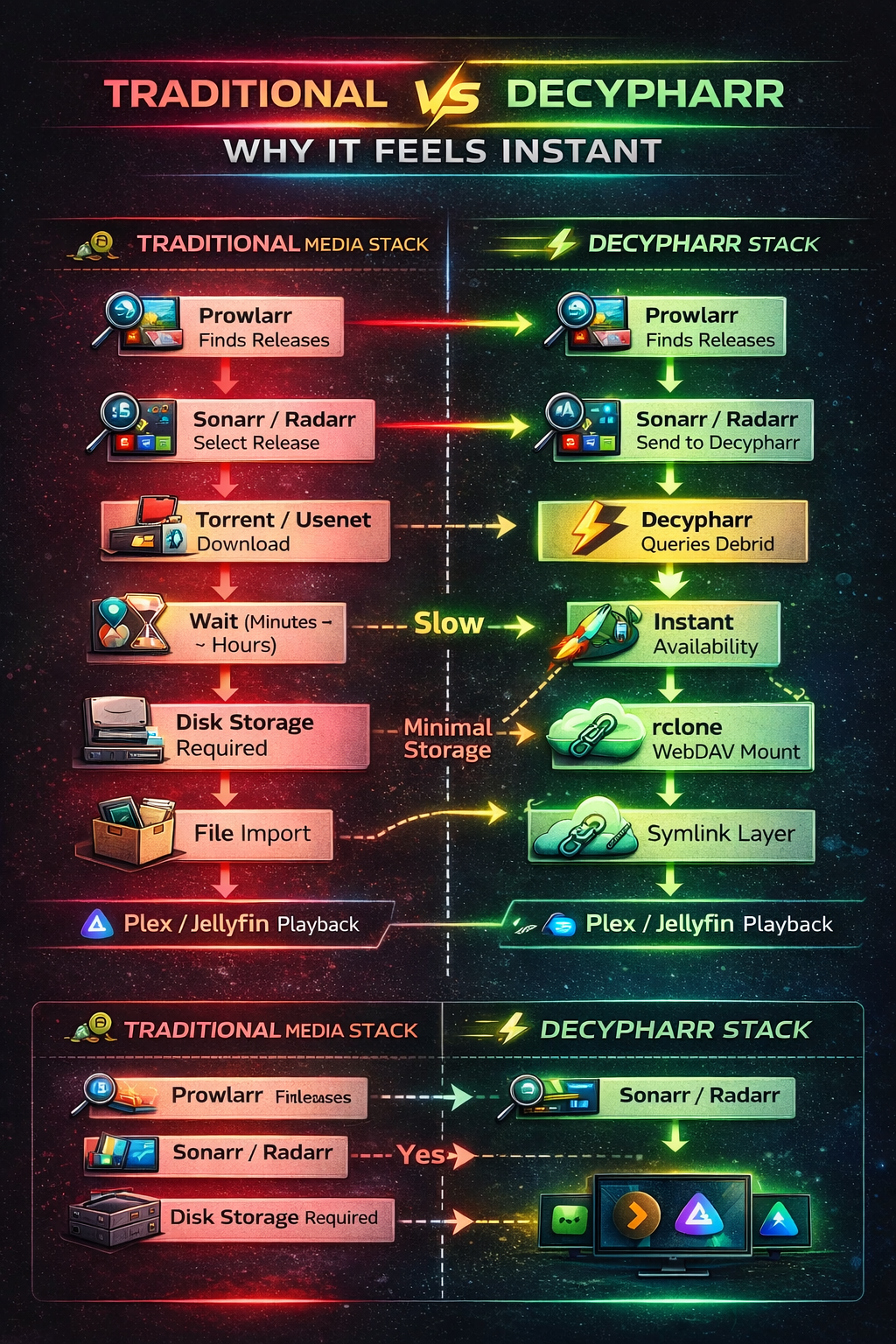
- Next up, I did a comparison post about NVME Gen 4 vs Gen 5. What's worth you time (and more importantly, money.)
 Core Lab Joe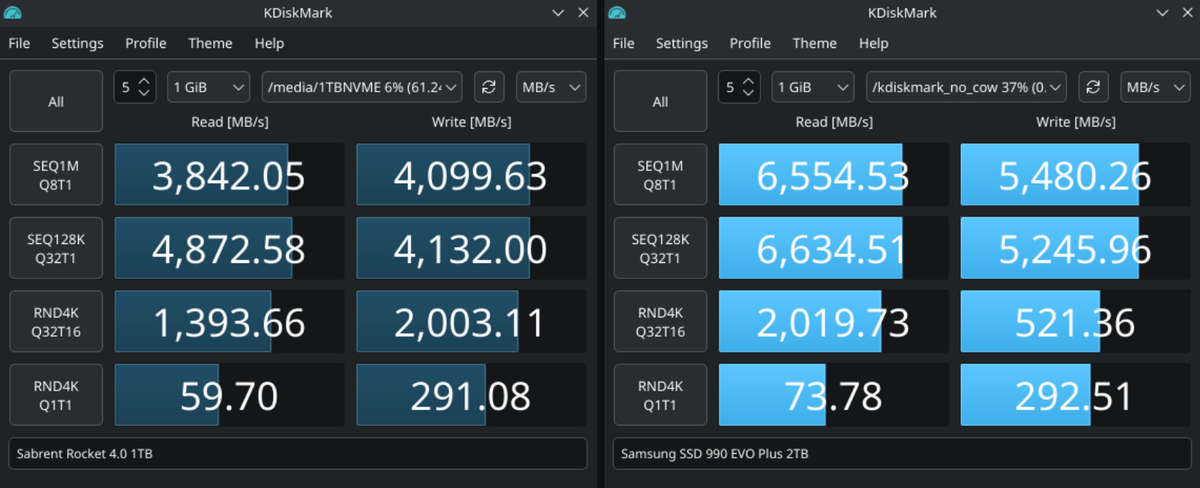
- Here we go with a big one in self-hosting lately:
- NAS vs Servers
 Core Lab Joe
Overhauls & Updates on Existing Content🛠️
I overhauled the Self-Hosted Gaming Server guide which is one of the earlier posts on the site. If you've been interested in running your own Minecraft or CS:GO2 server at home, here's the guide for you!
 Core Lab Joe
If you're planning on purchasing hardware, I'd greatly appreciate it if you used one of my links to support the ongoing costs of the site and me!
Brand new specific hardware guide for Plex builds!👇
 Core Lab Joe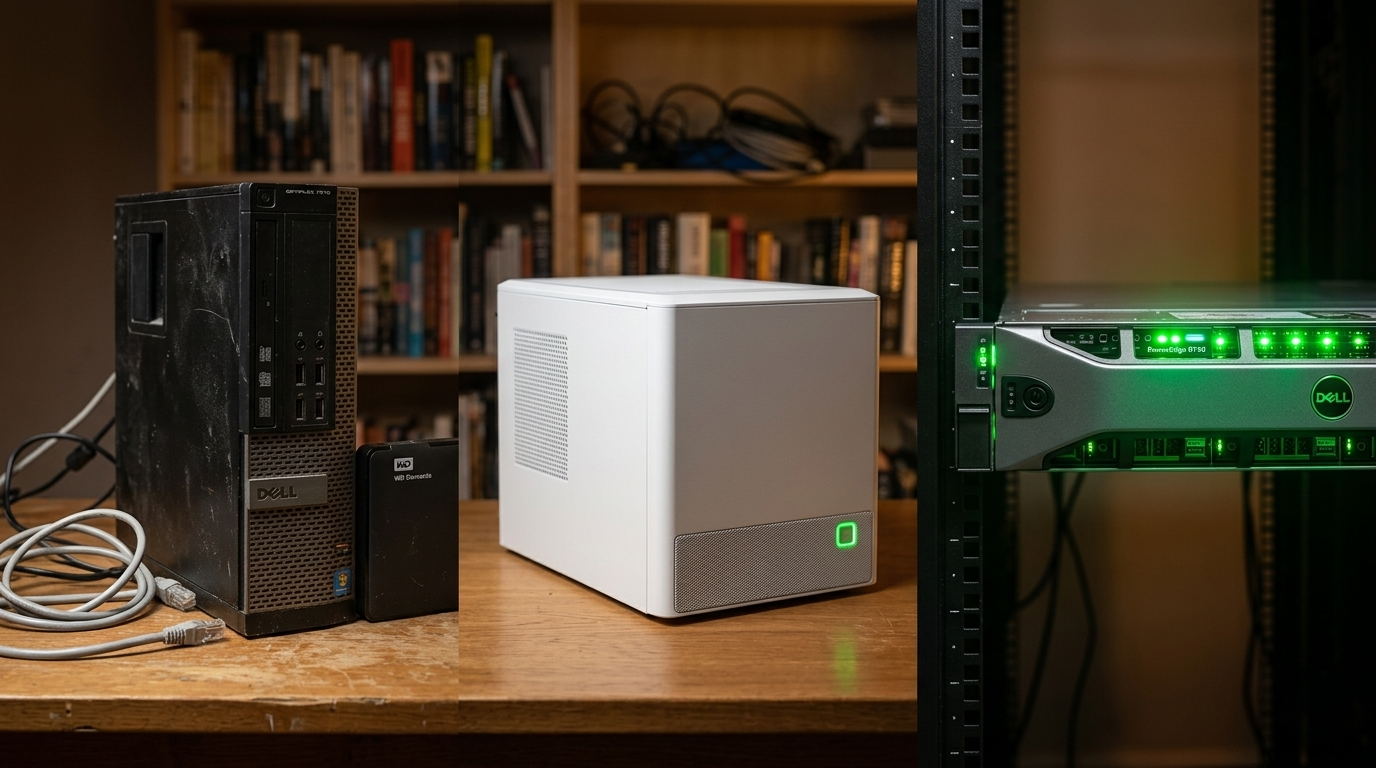
 Core Lab Joe
Blog & Hosting Series 👻
It's been about a year of publishing and I realized my Ghost based blog here, wasn't pruning it's own images! Now you can manually SSH into your server and painstakingly remove each image you THINK, isn't being used...
- Here's the automated safe way to 'prune' your Ghost blog
 Core Lab Joe
As always, thanks for being part of the journey. If you have questions about any guide or a specific configuration that’s giving you trouble, feel free to drop a comment on the post or fire me an email!
See you in the logs,
Corelab Joe
Member discussion