Visualization, Stronger Ingress & Giving your Homelab a Physical
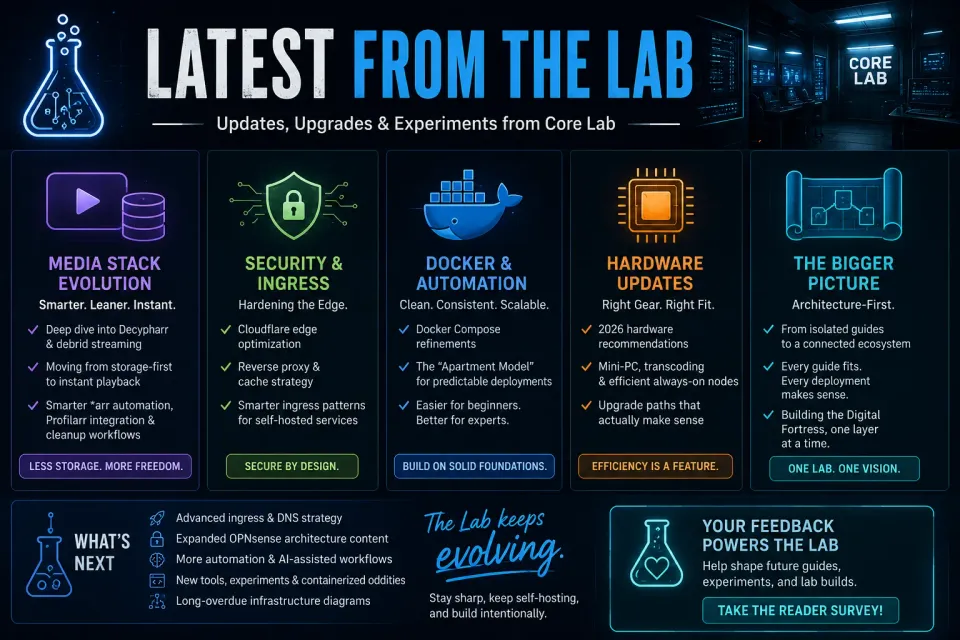
Over the last few weeks, Core Lab has been in full build mode.
What started as a handful of isolated guides has continued evolving into something much bigger: a complete architectural playbook for building secure, efficient, and future-proof homelabs.
This round of updates focused heavily on three fronts:
- Overhauling & Optimizing some old posts
- Showcasing new visualization tools
- Heavy Mid-Life Maintenance of Core Lab server
- Maintenance & upgrade guides included 😉
If you've been following along, here’s what’s new in the lab. If you have even more to catch up on, jump back to the last update.
📊 Homelab Security & Monitoring
Visualize your Homelab Network - now unlocked for all!
- Master your network observability with this fail-proof Homelable Docker deployment guide. Learn how to visualize your topology, scan subnets, and manage service relationships - the perfect visualization layer for any serious Scrap Lab build.
 Core Lab Joe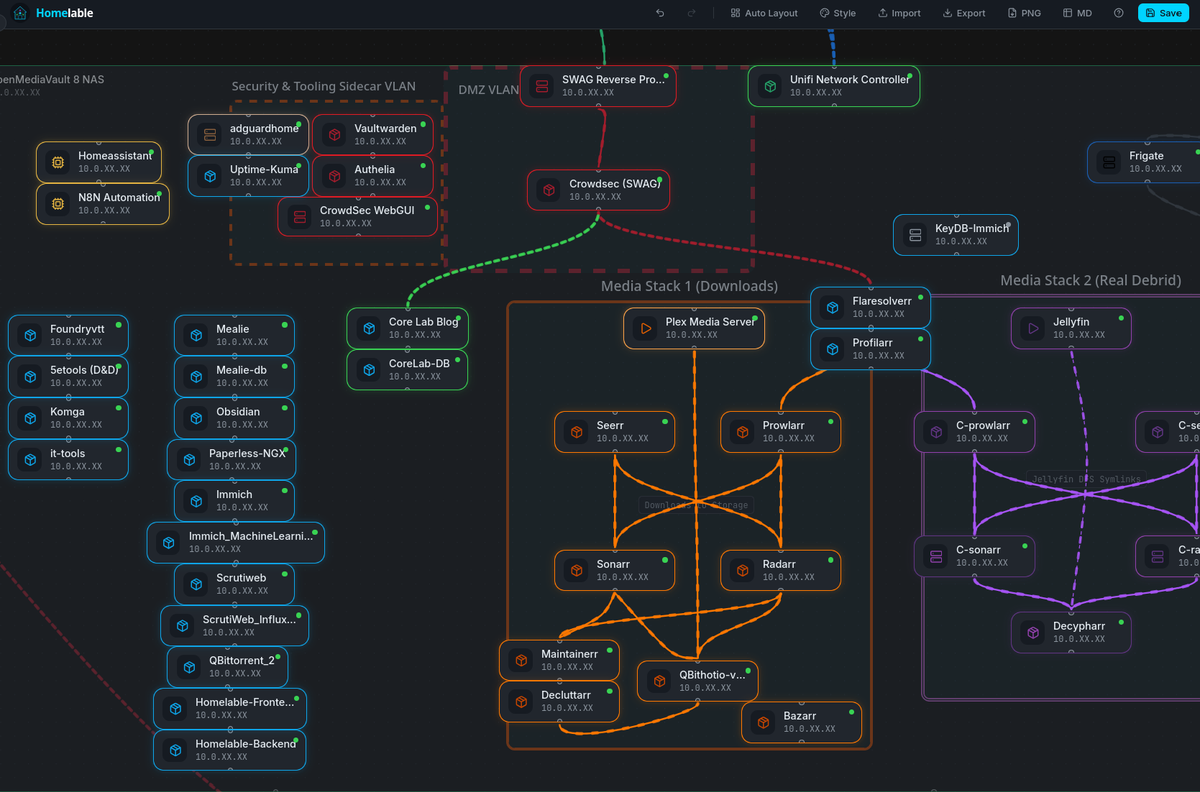
🍿 Media & Gaming Server Networking & Management
🩺 New Post: The Homelab Physical (In Early Access for 💸 Subscribers)
In the enterprise, "Uptime" is king. In the homelab, neglect is the quiet killer. I’ve just released a comprehensive guide on the physical maintenance routines I use to keep my double ZFS (12 drive array+5 drives) arrays healthy.
- Key Focus: Dust mitigation, SMART Long tests, and combating thermal expansion.
- Read more: The Homelab Physical: A Guide to Annual & Bi-Annual Maintenance
 Core Lab Joe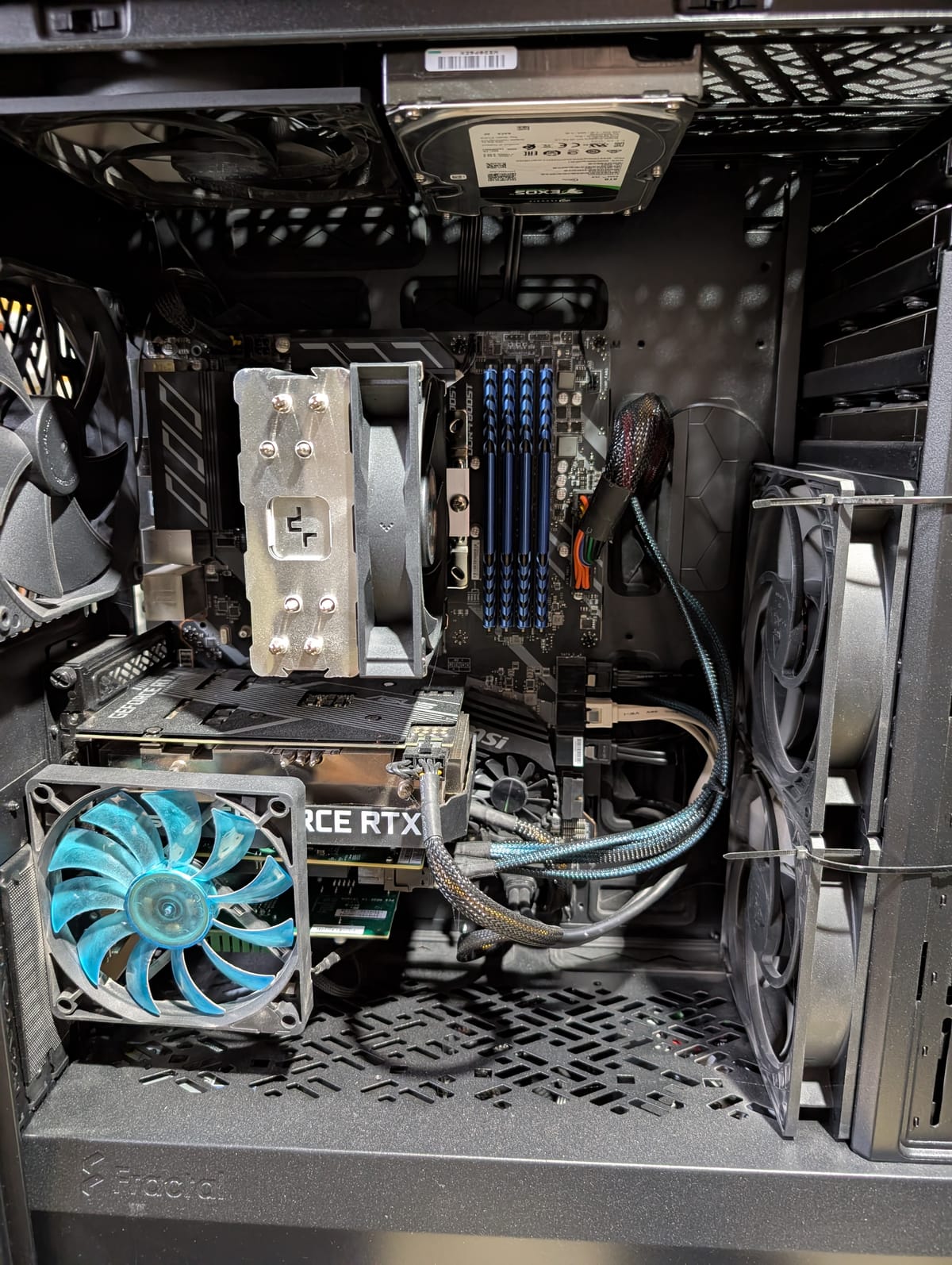
⚡ New Post: The SATA Pivot
If your ZFS array is "thrashing" under the weight of Docker logs and Prometheus metrics, you’re likely fighting an IOPS war. The SATA Pivot is a tactical hardware reorganization that cost me less than $20 but fundamentally changed the system’s responsiveness.
- The Result: Offloading Docker
appdatato XFS-formatted flash storage and letting the 12-disk SAS array finally find some silence. - Read more: The SATA Pivot: Mitigating IOPS Bottlenecks
 Core Lab Joe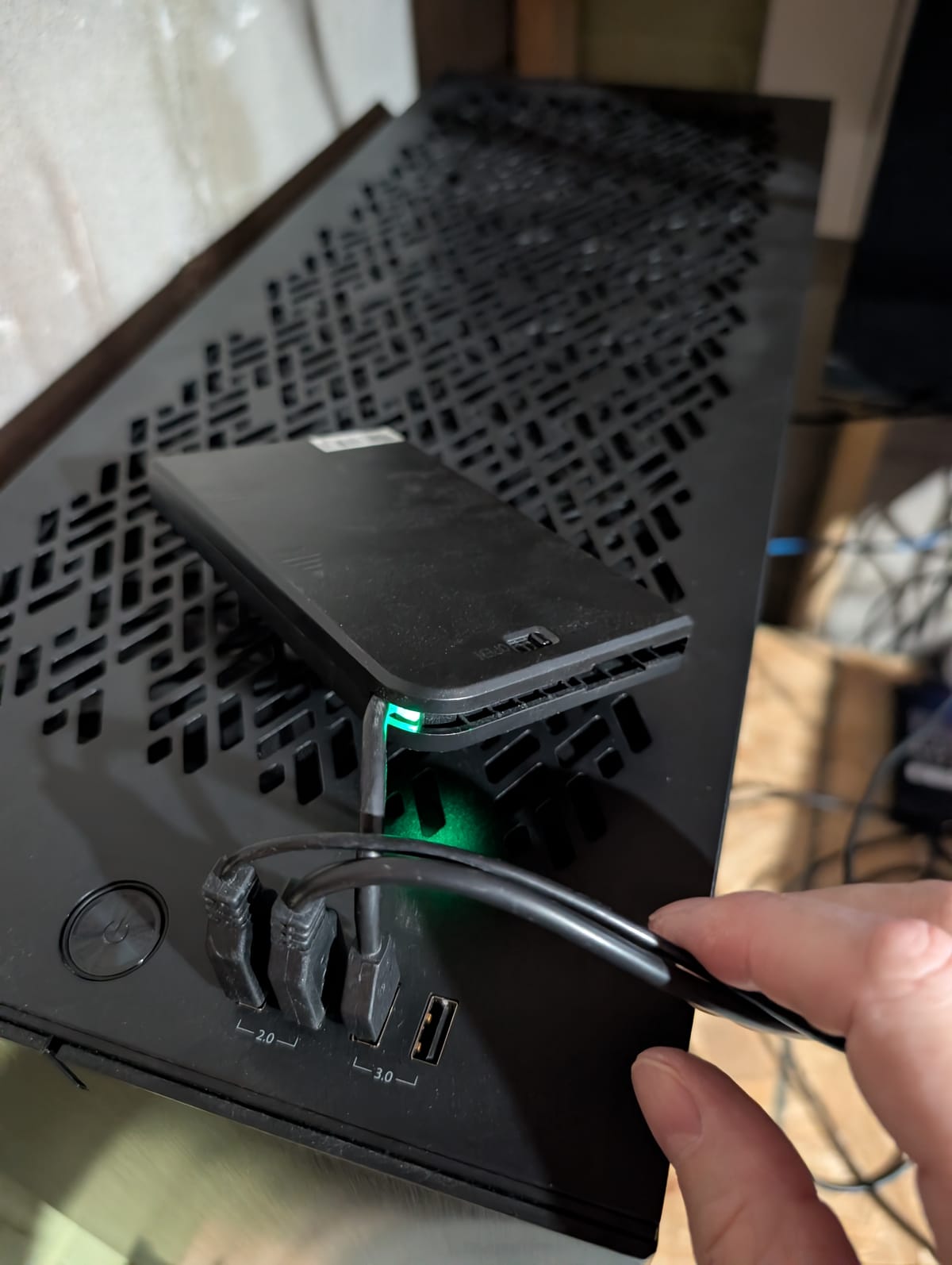
In keeping with the "Hardware" Theme of this update -
Lab Mishap of the Month‼️
Sometimes progress comes with minor casualties. This month’s reminder: Never underestimate the adhesive properties of well-aged thermal paste! Minor PTSD triggered.
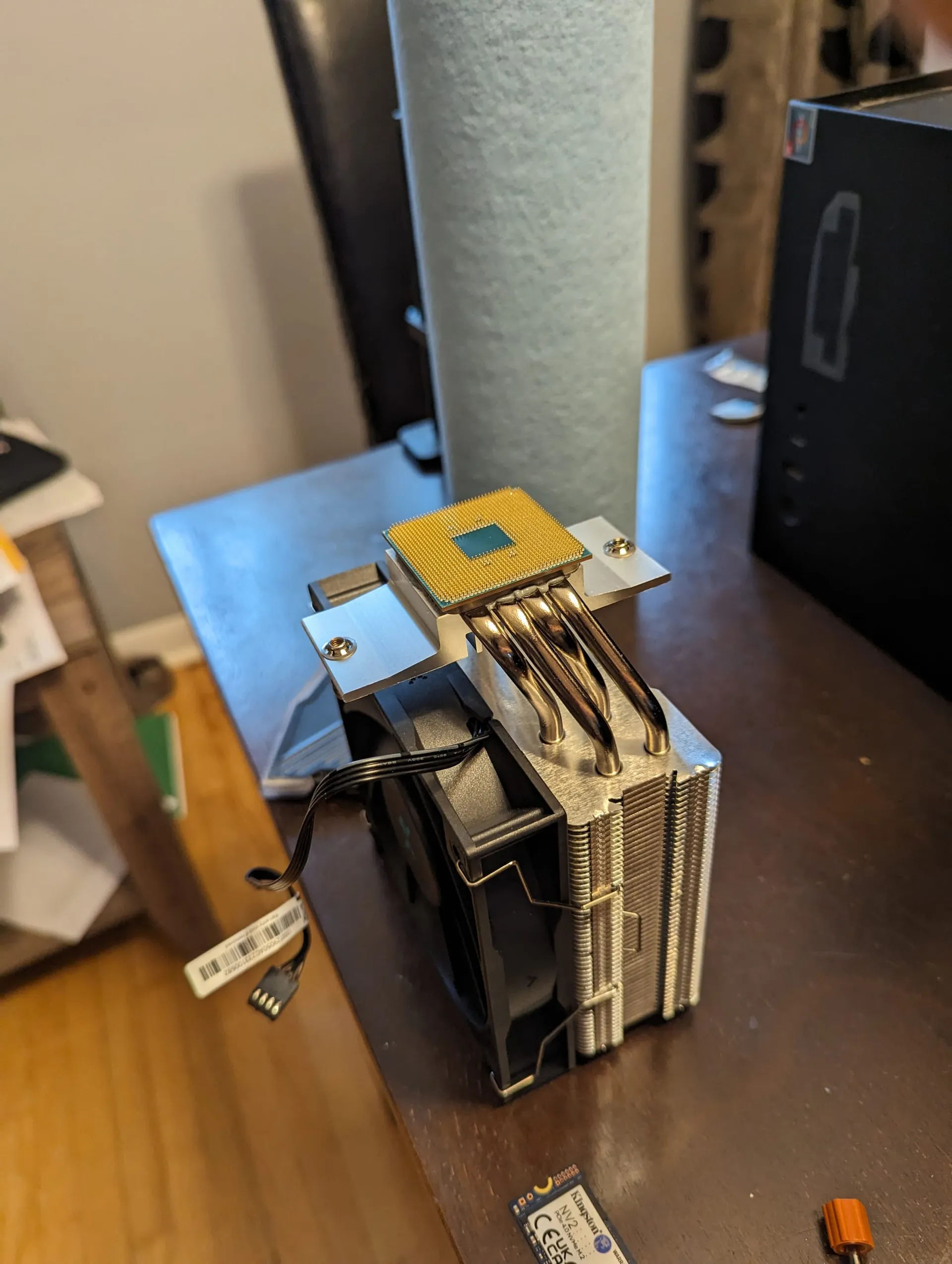
Yes, the CPU survived, as did the cooler ;)
🐧Overhauls & Updates on Existing Content
CloudFlare Protection for Homelabs: DDNS & Wildcard Domain setup.
- Part 1 of the Cloudflare series has been basically re-written, and enhanced. It now covers dynamic DNS & wildcard C-Name domain 'flattening'! It's a huge jump in helping you keep your homelab connected online, automatically and more efficiently.
 Core Lab Joe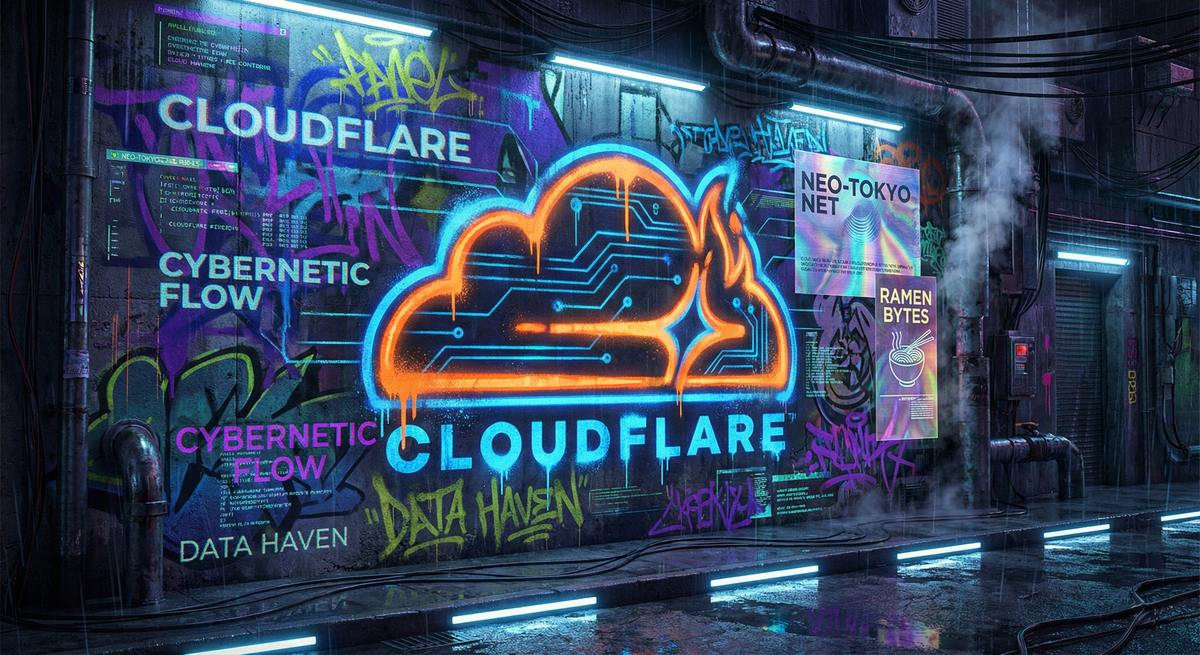
Homelab on a Budget
- Updated to reflect 2026 hardware pricing, and still give a (relatively) reasonable set of ideas on how to get something running in your lab with whatever you have, or spending as little as possible.
 Core Lab Joe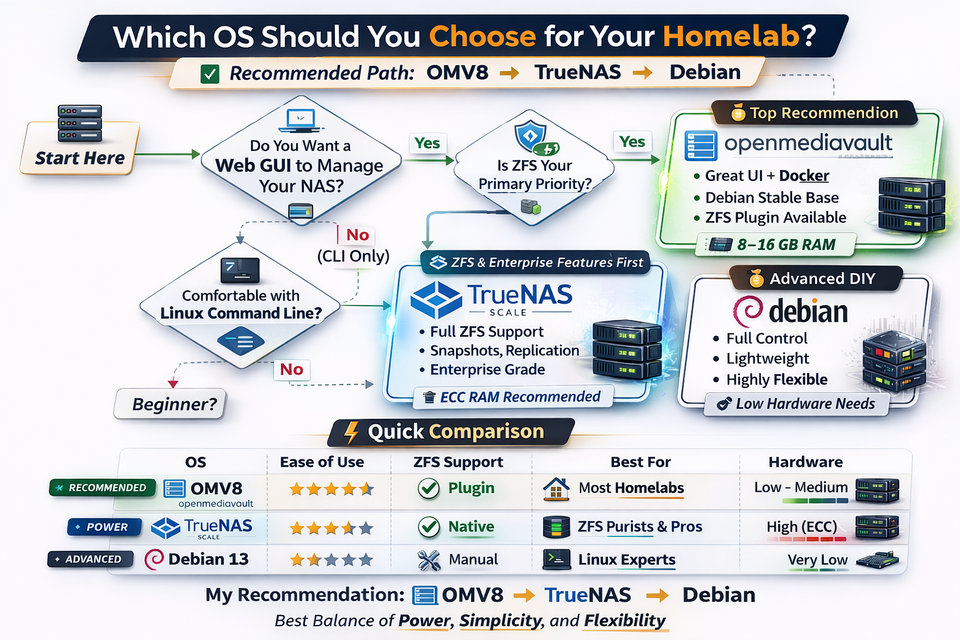
2026 Guide to Self-Hosting Game Servers on Docker, LinuxGSM & Hardening
- Updated (further refined) the entire Gaming Server guide! It gives you code to begin running gaming servers in minutes, via docker, at home or on a self-hosted VPS!
 Core Lab Joe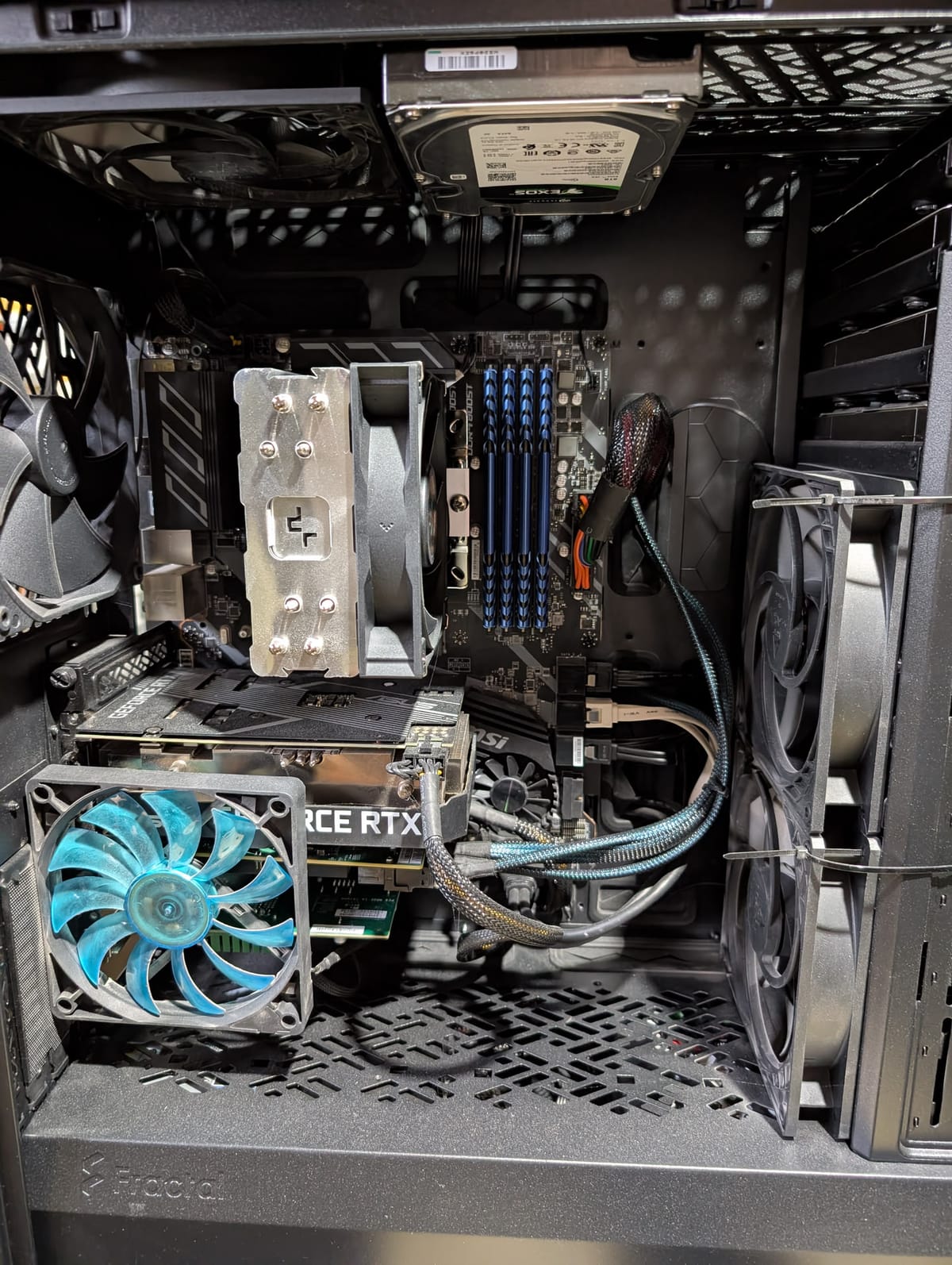
🐳 Docker & Compose Refinements
The Docker stack documentation got another round of improvements for clarity aannnndd, the docker compose generator was overhauled massively! It's much better now... Includes new containers & takes your input while providing you a visual of what you're building/selecting on the side AND you can just click-to-download the compose & .env!
 Core Lab Joe
🖥️ Hardware Recommendations Updated for 2026
Hardware guidance also received fresh updates. More to follow, things are always moving and shaking fast in the hardware world. This includes clearer recommendations around:
- Mini-PC homelab builds
- Plex/Jellyfin transcoding hardware (Media Server Hardware builds)
- Efficient always-on nodes
- Practical upgrade paths
The goal remains the same:
Build the right system for the workload - not the most expensive system Reddit told you to buy. There’s far too much overbuilding in homelab circles.
Efficiency is a feature.
 Core Lab Joe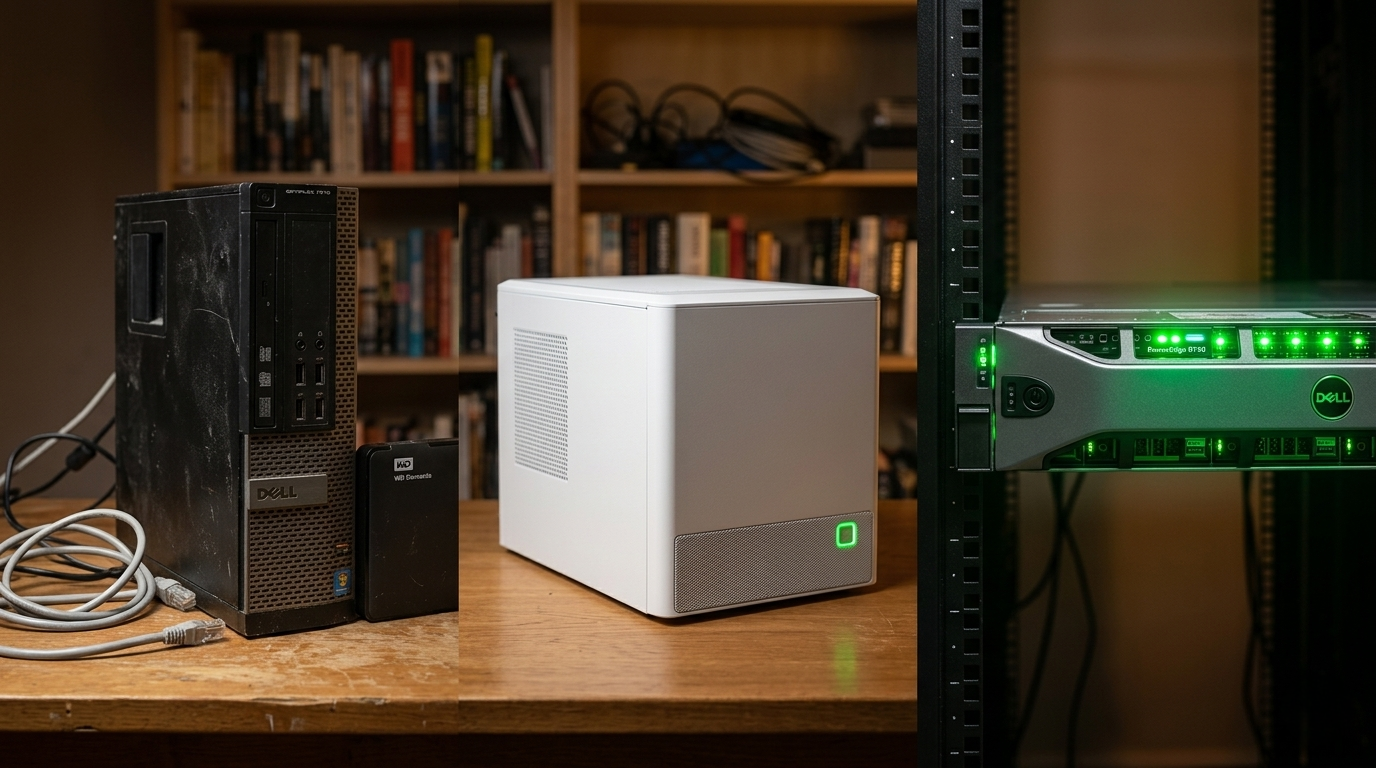
Core Lab Reader Survey!
If you have a couple minutes, please hop over to the Core Lab Reader survey and give me your two cents about what you're interested in reading or learning about, what you'd like to see more of, and how Core Lab can better help you achieve your Home Lab / Self-Hosted happiness!
Thanks so much!


Member discussion