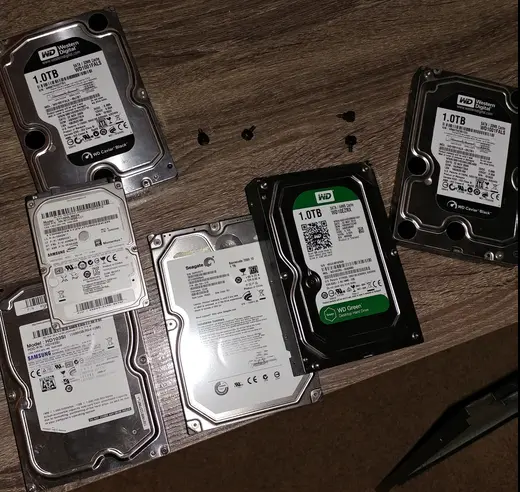
The NAS & Storage Architect: Interactive ZFS Parity Calculator & 2026 Hardware Builder
Stop overpaying for over-provisioned homelab storage in 2026. Calculate real usable ZFS capacity, balance parity overhead vs rebuild risk, and generate optimized hardware builds with our interactive studio.

If you have spent any time browsing homelab forums or storage subreddits lately, you have almost certainly encountered the same regurgitated advice from 2018:
buy enterprise-grade SAS HBAs, fill every drive bay with brand-new retail disks, and whatever you do, drop $800 on dual 4TB NVMe drives for a dedicated ZFS cache pool.
The Homelab Storage Architecture & Sizing Series
A battle-tested blueprint for homelab storage: calculating true ZFS parity capacity, balancing rebuild stress on high-capacity drives, evaluating turnkey NAS vs. custom chassis, and deploying high-density arrays.
Here is the reality of building a NAS in 2026: hardware is extraordinarily expensive right now. Retail DDR5 pricing, modern motherboard platform premiums, and enterprise storage drive costs mean that blindly following forum dogma will blow your budget on hardware your homelab will never remotely saturate.
The single biggest offender I see constantly is the obsession with massive NVMe write caches (SLOG/ZIL) and giant L2ARC read caches for ZFS setups, or dual-huge cache drives for Unraid setups. Newcomers are told they need dual 4TB PCIe Gen 4 or Gen 5 NVMe drives in a mirror. Unless you are running synchronous NFS writes for a virtualization cluster hosting 50 simultaneous virtual machines, a dedicated ZFS SLOG is literally doing nothing for your SMB media transfers. Even worse, an oversized L2ARC actually steals precious system RAM from your primary ARC memory pool just to track header metadata!
The pragmatic 2026 reality is much simpler: only buy what you need today, and design for modular expansion tomorrow. You can get away with a modest, budget-friendly 500GB or 1TB Gen 3 or Gen 4 NVMe drive (such as a Crucial P3 Plus or Samsung 980), or even a reliable used drive, and dedicate it entirely to your Docker container appdata, SQLite/PostgreSQL databases, and transcode scratch. You will see massive, instantaneous speed increases across all your self-hosted services without flushing $600 down the drain.
Similarly, the ancient "1GB of RAM per 1TB of storage" rule is completely outdated. That guideline originated in enterprise Sun Microsystems documentation specifically for in-line ZFS deduplication. Unless you are storing thousands of identical virtual machine disk images, deduplication in a homelab is a trap that burns memory for zero practical gain. For standard ZFS pools running media streaming, Nextcloud backups, and bulk file shares, 16GB to 32GB of RAM is more than enough to comfortably manage 60TB to 100TB of raw storage.
Storage Mathematics: Why 20TB Is Never 20TB
One of the most frequent support questions I answer from homelab builders is why their newly created array has significantly less space than advertised on the hard drive packaging. When you purchase six 20TB hard drives, you expect 120TB of capacity. But the moment you format the pool, your operating system reports barely 70 TiB of usable space.
This is not a defect; it is the compounding result of three distinct engineering factors:
- Decimal vs. Binary Optical Loss: Hard drive manufacturers sell storage in decimal units (1 Terabyte = 10¹² bytes). Operating systems and file systems (Linux, ZFS, OpenMediaVault) calculate space in binary units (1 Tebibyte = 2⁴⁰ bytes = 1,099,511,627,776 bytes). That mathematical reality causes an immediate 9.1% optical drop on every drive. A 20TB disk is physically 18.19 TiB before any file system overhead is applied.
- ZFS Slop Space Reservation: The ZFS kernel module automatically reserves 3.125% of pool capacity (defined by the kernel parameter
spa_slop_shift = 5, or 1/32nd of total pool size). This slop space ensures that administrative commands likezfs destroy, snapshot deletion, and transaction commits never fail when a pool reaches 100% capacity. - Parity Overhead: In a parity array, dedicated drive capacity is allocated strictly for mathematical parity calculations. In a 6-disk RAIDZ2 pool, two full disks (~36.38 TiB) are reserved for parity protection.
Storage Mathematics: Advertised Raw TB vs. True Usable ZFS Space
Real-world calculations factoring in 10¹² to 2⁴⁰ decimal-to-binary optical loss, ZFS slop space reservation (3.125%), and parity allocation.
| Drive Array Config | Advertised Raw | Binary Raw (TiB) | ZFS Topology | Usable Storage | Fault Tolerance |
|---|---|---|---|---|---|
| 4 × 12TB CMR SATA | 48.0 TB | 43.65 TiB | RAIDZ1 | ~31.7 TiB | 1 Drive Failure |
| 4 × 16TB Enterprise CMR | 64.0 TB | 58.21 TiB | 2-Way Mirrors (RAID 10) | ~28.2 TiB | 1 Drive per VDEV (Up to 2) |
| 6 × 20TB Exos Helium | 120.0 TB | 109.14 TiB | RAIDZ2 (Sweet Spot) | ~70.5 TiB | 2 Drives Simultaneously |
| 8 × 20TB Exos Helium | 160.0 TB | 145.52 TiB | RAIDZ2 | ~105.7 TiB | 2 Drives Simultaneously |
| 12 × 20TB Enterprise SAS | 240.0 TB | 218.28 TiB | RAIDZ2 or 2×6-wide RAIDZ2 | ~176.3 TiB | 2 Drives per VDEV |
ZFS Topologies: Balancing Parity vs. Rebuild Stress
Back when 2TB and 4TB hard drives were the standard, rebuilding a degraded RAIDZ1 array took 4 to 6 hours. If a disk failed, you swapped it out, resilvered the array before dinner, and went on with your day.
In 2026, when our arrays are populated with 18TB, 20TB, or 24TB enterprise helium drives, drive capacity has completely transformed the risk profile of parity rebuilds. Rebuilding a failed 20TB drive in a heavily loaded RAIDZ1 array requires reading every single sector across all surviving drives for 30 to 48 consecutive hours.
That intense, multi-day I/O stress is precisely when an unrecoverable read error (URE) strikes or a second aging drive suffers mechanical failure. In RAIDZ1, a second drive failure during resilvering results in catastrophic, unrecoverable pool loss. This is why for any array utilizing 6 or more high-capacity spinning disks, RAIDZ2 is the absolute minimum standard I deploy in Core Lab.
ZFS Pool Topologies: Balancing Parity vs. Rebuild Stress
Selecting the right pool layout for your spindle count, capacity targets, and recovery tolerance.
Requires 4+ disks (ideal for 6 to 10 drives). Survives two concurrent drive failures. Essential for modern 16TB to 24TB drives where resilver cycles take 24 to 48 hours under heavy load.
Resilver Risk: Very Low
RAID 10 equivalent. Exceptional random read and write performance. Resilvering only reads from the healthy mirror mate (takes 2 to 4 hours). Allows adding storage 2 drives at a time.
Resilver Risk: Minimal
Requires 3+ disks. Survives only one drive failure. Acceptable for 4TB to 8TB disks or non-critical scratch, but hazardous on 18TB+ drives due to unrecoverable read errors (URE) during multi-day rebuilds.
Resilver Risk: High on Large HDDs
Architectural Blueprint: Unified Monolith vs. Decoupled Storage & Compute
When planning your homelab, one of the most fundamental architectural decisions you must make is whether to combine your storage arrays and your container compute into a single physical machine, or decouple them into separate nodes.
In my own production homelab, I personally run a single, unified storage and compute monolith: The "Core Lab" Monster: My 80+TB DIY NAS Build. That 18-drive Fractal Define 7 XL titan consolidates my OpenMediaVault storage foundation alongside my entire 70-container Docker Compose application fleet, local micro-databases, and services under one roof.
However, context is critical: I designed and built that server back in 2022/2023 when hardware pricing, component availability, and platform economics were entirely different. Replicating an enterprise-grade 18-bay monolithic titan with DDR5 ECC memory, server-grade motherboards, high-end LSI HBAs, and dozens of high-capacity CMR helium drives from scratch in 2026 is a massive upfront capital investment that is simply unaffordable, and frankly overkill, for most homelabbers starting out today.
Because every homelab operates under different budget realities, physical space constraints, and acoustic requirements, I view both approaches as completely viable, legitimate paths. (For an in-depth breakdown of how dedicated storage appliances differ from general-purpose servers, check out my comprehensive guide: NAS vs Server: What's the Difference?).
Choosing Your Foundation: Unified Monolith vs. Decoupled Architecture
Whether you consolidate storage and compute under a single power cord or separate them into dedicated physical nodes, both paradigms represent legitimate engineering architectures for self-hosted environments.
A single full-size tower (Fractal Define 7 XL) or 4U rackmount enclosure consolidating bulk storage arrays, LSI HBA, and all Docker compute. Delivers maximum direct PCIe/SATA bus bandwidth, zero LAN latency, and a single physical footprint.
Downtime: Reboots take down both storage and containers simultaneously.
A dedicated, low-power storage vault (UGREEN NASync 4/6-bay or compact DIY OMV 8 box) serving bulk datasets over 2.5GbE/10GbE to an ultra-efficient Intel N100 or Core i5 Mini-PC running Docker Compose and reverse proxy.
Resilience: Compute crashes never disrupt household network storage.
Path A: The Unified Monolith (Storage + Compute in One Box)
The unified monolith is the ultimate all-in-one powerhouse. A single ATX mid-tower (like the Fractal Meshify 2), a full-tower storage chassis (like the Fractal Define 7 XL), or a 19-inch 4U rackmount enclosure houses your entire hard drive pool, an enterprise LSI SAS HBA, a multi-core desktop or workstation processor (like the Intel Core i5-14500 with UHD 770 graphics), and your solid-state application cache.
The biggest architectural advantage of the unified model is zero network latency. When your Plex or Jellyfin container reads a 4K Remux video file, or your PostgreSQL database queries persistent data, the transaction travels across native PCIe 4.0 lanes and 6Gbps SATA/SAS channels rather than traversing an external network switch. You also consolidate your homelab into a single wall plug, simplify physical UPS battery backup wiring, and manage a single operating system installation.
The trade-off is higher initial capital cost, physical chassis bulk, and a shared failure domain. If you need to reboot the server for a Linux kernel update, perform a memory test, or debug a PCIe device, your entire household loses network file shares and container services at the same moment.
Path B: The Decoupled Architecture (Dedicated Storage Vault + Mini-PC Compute)
The decoupled architecture is the pragmatic homelabber's sweet spot in the expensive 2026 market. Instead of attempting to build an expensive monolith from day one, you separate your infrastructure into two specialized physical machines:
- The Storage Vault: A dedicated, low-noise storage appliance (such as a turnkey 4-bay or 6-bay UGREEN NASync running OpenMediaVault or UGOS Pro, or a compact Jonsbo N4 DIY build) focused purely on hosting bulk ZFS or MergerFS hard drive arrays. It runs minimal background services, maintains rock-solid uptime, and serves shares over 2.5GbE or 10GbE networking.
- The Compute Worker: An ultra-compact, energy-efficient Intel N100 or Core i5 Mini-PC running Docker Compose, a SWAG reverse proxy, and all your self-hosted web applications. It mounts bulk media datasets over NFS or SMB, while keeping all active container appdata and SQLite databases on its internal NVMe drive.
The benefits of decoupling are immense: independent upgrade cycles and isolated failure domains. When Intel or AMD releases a more efficient mobile processor with next-generation AV1 transcode hardware, you can replace your Mini-PC compute worker for a couple hundred dollars without ever taking your storage pool offline or touching a single SATA cable. Best of all, if an experimental container causes a kernel panic on your compute node, your primary household storage, SMB shares, and family photo backups remain completely undisturbed.
The Core Lab Interactive NAS & Storage Architect Studio
To help you plan your next storage expansion without making costly miscalculations, I built this complete, interactive NAS & Storage Architect Studio.
Use Tab 1 (Storage & Parity Engine) to select your target drive capacity and quantity, switch between topologies (RAIDZ1, RAIDZ2, RAIDZ3, 2-Way Mirrors, Unraid), and immediately see your exact usable binary TiB, parity overhead, and slop space loss.
Then switch to Tab 2 (Hardware Build Wizard) to configure your physical deployment (Turnkey Prebuilt vs. Custom DIY Tower vs. 19" Rackmount), workload priority, and CPU architecture. The studio will dynamically generate a complete, validated Bill of Materials with verified procurement links.
Core Lab Ultimate NAS & Server Architect (Combined Studio v1)Interactive storage planning, ZFS parity calculator, and custom hardware builder with real verified affiliate links and direct Core Lab build guide references.
Ultimate NAS & Server Architect
Plan usable storage, calculate ZFS redundancy, and generate your complete custom hardware build list
Actual filesystem space available to your containers & shares
Choose Your Build Path
Do you want maximum custom control & low cost-per-bay, or an appliance out of the box?
Custom DIY Build (Core Lab Recommended)
Standard ATX/mATX hardware, unconstrained PCIe lanes, LSI HBA cards, non-proprietary power supplies, and choice of OMV8, TrueNAS, or Proxmox.
Turnkey Prebuilt Appliance
Plug-and-play network attached storage (UGREEN NASync, TerraMaster, Synology). Compact enclosures with vendor-supported operating systems.
Select Chassis & Form Factor
This dictates your drive bay ceiling, cooling airflow, and noise profile
Tower / Storage Pedestal
Fractal Define 7 XL / Node 804 style. Whisper quiet, standard ATX PSU, fits 8 to 18+ 3.5" hard drives.
19" Rackmount (Server Closet)
Rosewill 4U or Supermicro SC846. Maximum bay density (12-24 bays), hot-swap caddies, server rack rails.
Compact SFF / Mini-ITX
Jonsbo N2/N4 cube. Small desk or shelf footprint, low idle power, holds 4 to 6 drives maximum.
Workload, CPU & Budget Priority
Determines QuickSync vs discrete GPU, core counts, ECC support, and power supply wattage
Prioritizes Intel UHD 770 QuickSync or Intel Arc GPU for flawless multi-stream 4K HDR transcoding with tone-mapping.
File sharing, Nextcloud, Immich, snapshots, and Rsync. Maximizes power efficiency and IOPS stability.
NAS storage + local Ollama LLMs + Frigate NVR (TensorRT) + Proxmox VMs. Needs high RAM and CUDA/Intel Arc acceleration.
The Core Lab High-Performance Build
Tailored for your specific storage capacity, drive count, and compute workload.
- Conventional Magnetic Recording (CMR) Only: Ensure all high-capacity drives are CMR. SMR drives will stall ZFS silvering rebuilds for weeks and risk total array loss.
- LSI HBA in IT Mode: For >4 drives, do not use consumer SATA PCIe multipliers. Enterprise LSI 9211/9300 HBAs in IT Mode pass raw disks directly to Debian/OMV.
- No Molded Molex-to-SATA Adapters: Molded connectors are fire hazards. Use native modular PSU SATA cables or crimped heavy-gauge splitters.
- NVMe AppData Separation: Keep Docker metadata, Plex databases, and SQLite caches on mirrored NVMe drives; keep spinning rust purely for sequential media.
2026 Hardware Curation: Turnkey Prebuilt vs. Custom DIY
When deciding how to physically deploy your storage array, the choice comes down to your personal balance between custom expandability and turnkey convenience.
If you need massive spindle density exceeding 8 to 18 drives, a custom DIY tower built inside a Fractal Design Define 7 XL paired with an enterprise LSI 9300-8i HBA remains unbeatable. It provides whisper-quiet acoustic dampening, dust filtration, and room for endless expansion.
However, for homelabbers who need 4 to 6 drives, turnkey prebuilts have fundamentally evolved in 2026. Devices like the UGREEN NASync DXP4800 Plus and DXP6800 Pro have become my top recommendation for users who want multi-gigabit networking out of the box (10GbE + 2.5GbE), whisper-quiet desktop acoustics (idling under 30 Watts), and high-quality aluminum chassis construction. Unlike legacy proprietary appliances that lock down the bootloader, UGREEN hardware features an unlocked BIOS, allowing you to run their native UGOS Pro or install pure Debian, OpenMediaVault, or TrueNAS with complete freedom.
2026 Hardware Comparison Matrix: Turnkey Prebuilt vs. Custom DIY
Comparing acoustics, power consumption, expansion ceilings, and verified procurement paths for homelab storage.
| System / Model | Role & Bay Count | Silicon & Networking | Idle Power | Verified Link / Action |
|---|---|---|---|---|
| UGREEN NASync DXP4800 Plus Turnkey 4-Bay Appliance | 4× 3.5" Bays + 2× M.2 NVMe | Pentium Gold 8505 (1P+4E), 10GbE + 2.5GbE | ~22-30W | Check Deal (Code: corelab8) → |
| UGREEN NASync DXP6800 Pro Turnkey 6-Bay Powerhouse | 6× 3.5" Bays + 2× M.2 NVMe | Core i5-1235U (10-Core), Dual 10GbE LAN | ~26-36W | Check Deal (Code: corelab8) → |
| Custom Tower (Define 7 XL) Core Lab Titan Pedestal | Up to 18× 3.5" HDDs | Intel i5-14500 (UHD 770) + LSI 9300-8i HBA | ~38-55W | View Chassis on Amazon → |
| Enterprise 4U Rackmount Rosewill / StarTech 19" | 15× 3.5" Hot-Swap Bays | Supermicro W680 Server Mobo + Dual 10G | ~65-90W | View Rack on Amazon → |
Production Configuration: ZFS Pool Creation & Maintenance
Once your hardware arrives and you assemble your drives, creating an optimized ZFS pool requires setting correct block sizes upfront. You cannot easily change the ashift or recordsize on existing datasets without migrating data. Or destroying it...
Here are the exact production terminal commands I use when provisioning new storage nodes running OpenMediaVault 8 or Debian 13 or a derivative:
You can also just use the webgui if you use OMV, Truenas Scale, Unraid etc...
Frequently Asked Questions
Why do storage calculators report less usable space than what the drive packaging states?
Drive manufacturers sell hardware using decimal gigabytes and terabytes (10¹² bytes per TB). Operating systems like Linux and ZFS calculate capacity in binary gibibytes and tebibytes (2⁴⁰ bytes per TiB). This fundamental difference causes an immediate ~9.1% optical drop when formatting any drive. Furthermore, ZFS automatically reserves 3.125% of pool capacity as slop space to guarantee administrative operations (like snapshot destruction) can execute even if your pool reaches 100% capacity.
Do I really need dual 4TB NVMe drives as a ZFS write cache (SLOG) or read cache (L2ARC)?
No. For 99% of homelab setups, putting large NVMe drives into a ZFS pool as SLOG or L2ARC is a complete waste of money. A SLOG only caches synchronous writes (such as enterprise NFS exports for VM datastores), doing absolutely nothing for asynchronous SMB file transfers. L2ARC read caches actually consume system RAM to store index pointers, which can starve your primary ARC cache. Instead, use a budget or used 500GB or 1TB Gen 3/Gen 4 NVMe drive as a dedicated standalone pool for Docker appdata, SQLite/PostgreSQL databases, and Plex/Jellyfin transcode scratch.
Does ZFS still require 1GB of RAM for every 1TB of storage?
No. That ancient rule applied exclusively to in-line ZFS deduplication, where the deduplication table (DDT) had to stay locked in RAM. Homelabs should virtually never enable deduplication. For standard ZFS pools running RAIDZ2 or Mirrors with streaming media, personal backups, and container workloads, 16GB to 32GB of RAM is more than sufficient to manage arrays exceeding 100TB.
Is RAIDZ1 safe to use on 18TB or 20TB hard drives?
I strongly advise against RAIDZ1 for drives larger than 8TB. Rebuilding a failed 20TB hard drive places massive, continuous random read stress on all surviving drives for 30 to 48 hours. If a single unrecoverable read error (URE) occurs or a second drive fails during that rebuild window, your entire pool is lost. For 6 or more large drives, RAIDZ2 (which tolerates two concurrent disk failures) is the non-negotiable minimum safety standard.
When should I choose a turnkey prebuilt NAS like UGREEN over building a custom DIY tower?
Turnkey prebuilts like the UGREEN NASync DXP4800 Plus and DXP6800 Pro are ideal if you value physical space, whisper-quiet operation (under 30 Watts idle), multi-gigabit networking out of the box (10GbE + 2.5GbE), and clean desktop aesthetics without spending an entire weekend sourcing parts and routing SATA cables. Because UGREEN units allow installing custom operating systems (like Debian, OpenMediaVault, or TrueNAS) via an unlocked BIOS, they offer the perfect hybrid between prebuilt convenience and open-source freedom.
Technical References & Kernel Architecture Citations
Core Lab engineering guides are grounded in official kernel source code, architectural whitepapers, and verified benchmarks. For readers wishing to inspect the underlying storage mechanics cited throughout this guide:
- L2ARC Header RAM Overhead & Memory Stealing: In OpenZFS, every data block cached on an L2ARC solid-state drive requires an in-memory tracking header (
arc_buf_hdr_t) permanently resident in system RAM. The memory overhead formula is(L2ARC Size / Record Size) × arc_buf_hdr_t Size(approximately 70 to 96 bytes per header in modern OpenZFS). On workloads with small records (such as 16KB database blocks), indexing a 2TB L2ARC can consume nearly 13GB of precious RAM, directly cannibalizing the primary ARC cache. See Brendan Gregg's foundational analysis in Brendan Gregg: ZFS L2ARC and the official OpenZFS kernel tunablel2arc_meta_percent(default 33% cap). - The 3.125% ZFS Slop Space Reservation: OpenZFS enforces a mandatory 1/32nd (3.125%) pool capacity reservation to guarantee that administrative commands (such as
zfs destroy, transaction commits, and snapshot deletions) never fail when a file system reaches 100% capacity. See the OpenZFS source implementation inspa_misc.c(spa_get_slop_space), the kernel parameterspa_slop_shift = 5, and the TrueNAS Documentation: Slop Space Sizing. - SLOG Bypass on Asynchronous Writes: A Separate ZFS Intent Log (SLOG) device strictly services synchronous writes (such as database sync commits or NFS VM datastores with
sync=always). Standard asynchronous file transfers (SMB shares, streaming media, and normal Linux file copies) buffer directly in RAM transaction groups (TXGs) and commit directly to the pool every 5 seconds, completely bypassing any SLOG device. See Jim Salter's technical explainer in Ars Technica: ZFS 101 - Understanding ZFS Storage and Performance and OpenZFSzfs_txg_timeout. - The "1GB RAM per 1TB Storage" Myth & Deduplication: The ancient rule-of-thumb was authored by Sun Microsystems engineers strictly for in-line ZFS deduplication, where the in-memory Deduplication Table (DDT) requires ~320 bytes of unevictable RAM per unique block. For standard pools running RAIDZ2 or Mirrors without deduplication, baseline RAM requirements are only 8GB to 16GB regardless of pool size. See the TrueNAS Documentation: ZFS Deduplication Architecture and OpenZFS memory sizing guidelines.
- Decimal vs. Binary Optical Capacity Loss: Storage drive manufacturers market capacity using decimal International System of Units (1 Terabyte = 10¹² bytes), whereas operating systems (Linux, OpenMediaVault, ZFS) calculate addressable blocks using binary IEC standard prefixes (1 Tebibyte = 2⁴⁰ bytes = 1,099,511,627,776 bytes). This mathematical divergence creates an immediate 9.09% optical drop upon formatting. See the NIST Reference on Binary Prefixes (IEC 60027-2).
- ZFS Pool Creation, Recordsize & 4Kn Sector Alignment: Proper pool initialization requires explicit 4Kn/512e alignment flags (
ashift=12) and dataset-specific block sizing (recordsize=1Mfor sequential media streaming vs.recordsize=16kfor databases). See the official OpenZFS Manual:zpool-create(8).
Curated Homelab Hardware, Storage Controllers & Enterprise Hard Drives
Explore our verified procurement index for recertified enterprise helium drives, LSI HBAs, low-noise fans, and turnkey appliances.
Written by
On this page
What's Next?
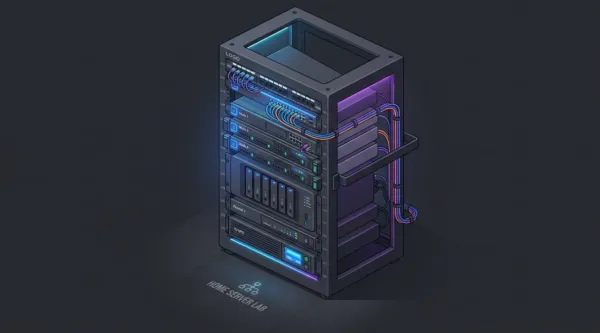
Core Lab Insiders: Clean Dashboards, Disaster Runbooks & The 2026 BFCM Showcase
What is new in the lab: hardening SWAG against server fingerprinting, deploying a clean Heimdall dashboard with tag folders, disaster recovery runbooks, plus the refreshed Ingress learning series and the 2026 Black Friday Homelab Showcase.

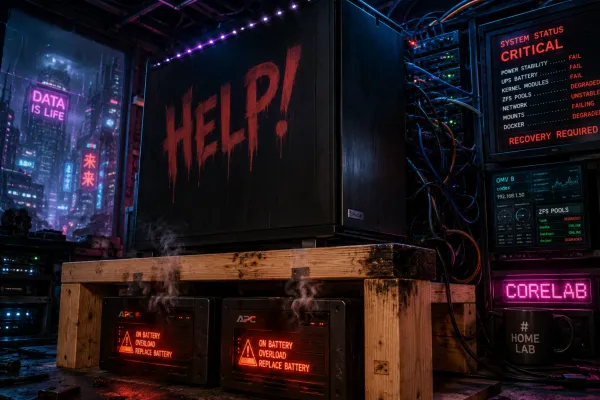
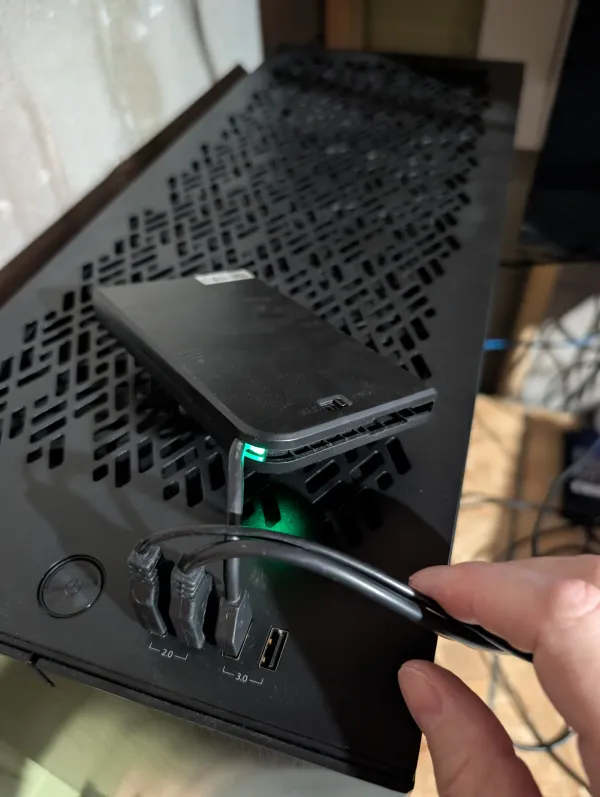
The SATA Pivot: Mitigating IOPS Bottlenecks in a 18+ Drive Homelab
Is your ZFS array thrashing under Docker logs? You don't need a new server; you need a better bus. Learn how moving my OS to USB reclaimed SATA III ports for SSD caching - solving IOPS bottlenecks and extending drive life for under $20.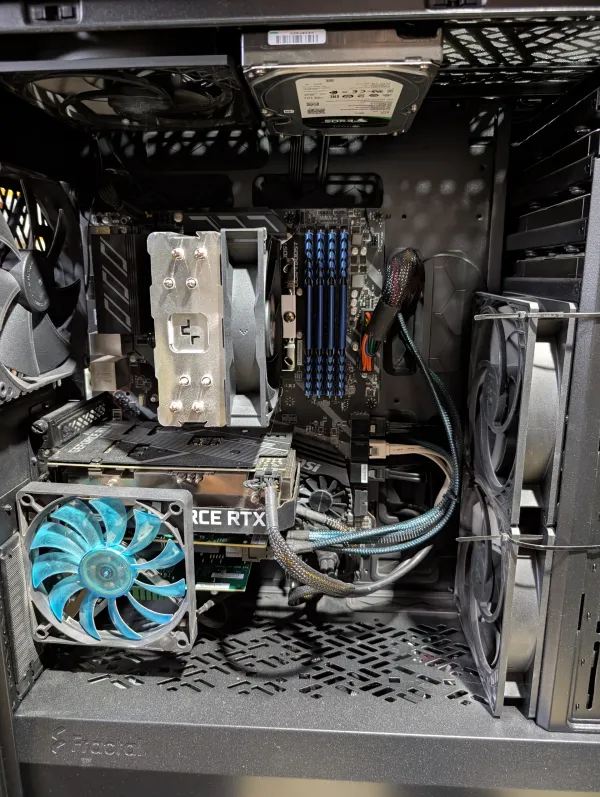
🛠️ The Homelab Physical: A Guide to Annual & Bi-Annual Maintenance
Neglect is the quiet killer of uptime. Don't let dust or "chip creep" sabotage your ZFS pools. This guide covers essential bi-annual routines - from LSI HBA cooling to reseating the "Big Three" - to keep your custom server healthy for the long haul.